

WordPress powers millions of websites worldwide, but simply launching a WordPress site doesn’t guarantee search engine visibility.
To attract organic traffic, you need to optimize your content, improve your site’s technical SEO, and ensure search engines can easily understand your pages.
The good news? You don’t need to handle everything manually.
SEO plugins help you manage many essential optimization tasks directly from your WordPress dashboard. From creating XML sitemaps and adding Schema markup to optimizing your content and monitoring performance, the right plugin can save you hours of work.
However, with so many options available, choosing the best SEO plugin for your website can feel overwhelming.
In this post, we’ll compare the best SEO plugins for WordPress based on features, ease of use, pricing, and overall value, so you can find the right fit for your needs.
Key Takeaways:
- SEO plugins simplify WordPress optimization by automating technical SEO tasks like XML sitemaps, meta tags, Schema markup, redirects, and more.
- The best SEO plugin depends on your website’s goals, budget, and experience level; there’s no one-size-fits-all solution.
- All-in-one plugins like Rank Math SEO help reduce plugin bloat by combining multiple SEO features in a single dashboard.
- Specialized plugins such as WP Rocket, Schema Pro, Redirection, and Broken Link Checker can complement your SEO strategy with performance and maintenance features.
- Free SEO plugins are sufficient for many websites, while premium versions offer advanced capabilities like Local SEO, WooCommerce SEO, AI tools, and enhanced Schema support.
- Avoid using multiple SEO plugins simultaneously, as they can create conflicts, duplicate metadata, and performance issues.
Table Of Contents
1 What is an SEO Plugin for WordPress?
An SEO plugin is a tool that helps you optimize your WordPress website for search engines without requiring technical expertise.
Instead of editing code or manually configuring complex settings, you can manage your SEO from a user-friendly dashboard.
Most WordPress SEO plugins help you:
- Create and customize meta titles and descriptions
- Generate XML sitemaps
- Add Schema markup
- Optimize content for target keywords
- Manage redirects
- Set canonical URLs
- Improve internal linking
- Connect with Google Search Console and analytics platforms
An SEO plugin handles repetitive tasks, highlights opportunities for improvement, and helps ensure your site follows SEO best practices.
2 Why Use an SEO Plugin?
Search engines consider numerous ranking factors when deciding which pages deserve top positions.
Managing all these elements manually can quickly become difficult, especially as your website grows.
An SEO plugin helps you:
- Save time by automating routine tasks
- Reduce technical SEO errors
- Improve your content optimization process
- Monitor your site’s SEO performance
- Keep your website aligned with SEO best practices
Lastly, an SEO plugin makes optimization more manageable.
3 How to Choose the Best WordPress SEO Plugins
Not all SEO plugins offer the same features or user experience.
To create this list, we evaluated each plugin based on the following criteria:
- Ease of use
- Features and functionality
- AI capabilities
- Schema markup support
- Performance impact
- Integration options
- WooCommerce compatibility
- Customer support and documentation
- Pricing and overall value
Let’s explore the top options.
| Plugin | Best For | Free Version | Starting Price |
|---|---|---|---|
| Rank Math | All-in-one SEO | Yes | $6.99/month |
| Yoast SEO | Beginners | Yes | $99/year |
| AIOSEO | Small businesses | Yes | $49.50/year |
| SEOPress | Agencies | Yes | $49/year |
| The SEO Framework | Lightweight SEO | Yes | Free |
| Slim SEO | Automation | Yes | Free |
| Squirrly SEO | AI guidance | Yes | $29.99/month |
| WP Meta SEO | Bulk editing | Yes | $49/year |
| WP Rocket | Caching and Speed Optimization | Yes | $59/year |
| SchemaPro | Structured data | No | $69/year |
| SmartCrawl | SEO | Yes | $3/month |
| RocketCDN | Website speed and User experience | Yes | $90/year |
| Site Kit by Google | Monitoring SEO performance and website analytics | Yes | Free |
| Redirection | Redirect management | Yes | Free |
| Broken Link Checker | Link monitoring | Yes | Free |
4 Best SEO Plugins for WordPress
Let us now discuss the SEO plugins for WordPress.
4.1 Rank Math SEO
If you’re looking for a complete SEO solution, Rank Math stands out as one of the most feature-rich options available.
Instead of installing multiple plugins for Schema markup, redirects, local SEO, and content optimization, you can manage everything from one dashboard.
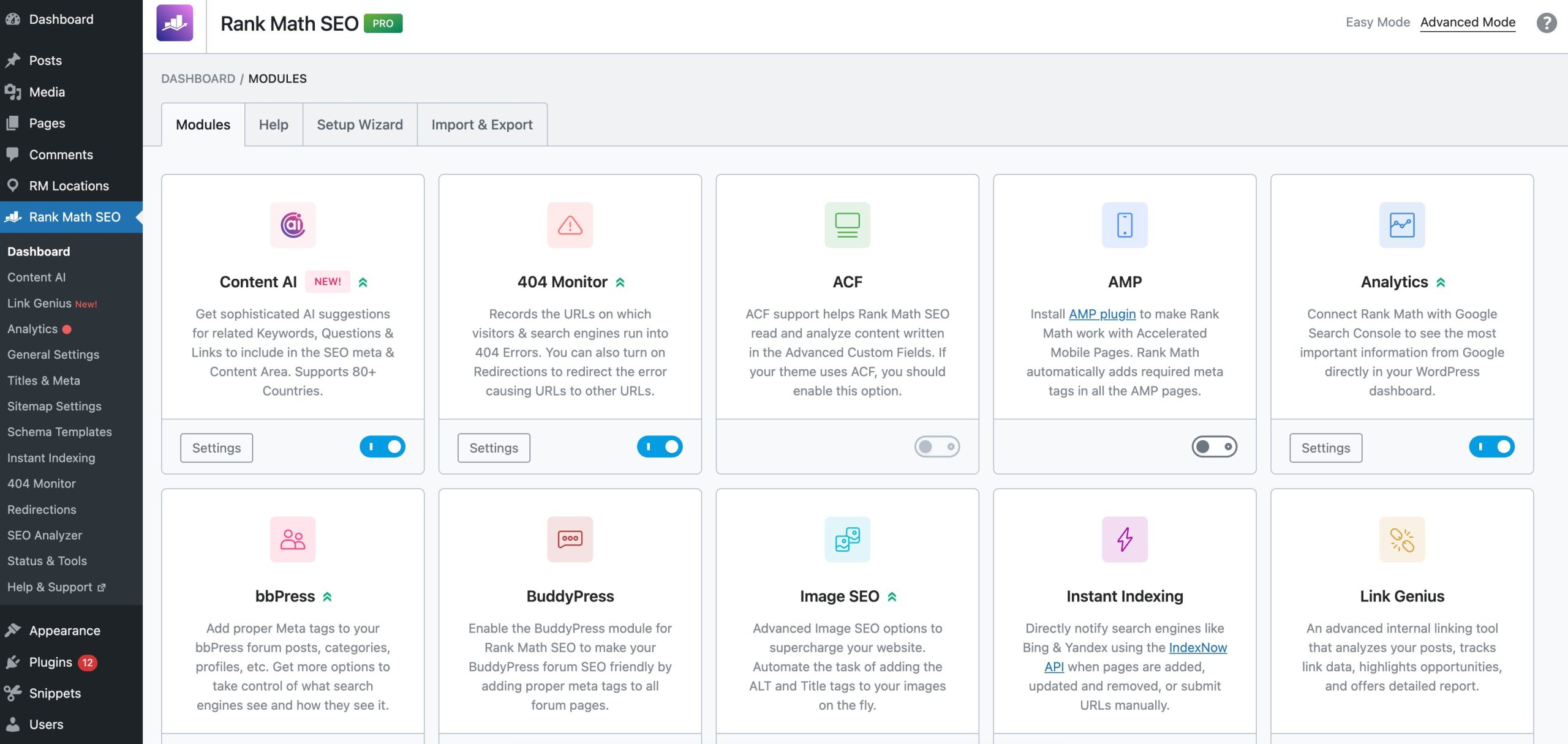
Key Features
- Multiple Focus Keywords: Optimize your content for multiple target keywords instead of just one, helping you improve visibility across a wider range of search queries.
- Advanced Schema Generator: Add structured data for articles, products, recipes, FAQs, events, and more without writing code, making it easier for search engines to understand your content.
- Content AI: Get AI-powered suggestions for keywords, headings, questions, links, and content improvements directly inside the WordPress editor.
- Built-in Redirect Manager: Create and manage 301, 302, etc. redirects to prevent broken links and preserve your SEO value when URLs change.
- AI Link Genius: Receive AI recommendations for relevant pages and posts to link to, helping improve site structure and content discoverability, built into Rank Math PRO.
- Local SEO Support: Optimize your website for local search with business schema, location details, opening hours, and Google Maps integration.
- WooCommerce SEO: Enhance product pages with product schema, optimized metadata, and additional SEO settings designed specifically for online stores.
- Google Search Console Integration: View keyword rankings, impressions, clicks, and indexing information directly from your WordPress dashboard.
Pricing: Free version available. Premium plans start at $6.99 per month.
4.2 Yoast SEO
Yoast SEO is another most popular WordPress SEO plugins. Its traffic-light scoring system makes optimization simple for new users.
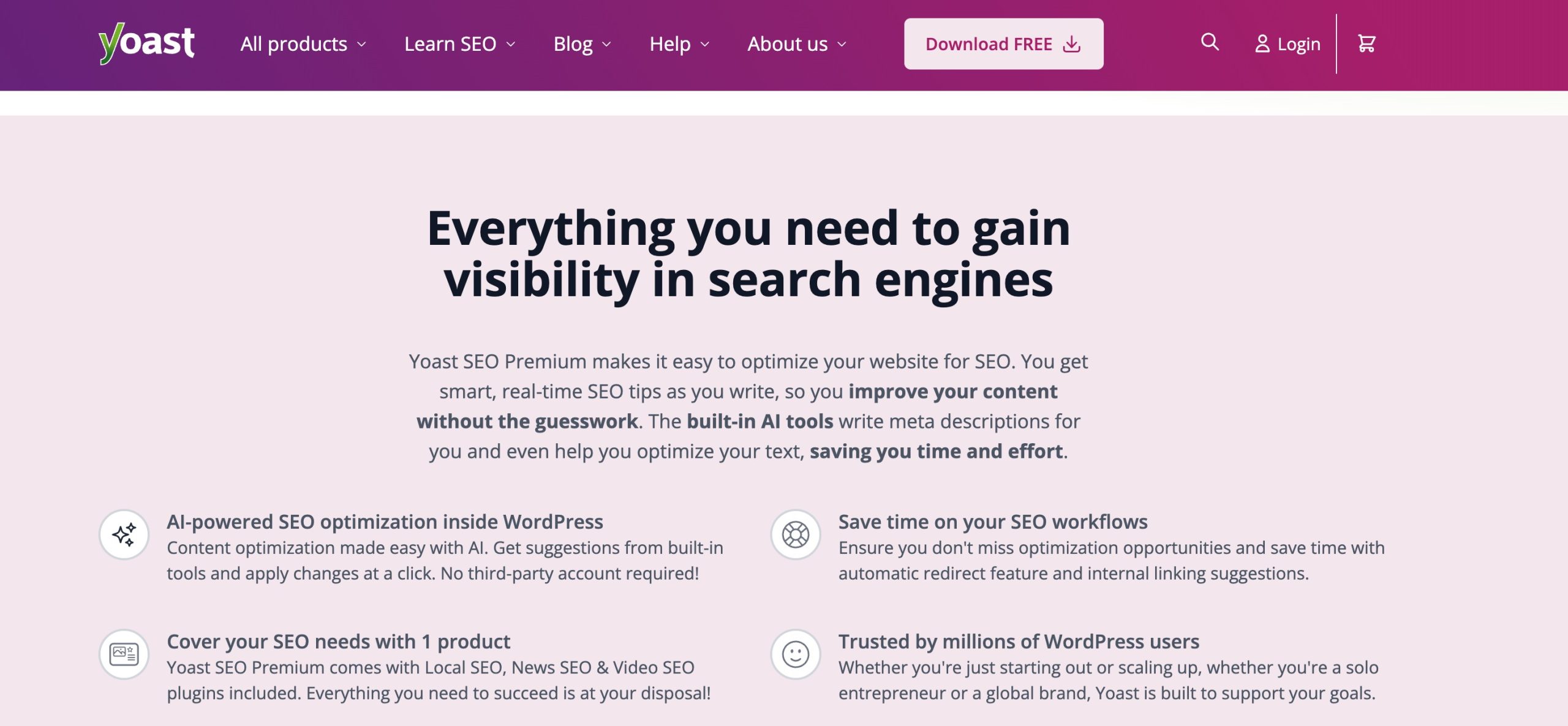
The plugin focuses heavily on content readability and on-page optimization, helping you improve your posts before publishing.
Features:
- Content Analysis: Receive real-time recommendations to improve keyword usage, content structure, and on-page SEO elements.
- Readability Checks: Analyze sentence length, paragraph structure, transition words, and passive voice to make your content easier to read.
- XML Sitemap Generation: Automatically create and update XML sitemaps so search engines can discover your content more efficiently.
- Schema Markup: Add basic structured data to your pages to help search engines better understand your website.
- Cornerstone Content Tools: Identify your most important content and optimize internal linking around those pages.
Pricing: Free version available. Premium starts at $99 per year.
4.3 All in One SEO
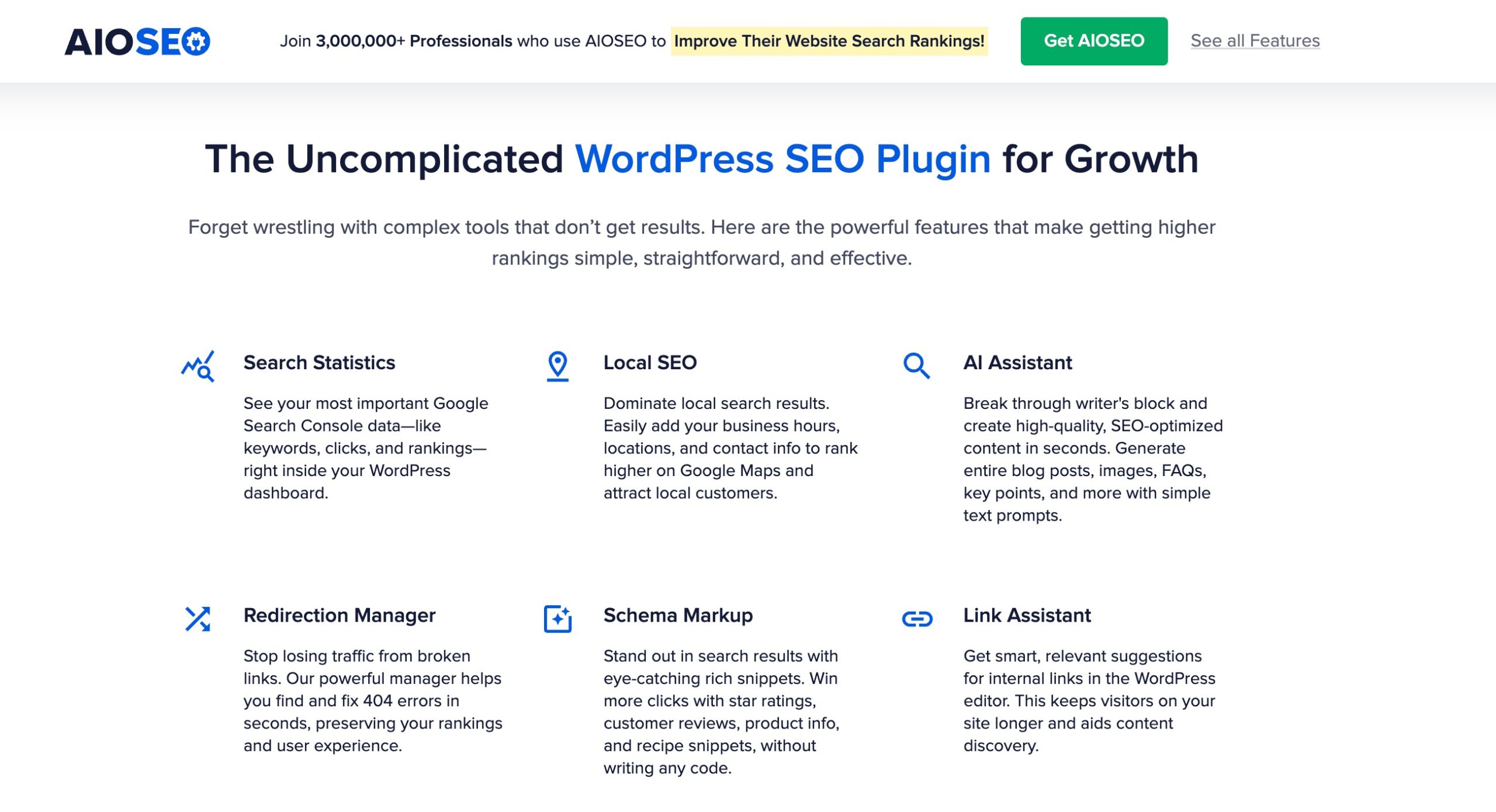
AIOSEO offers a strong balance between ease of use and advanced functionality. It includes features that help businesses optimize local search visibility and improve site performance.
The plugin provides useful automation features while still giving you enough control over your SEO settings. It also includes strong local SEO capabilities, making it a good choice for businesses targeting specific geographic areas.
Key Fetaures:
- TruSEO Analysis: Get actionable recommendations to improve your content’s SEO score based on on-page optimization best practices.
- Smart XML Sitemaps: Automatically generate and update sitemaps for posts, pages, videos, news content, and more.
- Local SEO Tools: Add business information, locations, and local Schema to improve visibility in local search results.
- Link Assistant: Discover internal linking opportunities and add relevant links without manually searching through your website.
- Schema Markup: Choose from various Schema types to enhance your search listings with rich results.
Pricing: Free version available. Premium starts at $49.50 per year.
4.4 SEOPress
SEOPress is a flexible and affordable SEO plugin designed for agencies, freelancers, and website owners managing multiple sites. It offers many premium features at a lower price point than some competitors.
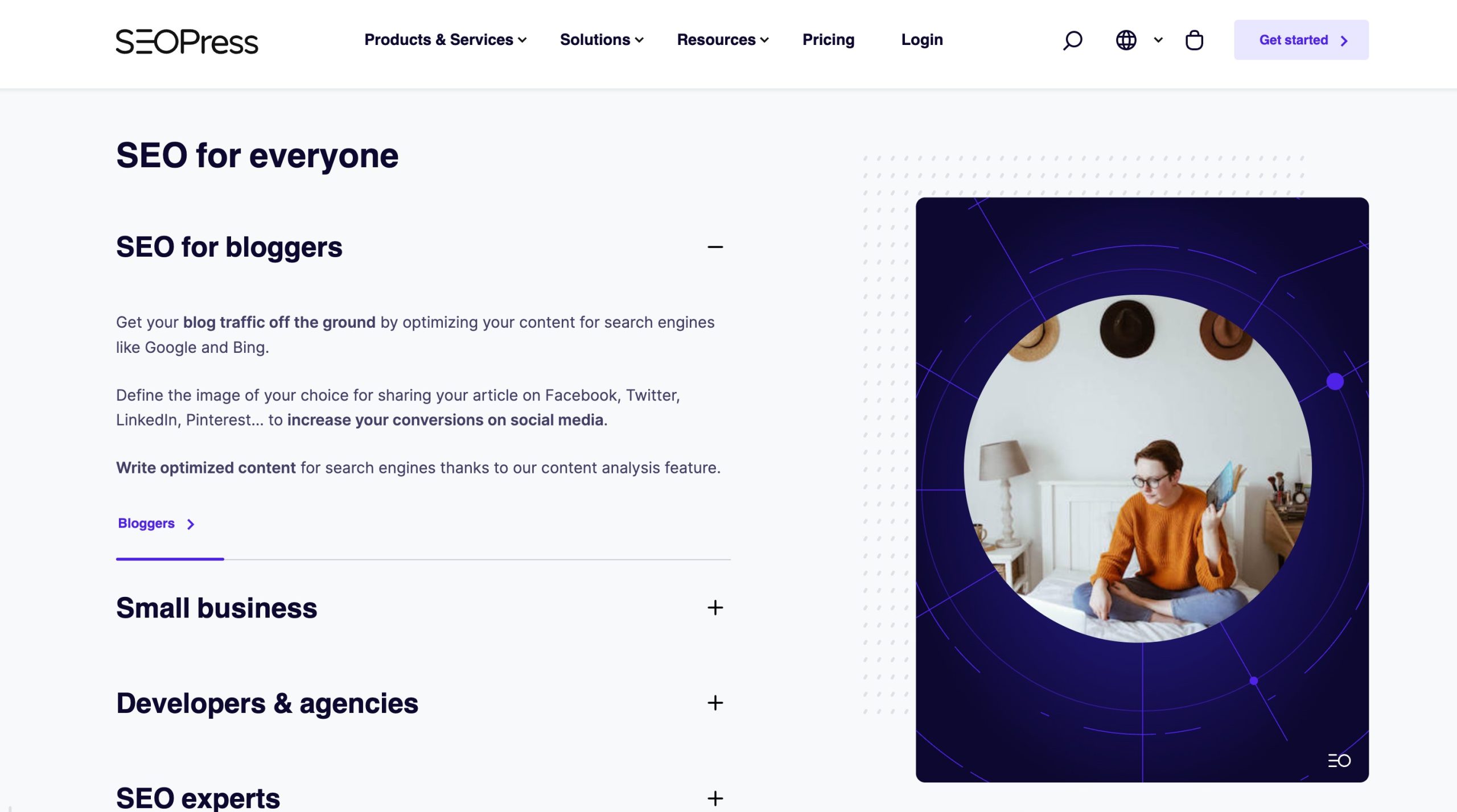
One of its biggest advantages is its white-label functionality, which allows agencies to remove plugin branding for client projects.
Key Features:
- XML and HTML Sitemaps: Generate sitemaps for both search engines and website visitors.
- Schema Markup: Add structured data to improve your appearance in search results.
- Redirect Manager: Create redirects to prevent 404 errors and preserve SEO value.
- Analytics Integration: Connect analytics tools to monitor website performance.
- White-Label Support: Remove plugin branding for a more professional client experience.
Pricing: Free version available. Premium starts at $49 per year.
4.5 The SEO Framework
The SEO Framework focuses on simplicity, speed, and automation. It avoids unnecessary features and advertisements, making it an attractive option for users who prefer a clean experience.
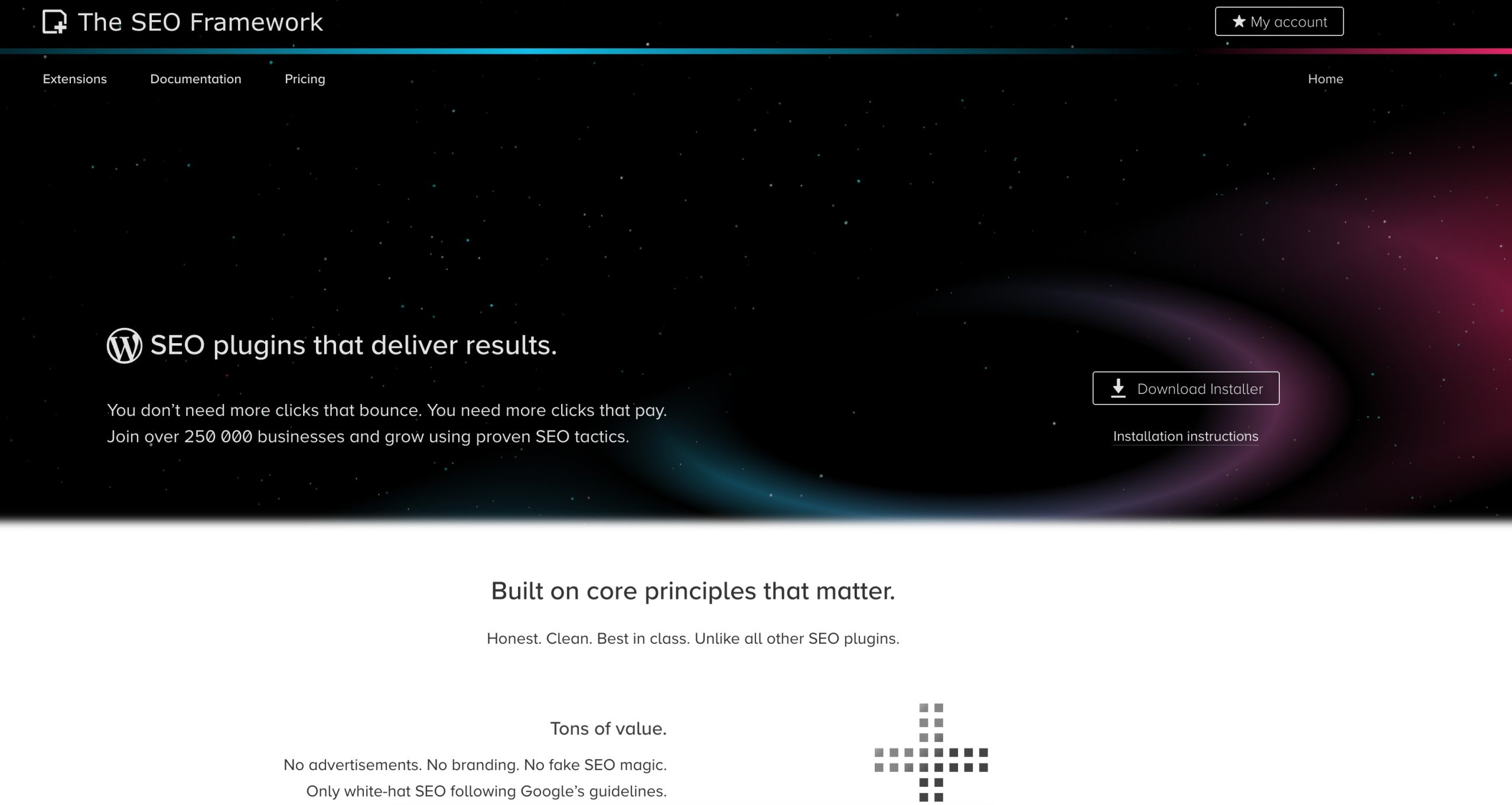
If you want a lightweight SEO plugin that handles the essentials without overwhelming you with settings, this plugin is worth considering.
Key Features:
- Automated Metadata: Generate optimized titles and descriptions automatically.
- Schema Support: Add structured data in the background without extra configuration.
- Social Media Integration: Control how your content appears when shared on social platforms.
- Minimal Interface: Enjoy a clean and distraction-free dashboard.
Pricing: Free version available
4.6 Slim SEO
Slim SEO is built for users who want SEO features without spending time configuring settings. It handles many optimization tasks automatically, making it ideal for beginners and smaller websites.
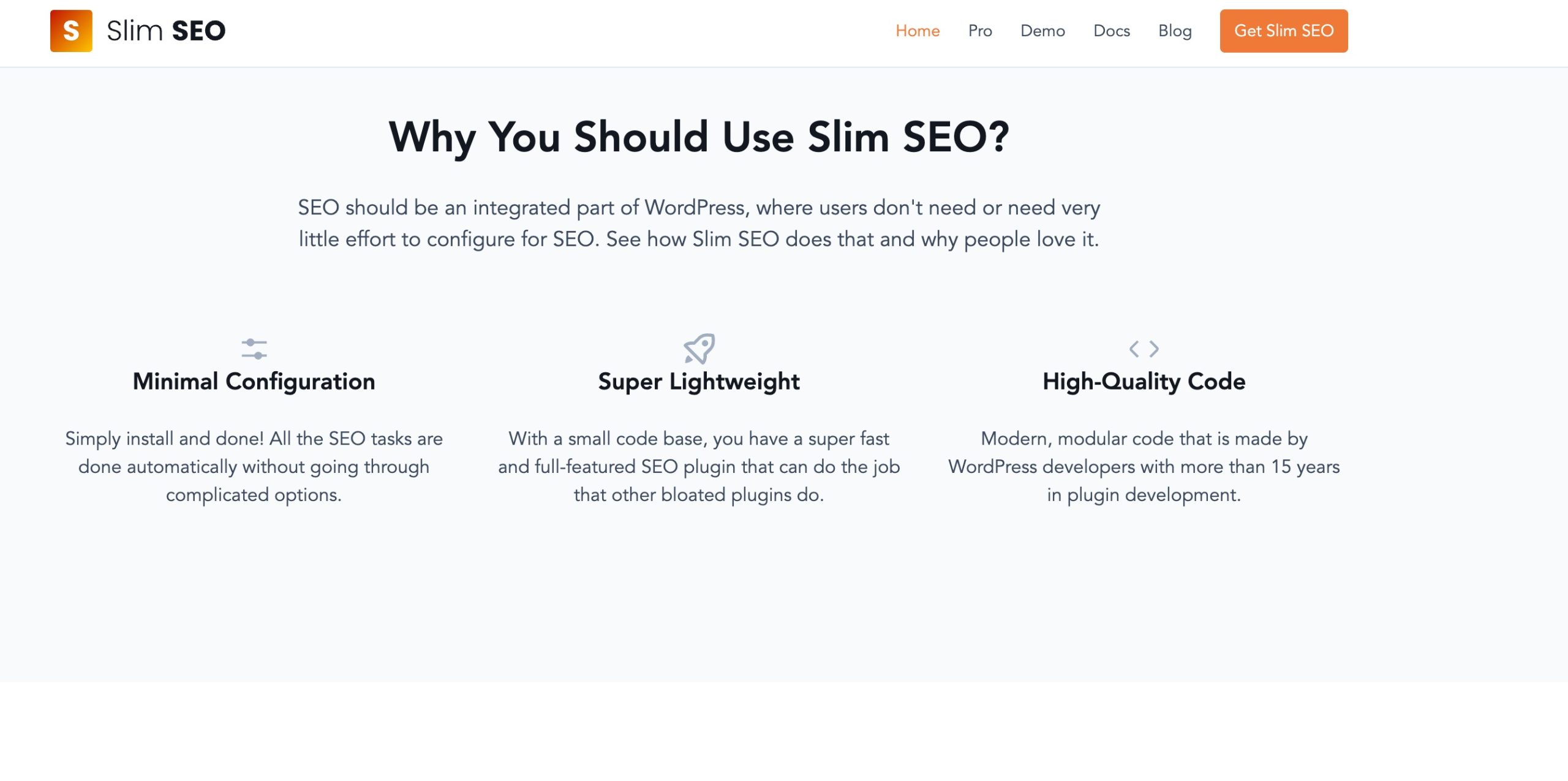
If you prefer a “set it and forget it” approach, Slim SEO can simplify your workflow.
Key Features:
- Automatic Meta Tags: Generate optimized titles and descriptions automatically.
- XML Sitemaps: Create and update sitemaps whenever you publish new content.
- Schema Markup: Add essential structured data without manual setup.
- Redirect Manager: Manage redirects and prevent broken links.
Pricing: Free version available.
4.7 Squirrly SEO
Squirrly SEO focuses on helping users optimize content with AI-powered recommendations and real-time guidance.
Instead of simply offering settings and reports, it acts like a virtual SEO assistant that walks you through the optimization process.

Key Features:
- AI Recommendations: Receive personalized SEO suggestions based on your content and goals.
- Keyword Research: Discover keyword opportunities directly from your WordPress dashboard.
- Content Optimization: Improve your content while you write with real-time feedback.
- Rank Tracking: Monitor keyword rankings and track your SEO progress.
Pricing: Free version available. Premium starts at $29.99 per month.
4.8 WP Meta SEO
Managing metadata across hundreds of pages can quickly become time-consuming. WP Meta SEO solves this problem with powerful bulk editing features.
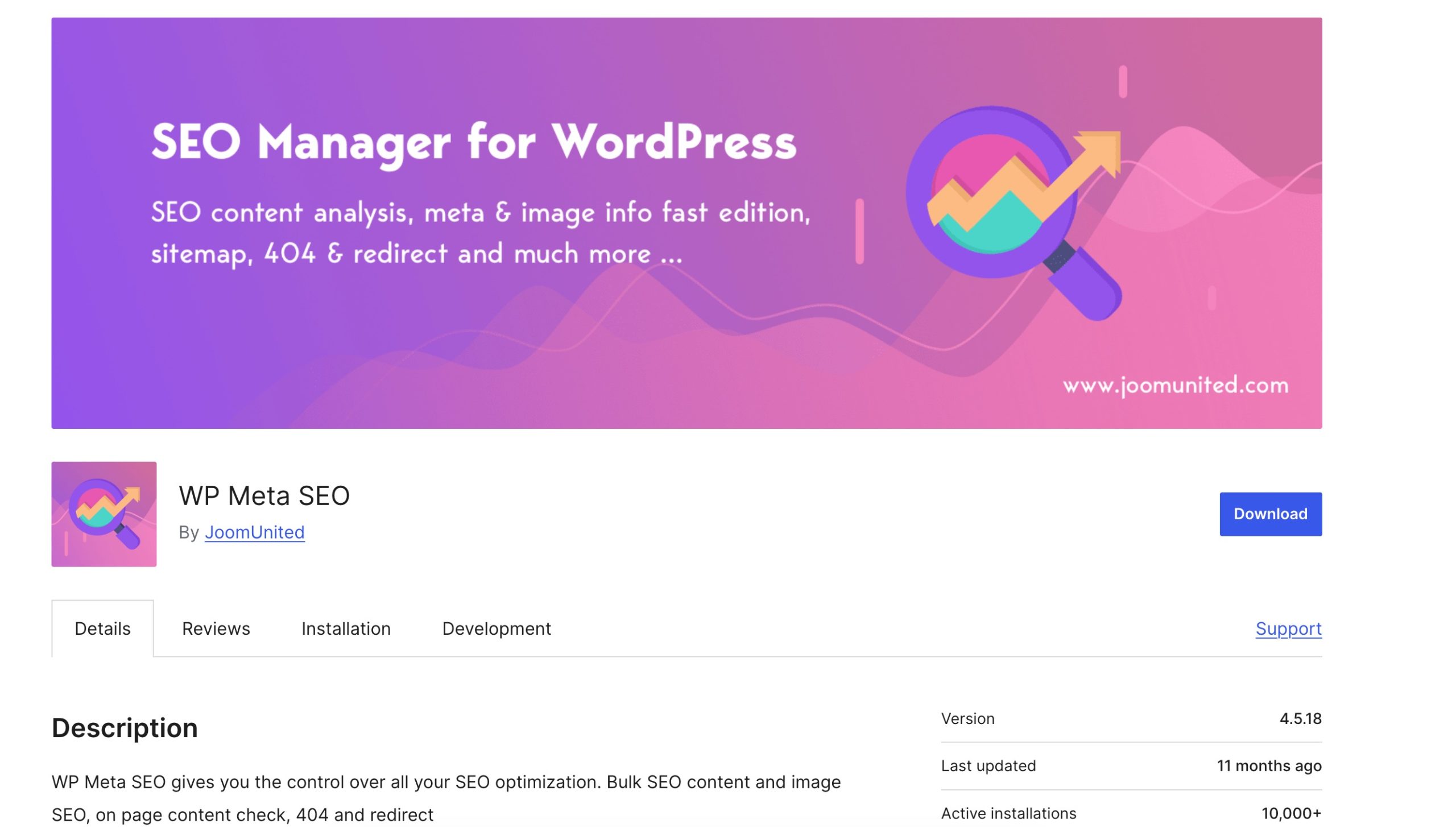
The plugin is especially useful for large websites that need to update titles, descriptions, images, and links efficiently.
Key Features:
- Bulk Meta Editing: Update titles and descriptions for multiple pages from one dashboard.
- Image SEO Tools: Optimize image filenames and alt text to improve image search visibility.
- Sitemap Generation: Automatically create XML sitemaps.
- Broken Link Checker: Identify and fix broken links across your website.
Pricing: Free version available. Premium starts at $49 per year.
4.9 WP Rocket
While WP Rocket isn’t a traditional SEO plugin, website speed plays a critical role in search rankings and user experience. Faster websites tend to have lower bounce rates, better engagement, and improved conversion rates, all of which can positively impact your SEO efforts.
WP Rocket is one of the most popular caching and performance plugins for WordPress. It helps you improve your site’s loading speed without requiring technical expertise. With just a few clicks, you can optimize caching, reduce page size, and improve Core Web Vitals scores.
If you want to boost your website’s performance without dealing with complex settings, WP Rocket is an excellent choice.
Key Features:
- Page Caching: Automatically creates cached versions of your pages, reducing server load and helping your website load faster for visitors.
- Cache Preloading: Generates cached files before users visit your pages, ensuring visitors experience fast load times from their first interaction.
- Lazy Loading: Delays the loading of images and videos until they appear on a user’s screen, reducing initial page load times.
- File Optimization: Minifies and combines CSS and JavaScript files to reduce file sizes and improve performance.
- Unused CSS Removal: Identifies and removes unnecessary CSS code, helping pages load more efficiently.
- Database Optimization: Cleans up post revisions, trashed content, and other unnecessary database data to improve overall site performance.
- CDN Integration: Connects easily with content delivery networks (CDNs) to serve content from servers closer to your visitors.
- Delay JavaScript Execution: Postpones non-essential JavaScript until user interaction, helping improve Core Web Vitals metrics such as Largest Contentful Paint (LCP) and Interaction to Next Paint (INP).
Pricing: Premium plans start at $59 per year.
4.10 Schema Pro
Schema Pro focuses entirely on structured data, making it an excellent choice for users who want more control over Schema markup.
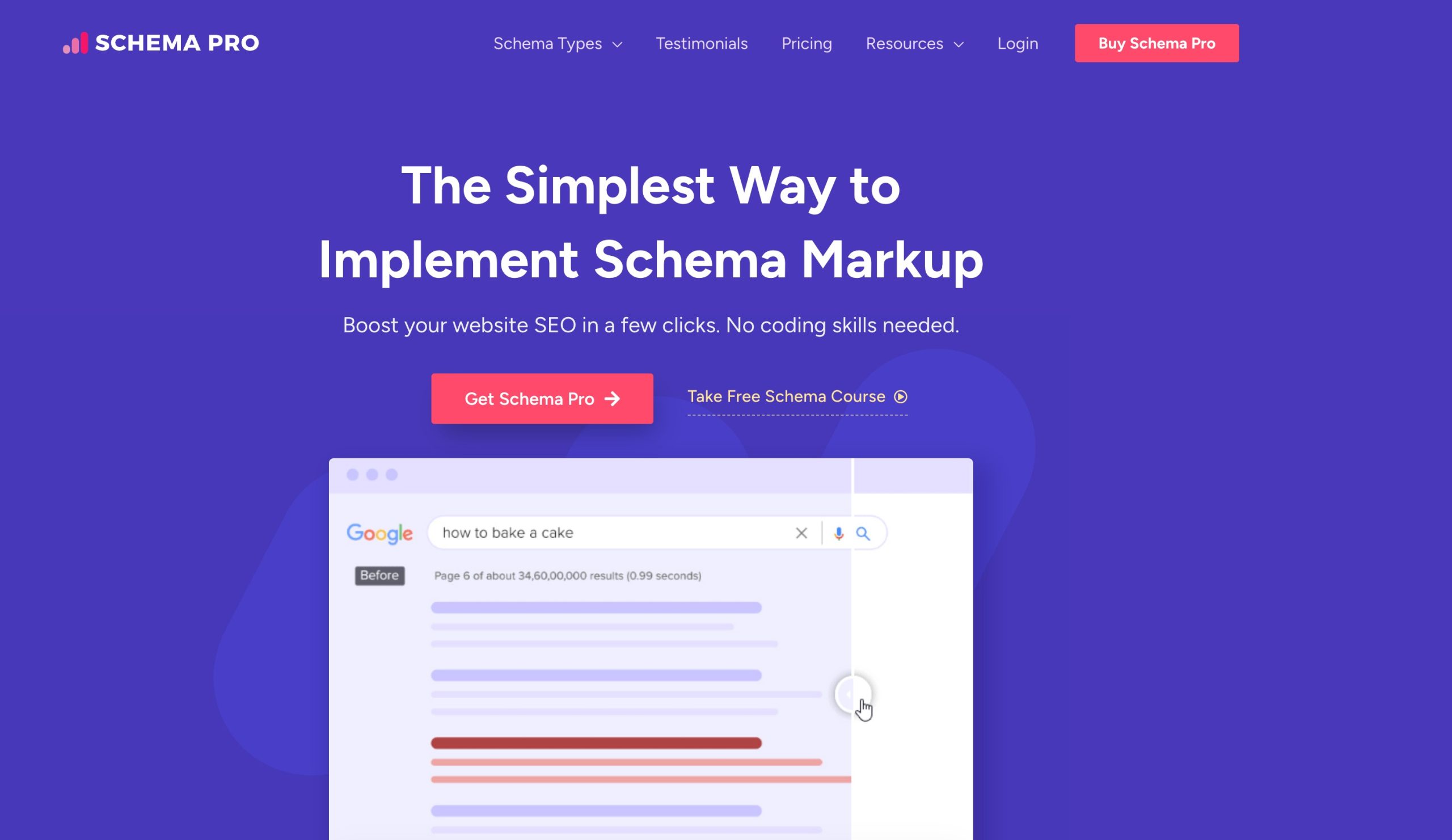
If earning rich results is a priority, this plugin can help you automate schema implementation across your website.
Key Features:
- Multiple Schema Types: Add schema for articles, products, reviews, events, and courses.
- Automation Rules: Apply schema automatically across specific content types.
- Custom Field Support: Map schema data to custom fields for greater flexibility.
- Flexible Mapping: Customize how schema information appears on your website.
Pricing: Starts at $69 per year.
4.11 SmartCrawl
SmartCrawl is an SEO plugin developed by WPMU DEV that focuses on making search engine optimization straightforward and accessible. It combines essential SEO features with automation, helping you optimize your website without spending hours configuring settings.
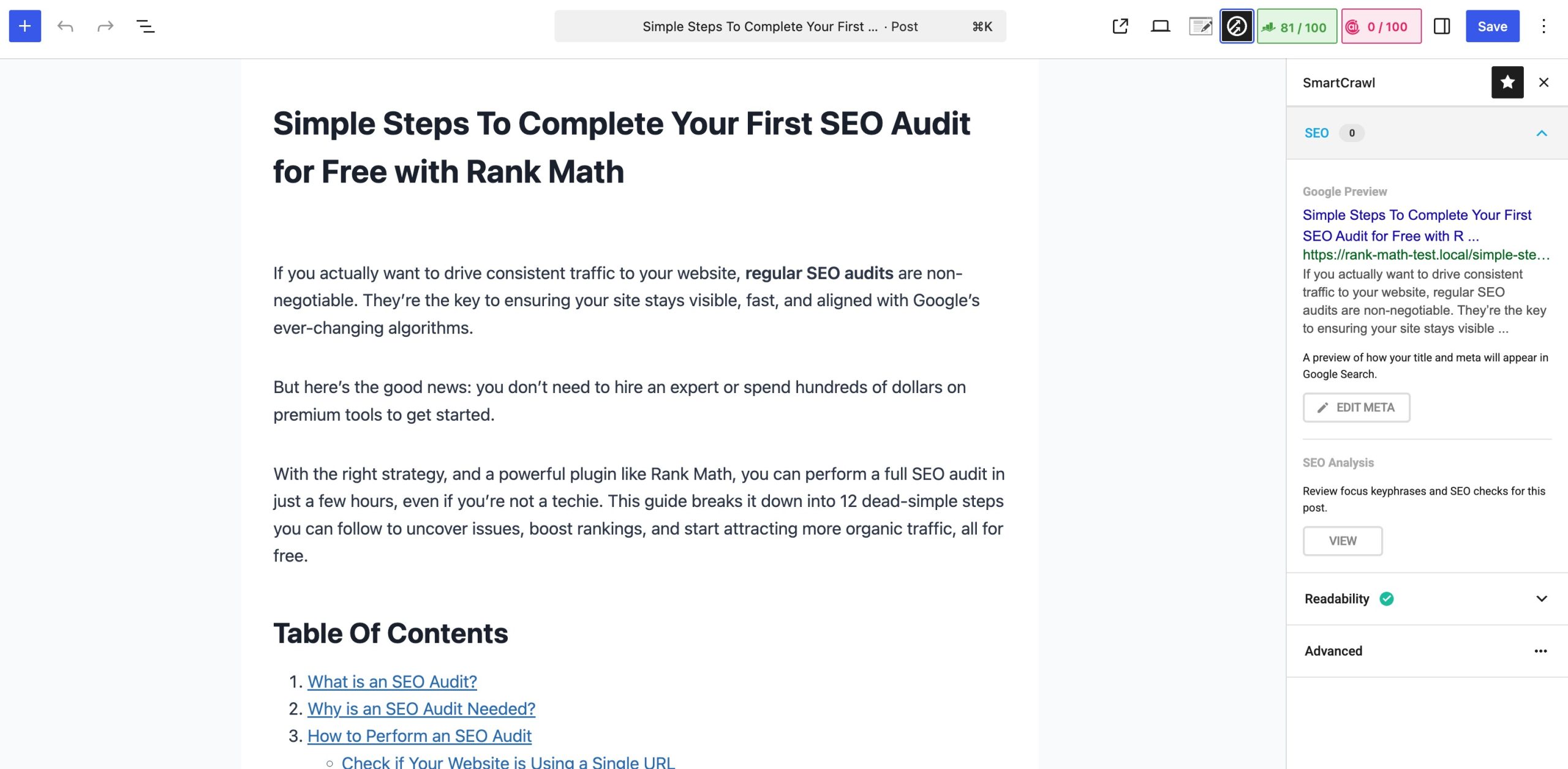
The plugin includes built-in tools for metadata management, XML sitemaps, social sharing, and site audits.
Its clean interface and guided setup process make it a good option for beginners, while advanced features such as automated linking and SEO reports provide additional value for growing websites.
Key Features:
- Automated SEO Audits: Scan your website for common SEO issues and receive actionable recommendations to improve your optimization.
- XML Sitemap Generation: Automatically create and update XML sitemaps to help search engines discover and index your content more efficiently.
- Schema Markup: Add structured data to your website to improve how your pages appear in search results.
- Automatic Linking: Create internal linking rules that automatically add links to relevant content across your website.
- Social Media Integration: Control how your content appears when shared on platforms like Facebook, LinkedIn, and X.
- Redirect Manager: Set up redirects to prevent broken links and maintain SEO value when URLs change.
- SEO Performance Reports: Monitor your website’s SEO status and track optimization progress over time.
Pricing: Starts at $3/month.
4.12 RocketCDN
Like WP Rocket, RocketCDN isn’t a dedicated SEO plugin. However, website speed and user experience are important ranking factors, making content delivery networks (CDNs) an essential part of a modern SEO strategy.

RocketCDN helps improve your website’s loading speed by serving static content from servers located closer to your visitors. This reduces latency, improves Core Web Vitals, and creates a faster browsing experience for users around the world.
The service integrates easily with WP Rocket, making it easy to configure and manage without advanced technical knowledge.
Key Features:
- Global Content Delivery: Serve images, JavaScript, CSS files, and other static assets from a worldwide network of edge servers to reduce loading times.
- Automatic CDN Integration: Connect your website to the CDN with minimal setup and manage everything directly from your WordPress dashboard.
- Optimized Cache Delivery: Deliver cached content from the nearest server location to improve page speed for visitors worldwide.
- Content Rewriting: Automatically rewrite static asset URLs so files are delivered through the CDN without manual configuration.
- Worldwide Edge Network: Distribute content across multiple geographic locations to reduce latency and improve performance for international audiences.
- HTTP/3 and Modern Protocol Support: Use modern delivery technologies to improve speed, reliability, and security.
- Bandwidth Optimization: Reduce the load on your origin server by offloading static assets to the CDN network.
Pricing: Starts at $90/year.
4.13 Site Kit by Google
Site Kit by Google is Google’s official WordPress plugin that brings data from several Google services into your WordPress dashboard. Instead of switching between multiple platforms, you can view key metrics and insights in one place.
The plugin integrates with tools like Google Search Console, Google Analytics, Google AdSense, and PageSpeed Insights, helping you understand how users find and interact with your website.
While Site Kit isn’t a traditional SEO plugin, it complements your existing SEO strategy by providing the data you need to measure performance and make informed decisions.
Key Features
- Google Search Console Integration: Monitor search impressions, clicks, average position, and top-performing keywords directly from your WordPress dashboard.
- Google Analytics Integration: Track user behavior, traffic sources, engagement metrics, and conversions to better understand your audience.
- PageSpeed Insights Reports: View Core Web Vitals and performance metrics to identify opportunities for improving website speed and user experience.
- Google AdSense Integration: Monitor ad performance and earnings without logging into your AdSense account separately.
- Google Tag Manager Support: Connect Google Tag Manager to manage tracking tags and marketing scripts more efficiently.
- Centralized Dashboard: Access data from multiple Google services in one place, reducing the need to switch between different platforms.
Pricing: Free version available.
4.14 Redirection
Redirection is one of the most popular WordPress plugins for managing URL redirects. It helps you redirect visitors and search engines from outdated or broken URLs to the correct pages, preserving your site’s SEO value and improving the user experience.
As your website grows, you’ll likely update URLs, remove content, or reorganize your site structure. Without proper redirects, these changes can lead to broken links, lost traffic, and lower search rankings.
Redirection simplifies the process by allowing you to create, monitor, and manage redirects directly from your WordPress dashboard, no server configuration or technical expertise required.
Key Features
- 301 Redirect Management: Create permanent redirects to ensure visitors and search engines are automatically sent to the correct URLs when pages move.
- 404 Error Monitoring: Track broken URLs and identify pages that generate “Page Not Found” errors so you can fix issues quickly.
- Automatic Redirect Creation: Set up automatic redirects when you change a post or page URL, helping you avoid broken links.
- Conditional Redirects: Create redirects based on factors such as login status, browser type, referrer, or user role.
- Regular Expression Support: Use advanced matching rules to manage large numbers of redirects efficiently.
- Redirect Groups: Organize redirects into categories to simplify management, especially on larger websites.
- Import and Export Tools: Import existing redirects from CSV files or export them for backups and migrations.
- Redirect Logs: Monitor redirect activity and track how visitors and search engines interact with your redirects.
Pricing: Free
4.15 Broken Link Checker
Broken links create a poor user experience and can negatively affect your SEO efforts. When visitors click on a link that leads to a missing page, they may leave your website, increasing bounce rates and reducing engagement.
Broken Link Checker helps you monitor your website for broken internal and external links, missing images, and redirects. Instead of manually reviewing hundreds or thousands of pages, you can quickly identify issues and fix them from a central dashboard.
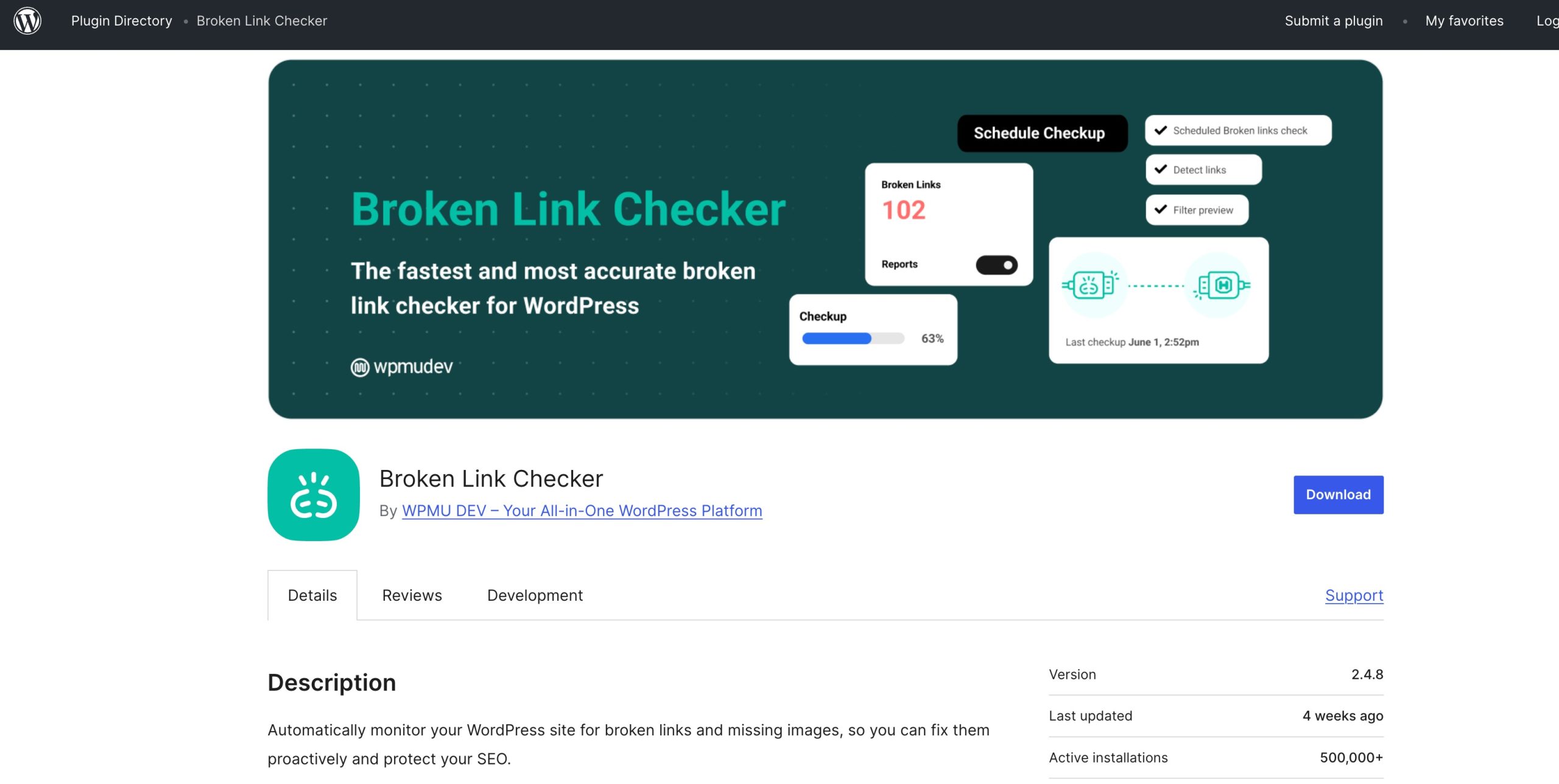
Whether you run a small blog or a large content website, regularly checking for broken links helps ensure visitors and search engines can navigate your site without interruptions.
Key Features:
- Automatic Link Scanning: Continuously scans your website for broken internal and external links, helping you identify issues before they affect users.
- Broken Link Notifications: Receive alerts when the plugin detects broken links, missing images, or problematic redirects.
- Bulk Link Editing: Update or replace multiple broken links from a single dashboard, saving time on large websites.
- Internal and External Link Monitoring: Check links pointing to your own pages as well as third-party websites to ensure everything works correctly.
- Missing Image Detection: Identify missing images and media files that could negatively affect user experience.
- Redirect Detection: Detect redirected links so you can update them with the final destination URL and reduce unnecessary redirect chains.
- Detailed Link Reports: View reports showing the source pages, anchor text, and error status for each broken link.
- Custom Scan Settings: Configure scan frequency, content types, and link exclusions to optimize performance.
Pricing: Free
5 Frequently Asked Questions
Are free WordPress SEO plugins enough?
For many websites, a free SEO plugin provides everything you need to get started. Essential features such as XML sitemaps, meta title and description optimization, schema markup, and Search Console integration are often available in free plans. However, larger websites, online stores, and businesses may benefit from premium features like advanced schema, AI content tools, local SEO, and keyword tracking.
Can SEO plugins improve the rankings automatically?
No. SEO plugins don’t automatically improve rankings.
They help you implement SEO best practices by optimizing technical settings, improving content, and providing recommendations. To achieve better rankings, you still need high-quality content, a strong user experience, and a good link-building strategy.
Can I use multiple SEO plugins on the same WordPress site?
Using multiple SEO plugins at the same time is generally not recommended.
Running more than one SEO plugin can lead to duplicate metadata, conflicting schema markup, multiple XML sitemaps, and performance issues. It’s best to choose one primary SEO plugin and only use specialized plugins when necessary.
Do SEO plugins slow down WordPress websites?
Most well-coded SEO plugins have a minimal impact on website performance.
To keep your website fast, choose a lightweight plugin, enable only the features you need, and avoid installing multiple plugins with overlapping functionality.
6 Final Thoughts: Which SEO Plugin Should You Choose?
The best SEO plugin depends on your goals, budget, and experience level.
If you want a complete solution that combines content optimization, Schema markup, redirects, local SEO, WooCommerce support, and AI-powered recommendations in one place, Rank Math is a strong choice.
Instead of managing multiple plugins, you can streamline your workflow and focus on creating content that drives results.
No matter which plugin you choose, remember that SEO success comes from consistently publishing helpful content, improving your user experience, and following SEO best practices over time.
If you like this post, let us know by Tweeting @rankmathseo.