

Managing a WordPress website involves much more than publishing new posts.
You need to keep WordPress, themes, and plugins updated. You also need to watch for broken links, check website performance, monitor SEO, keep backups, and make sure your site is available when visitors need it.
That may be easy enough when you manage one website. But when you manage several websites, doing everything manually can quickly become difficult.
This is where WordPress site management plugins and platforms can help.
Some tools let you manage several WordPress websites from one dashboard. Others focus on specific parts of site management, such as SEO, backups, security, or performance.
In this post, you’ll find the best WordPress site management plugins and tools available today. You’ll learn what each tool does, who it’s best for, and what you should consider before choosing one.
Best WordPress Site Management Plugins: Quick Comparison
| Plugin/Tool | Best For | Multi-Site Management | Monitoring | Client Reports |
|---|---|---|---|---|
| Rank Math | SEO-focused site management | Limited | Yes | Yes |
| ManageWP | Easy multi-site management | Yes | Yes | Yes |
| MainWP | Self-hosted management | Yes | Yes | Yes |
| WP Umbrella | Agencies | Yes | Yes | Yes |
| InfiniteWP | Developers and agencies | Yes | Yes | Yes |
| WP Remote | Maintenance and monitoring | Yes | Yes | Yes |
| The Hub by WPMU DEV | WordPress agencies | Yes | Yes | Yes |
Table Of Contents
- What Is a WordPress Site Management Plugin?
- What to Look for in a WordPress Site Management Plugin
- 7 Best WordPress Site Management Plugins and Tools
- Rank Math – Best for SEO-Focused WordPress Site Management
- ManageWP – Best for Easy Multi-Site Management
- MainWP – Best for Self-Hosted WordPress Management
- WP Umbrella – Best for Agencies
- InfiniteWP – Best for Developers and Agencies
- WP Remote – Best for WordPress Maintenance and Monitoring
- The Hub by WPMU DEV – Best for WordPress Agencies
- Frequently Asked Questions
- Final Thoughts
1 What Is a WordPress Site Management Plugin?
A WordPress site management plugin or platform helps you handle website maintenance tasks without manually repeating them across every WordPress installation.
The features depend on the type of tool you choose.
A multi-site management platform lets you connect several WordPress websites and perform tasks such as plugin updates, theme updates, backups, monitoring, and reporting from a centralized dashboard.
An SEO plugin focuses on search optimization within WordPress. For example, Rank Math lets you manage redirects, sitemaps, SEO settings, analytics, 404 errors, schema markup, and other search-related tasks from your WordPress dashboard.
WordPress site management tools do not all provide the same features. Some platforms are built mainly for managing multiple websites, while others focus on a specific area such as SEO, backups, security, or performance.
2 What to Look for in a WordPress Site Management Plugin
The right WordPress site management tool depends on the number of websites you manage and the tasks you need to perform regularly.
If you manage one website, you may not need a platform designed for dozens of sites. If you manage client websites, centralized management can reduce the need to log in to each WordPress dashboard separately.
The main features to consider include:
- Centralized management for multiple websites
- WordPress, plugin, and theme updates
- Reliable backups and easy restoration
- Security scans and uptime monitoring
- SEO tools and performance tracking
- Client reports and user permissions
- Pricing based on the number of websites you manage
3 7 Best WordPress Site Management Plugins and Tools
The following WordPress site management plugins and platforms serve different use cases.
3.1 Rank Math – Best for SEO-Focused WordPress Site Management
Rank Math is primarily a WordPress SEO plugin rather than a traditional multi-site management platform.
It is included in this list because SEO is an important part of website management, and Rank Math provides many SEO management features from one WordPress dashboard.
With Rank Math, you can manage SEO settings, monitor search performance, handle redirects, check 404 errors, manage sitemaps, and work with structured data without installing separate plugins for each task.
What Can You Do With Rank Math?
Rank Math includes features for:
- SEO analysis
- Google Search Console integration
- Google Analytics integration
- Site Analytics
- 404 monitoring
- Redirections
- Sitemap management
- Schema markup
- Local SEO
- WooCommerce SEO
- Bulk SEO actions
- SEO role management
- Content AI
- AI Link Genius
- AI Visibility
The Site Analytics area is useful when you want to understand how your website is performing from an SEO perspective.
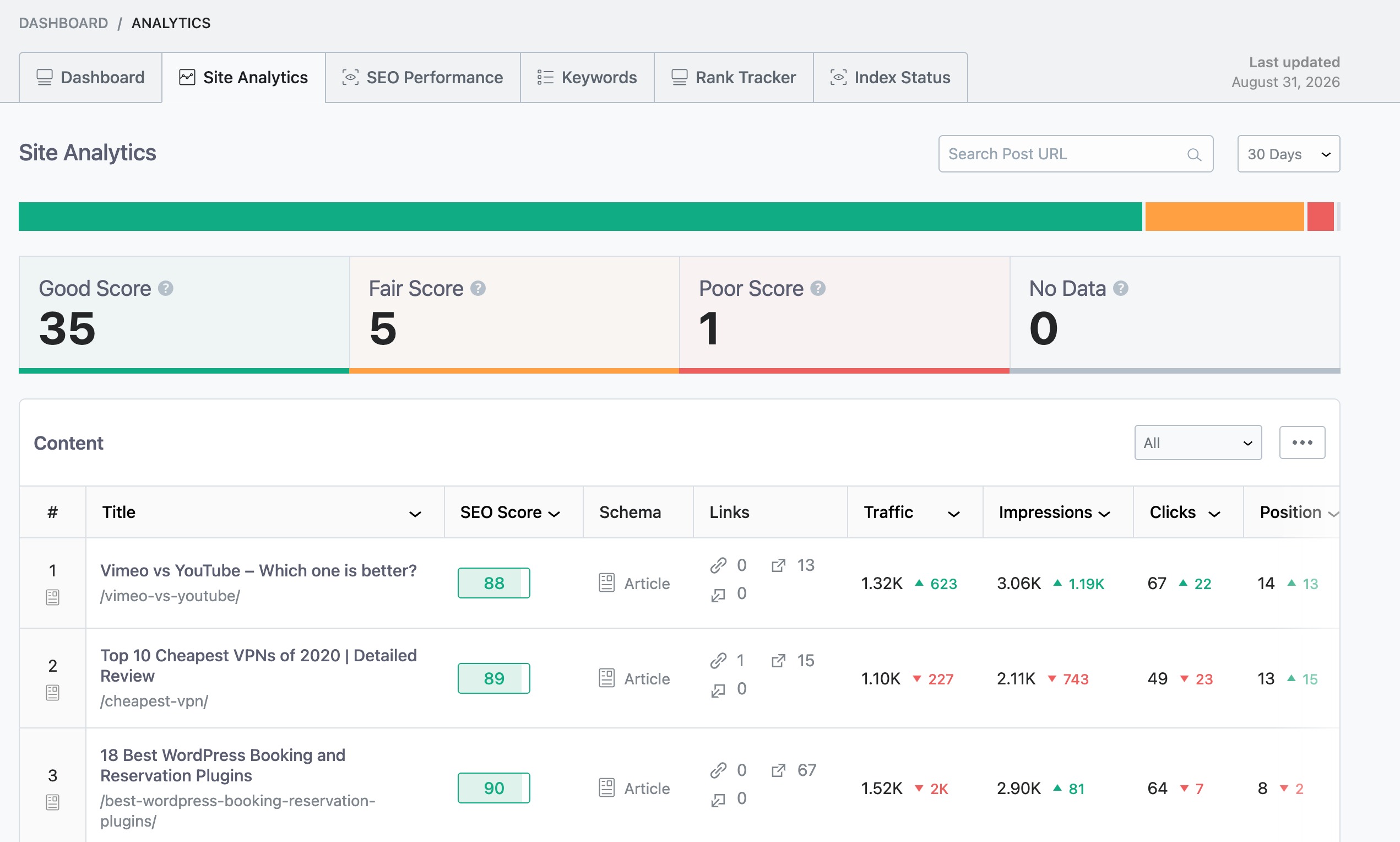
You can review search traffic and keyword data and use that information to decide which pages need attention.
Best For
Website owners, bloggers, businesses, and SEO professionals who want to manage their WordPress SEO from one place.
Pricing
Free version available, and the premium plans start at €7.99/month.
3.2 ManageWP – Best for Easy Multi-Site Management
ManageWP is a cloud-based WordPress management platform designed for managing multiple websites from a centralized dashboard.
You can connect your WordPress websites to ManageWP and use its dashboard to monitor websites and perform common maintenance tasks without opening each WordPress installation separately.
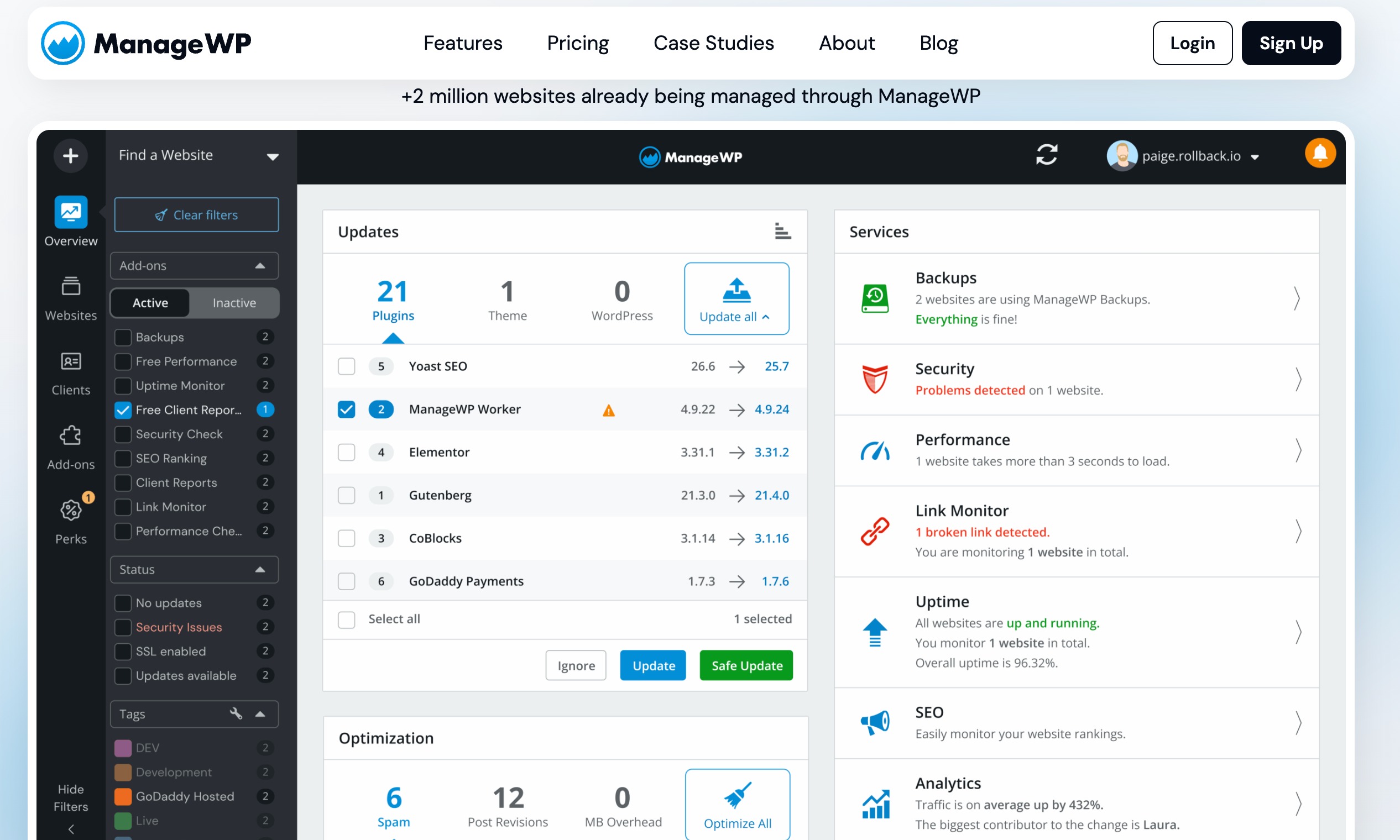
ManageWP gives you an overview of multiple WordPress websites from a centralized dashboard, which can make recurring maintenance easier to manage.
What Can You Do With ManageWP?
Depending on the plan and features you use, ManageWP can help with:
- WordPress, plugin, and theme updates
- Backups
- Security checks
- Uptime monitoring
- Performance monitoring
- Client reports
- Website management
- Safe updates
One of the useful things about this approach is that you can get an overview of several websites without opening each WordPress dashboard.
Best For
Freelancers, website owners, and agencies looking for straightforward cloud-based WordPress management.
Pricing
Freely available. Premium plans begin at $1 to $2 per month for each individual feature on a specific site.
3.3 MainWP – Best for Self-Hosted WordPress Management
MainWP is a self-hosted WordPress management platform. Instead of relying entirely on a third-party hosted dashboard, you can create a self-hosted management dashboard and connect your WordPress websites to it.
Because MainWP uses a self-hosted management dashboard, you have greater control over how the management system is hosted and configured.
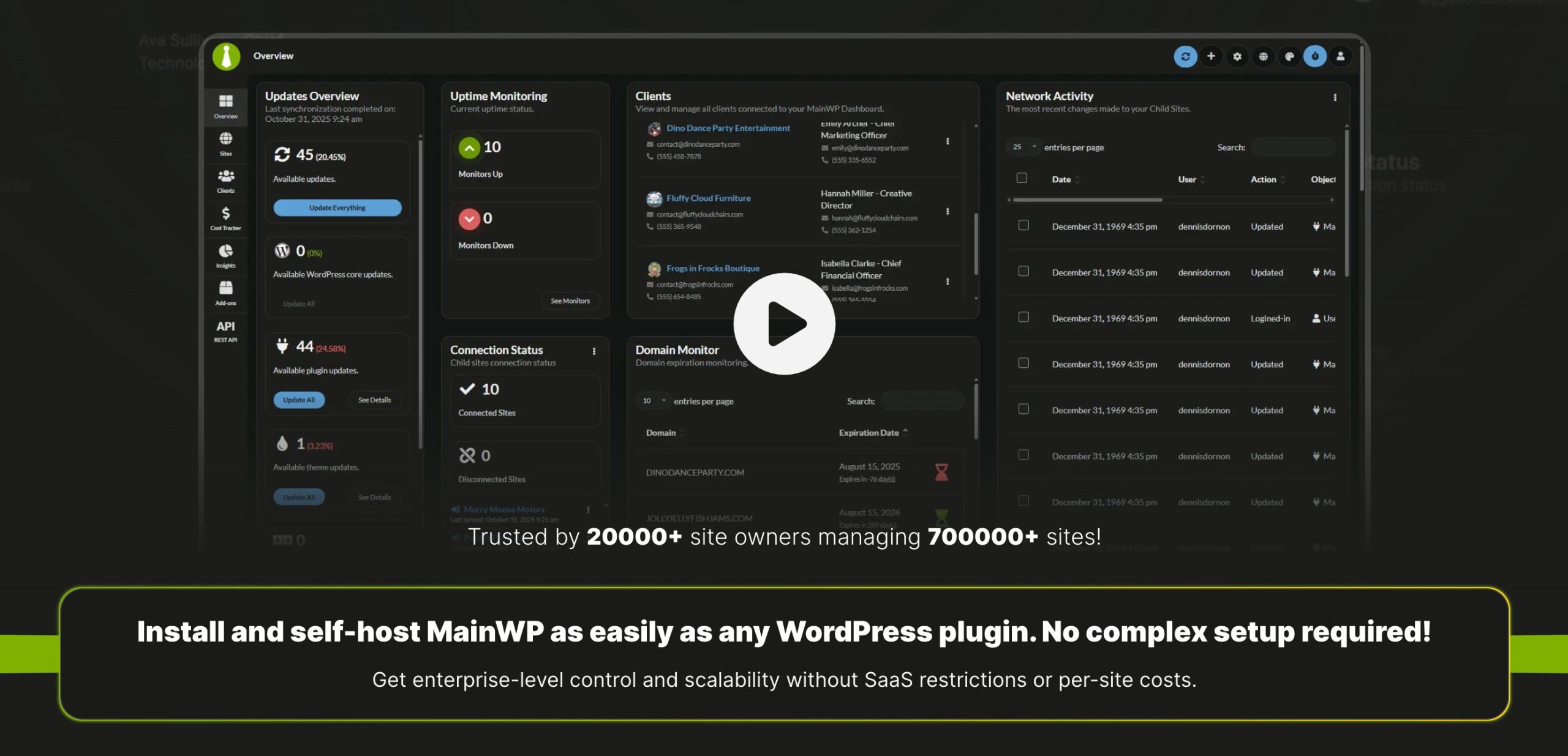
This gives you more control over how your management system is set up.
What Can You Do With MainWP?
MainWP can help with:
- Managing multiple WordPress sites
- Bulk updates
- Plugin and theme management
- Backups through extensions
- Security integrations
- Reports
- Client management
- Website monitoring
- Additional integrations through extensions
One of its biggest advantages is the extension system. You can add functionality depending on the services and tools you use.
Best For
Developers, technical users, and agencies that want self-hosted WordPress management.
Pricing
Freely available. Premium plan starts at $199 per year.
3.4 WP Umbrella – Best for Agencies
WP Umbrella is a WordPress maintenance and management platform designed with agencies and client websites in mind.
Agencies need more than plugin updates. They also need to monitor uptime, backups, performance, security, and maintenance across the websites they manage.
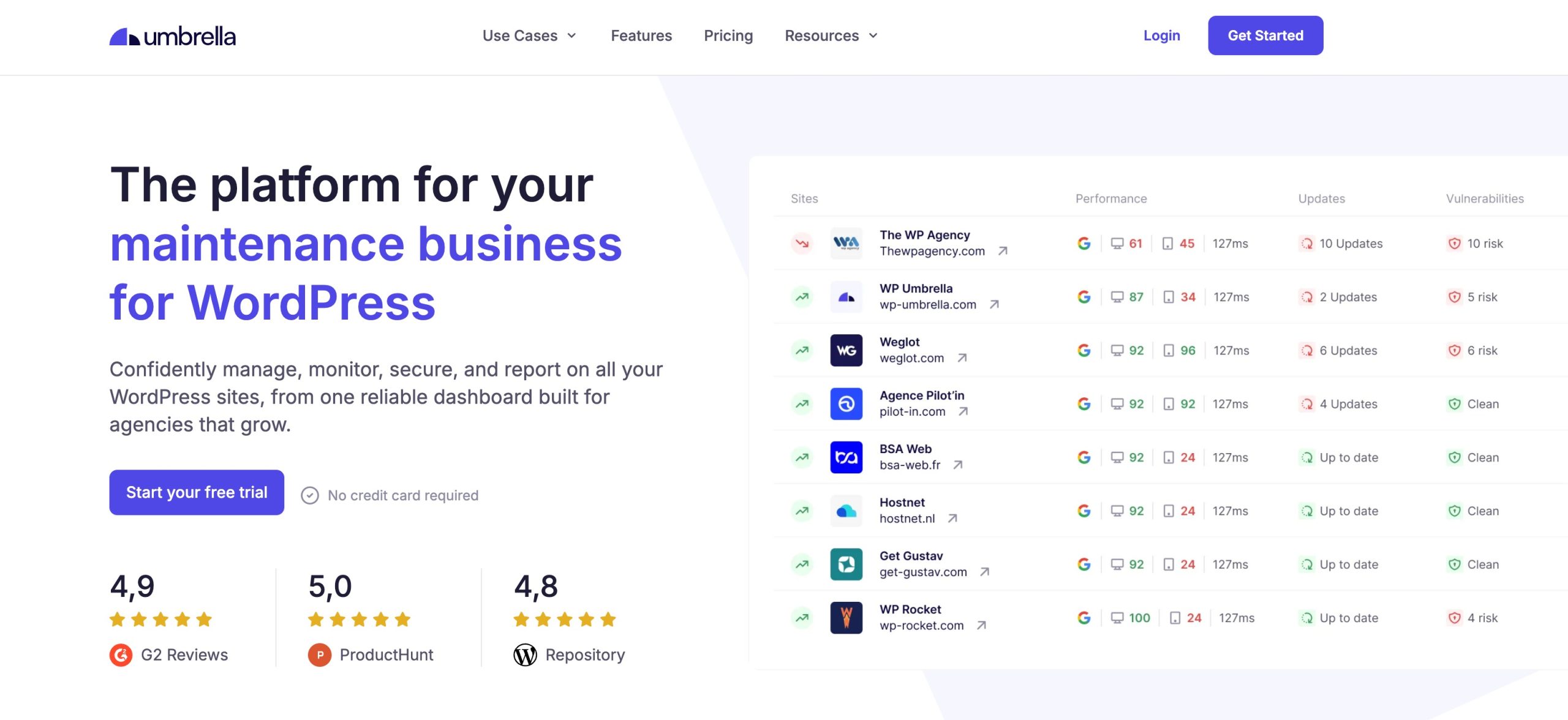
WP Umbrella brings many of these tasks together.
What Can You Do With WP Umbrella?
Its features include:
- Website management
- Automated updates
- Backups
- Uptime monitoring
- Performance monitoring
- Security monitoring
- Client reports
- Maintenance management
Uptime and security monitoring can help agencies identify website problems without waiting for clients to report them.
Best For
Freelancers and agencies managing WordPress websites for clients.
Pricing
Premium plans begin at $2 per site/month.
3.5 InfiniteWP – Best for Developers and Agencies
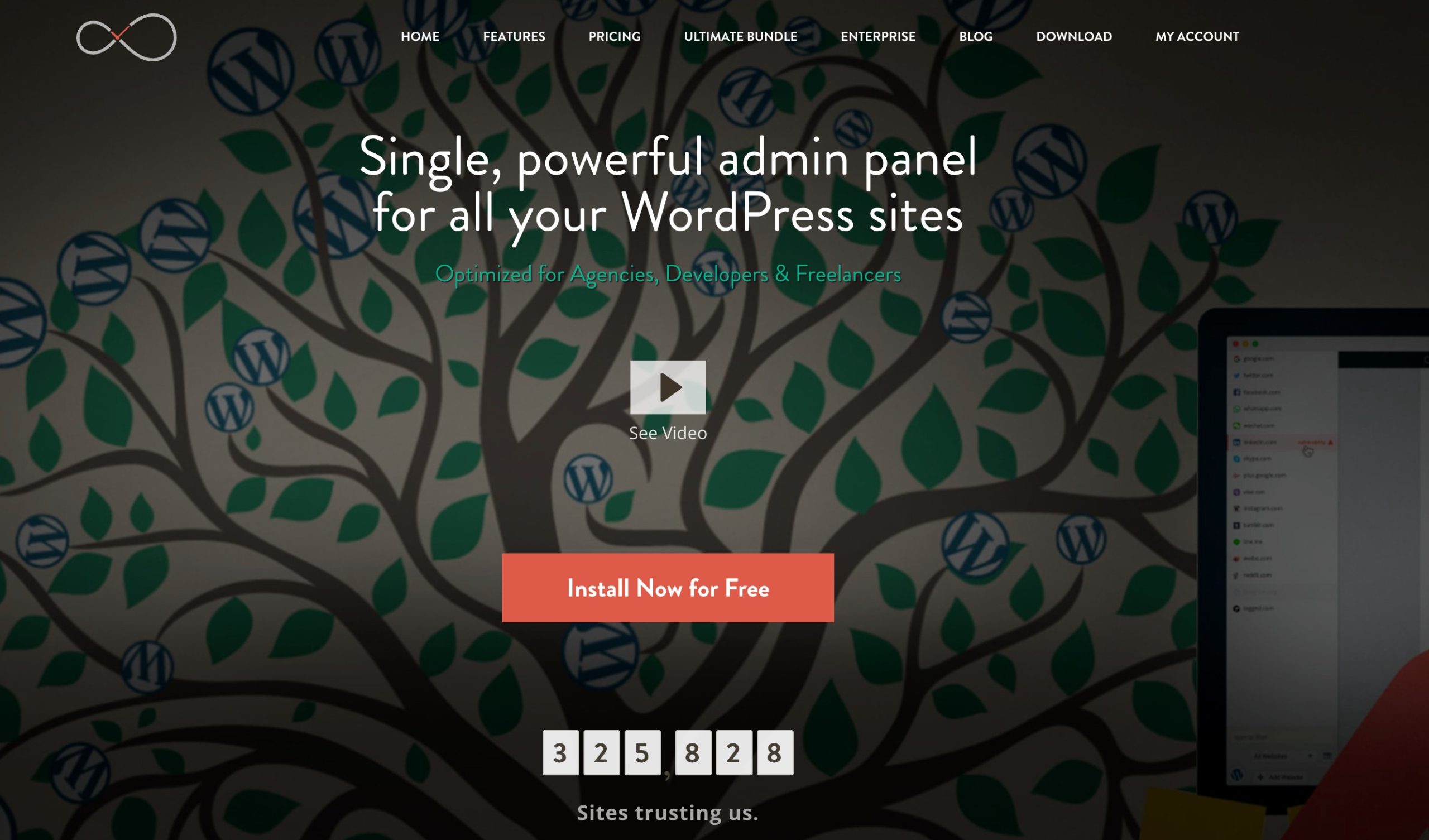
InfiniteWP is a self-hosted platform for managing multiple WordPress websites from a centralized dashboard.
Its self-hosted approach can appeal to developers and agencies that want greater control over their WordPress management environment.
What Can You Do With InfiniteWP?
The platform can help with:
- WordPress updates
- Plugin updates
- Theme updates
- Backups
- Website management
- Security-related tasks
- Monitoring
- Client reporting
The free core can be useful if you want to start with basic multi-site management and add paid features as your requirements grow.
InfiniteWP is an alternative to MainWP for users who prefer self-hosted WordPress management and a more technical setup.
Best For
Developers and agencies that prefer self-hosted WordPress management.
Pricing
Starter plans begin at $147/year.
3.6 WP Remote – Best for WordPress Maintenance and Monitoring
WP Remote focuses on helping you manage and monitor multiple WordPress websites.

The idea is similar to other centralized management platforms: connect your websites and handle common maintenance tasks without visiting every WordPress dashboard individually.
What Can You Do With WP Remote?
Depending on the plan and features, you can use it for:
- WordPress updates
- Plugin and theme updates
- Backups
- Website monitoring
- Security monitoring
- Client management
- Reporting
This can be useful when you have several websites that need regular maintenance.
Consider WP Remote if your main concern is keeping several WordPress websites maintained and monitored without having to check every site manually.
As with any management platform, compare the pricing carefully based on the number of websites you actually manage.
Best For
Freelancers and teams that need centralized maintenance and monitoring.
Pricing
Freely available. Paid plans begin at $1.99 site/month.
3.7 The Hub by WPMU DEV – Best for WordPress Agencies
The Hub is part of the WPMU DEV ecosystem and provides a centralized platform for managing WordPress websites.
The platform is aimed largely at professionals and agencies that manage multiple websites.
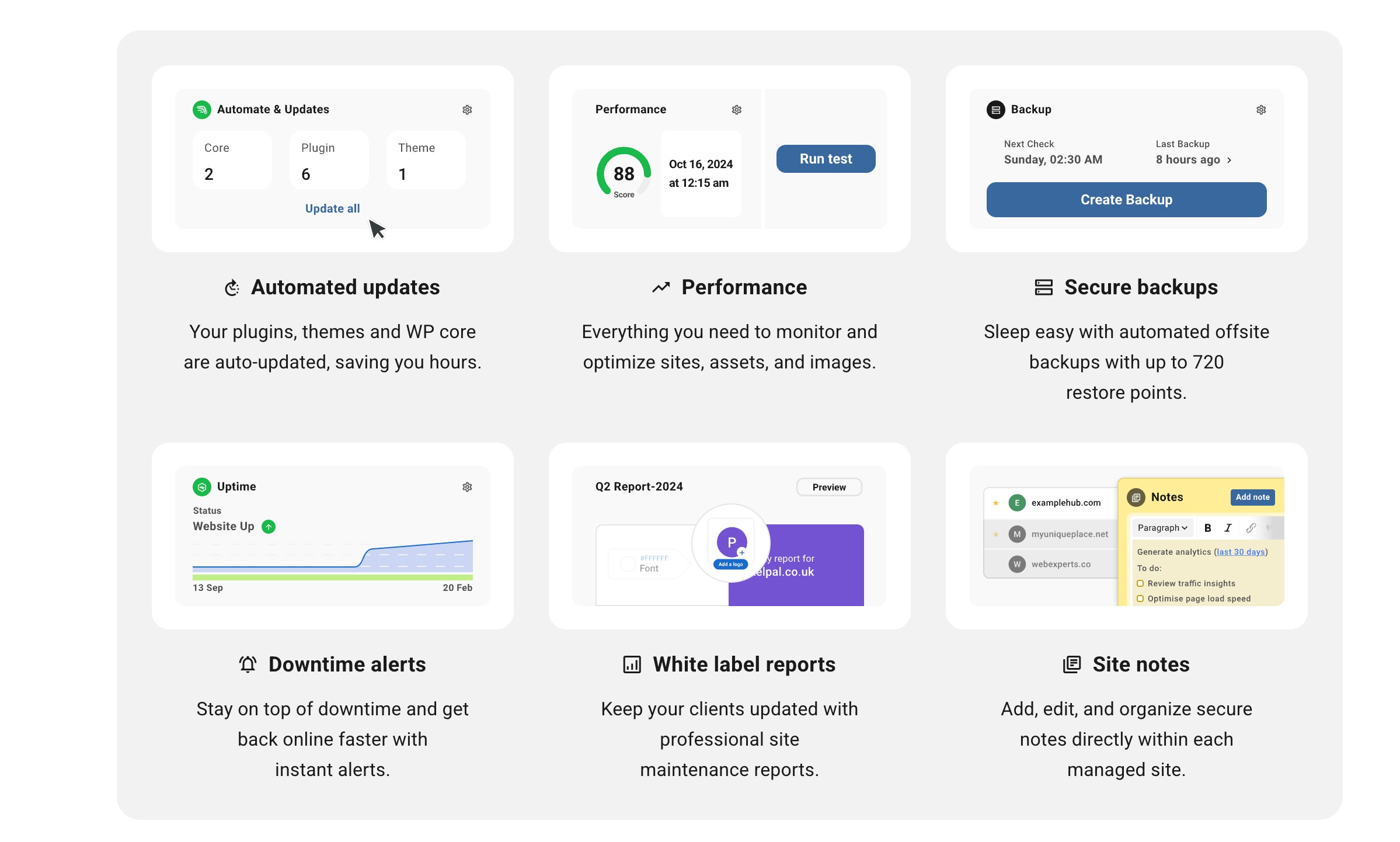
It’s aimed largely at professionals and agencies that manage multiple sites.
What Can You Do With The Hub?
The platform brings together several areas of WordPress management, including:
- Website management
- Updates
- Backups
- Security
- Performance monitoring
- Client reporting
- Hosting-related services
The Hub combines multiple WordPress management services within the WPMU DEV ecosystem, reducing the need to manage separate tools for each service.
If you already use WPMU DEV products, The Hub can be useful because its services work together within the same ecosystem.
Best For
WordPress agencies and professionals who want a broader WordPress management platform.
Pricing
The premium plans begin at $50/year.
4 Best Practices for Managing Multiple WordPress Websites
A management platform can centralize maintenance tasks, but you still need consistent maintenance practices.
- Keep everything updated: Regularly update WordPress, plugins, and themes to reduce security and compatibility problems.
- Take backups before major changes: Make sure you have a recent backup before updating several plugins or making significant changes.
- Don’t apply every update blindly: Review updates before applying them across multiple websites, especially when sites use different plugins and themes.
- Monitor important websites: Use uptime monitoring to identify problems quickly when a business website or online store goes down.
- Keep client access organized: Give users only the permissions they need instead of providing full administrator access to everyone.
5 Frequently Asked Questions
Can WordPress management plugins automatically update plugins?
Many WordPress management platforms support automatic or bulk updates. However, the exact update controls and safety features vary between tools.
Is Rank Math a WordPress site management plugin?
Rank Math is primarily an SEO plugin rather than a traditional multi-site management platform. However, it provides many tools for managing the SEO side of a WordPress website, including analytics, redirects, 404 monitoring, sitemaps, schema, and SEO analysis.
Do WordPress site management plugins provide backups?
Many multi-site management platforms offer backups, either directly or through integrations and extensions. Check backup frequency, storage, retention, and restoration options before choosing one.
Is a WordPress site management plugin necessary for one website?
Usually, no. If you only manage one website, the regular WordPress dashboard and a few well-chosen plugins may be enough. A dedicated management platform becomes more useful as the number of websites you manage increases.
6 Final Thoughts
Managing a WordPress website doesn’t have to mean jumping between several dashboards and checking every task manually.
The right tool can help you stay on top of updates, backups, monitoring, SEO, and other maintenance tasks.
Start by asking yourself: What exactly do you need to manage?
If SEO is your priority, Rank Math is worth considering. If you need to manage several independent WordPress websites, compare a dedicated platform such as ManageWP, MainWP, or WP Umbrella. Agencies may also want to look at InfiniteWP, WP Remote, or The Hub.
The best choice isn’t necessarily the tool with the longest feature list. It’s the one that covers the tasks you need, works with the number of websites you manage, and makes your regular WordPress work easier.
If you like this post, let us know by tweeting @rankmathseo.