Your client calls on Monday morning and asks one question: “Are we ranking higher than last month?”
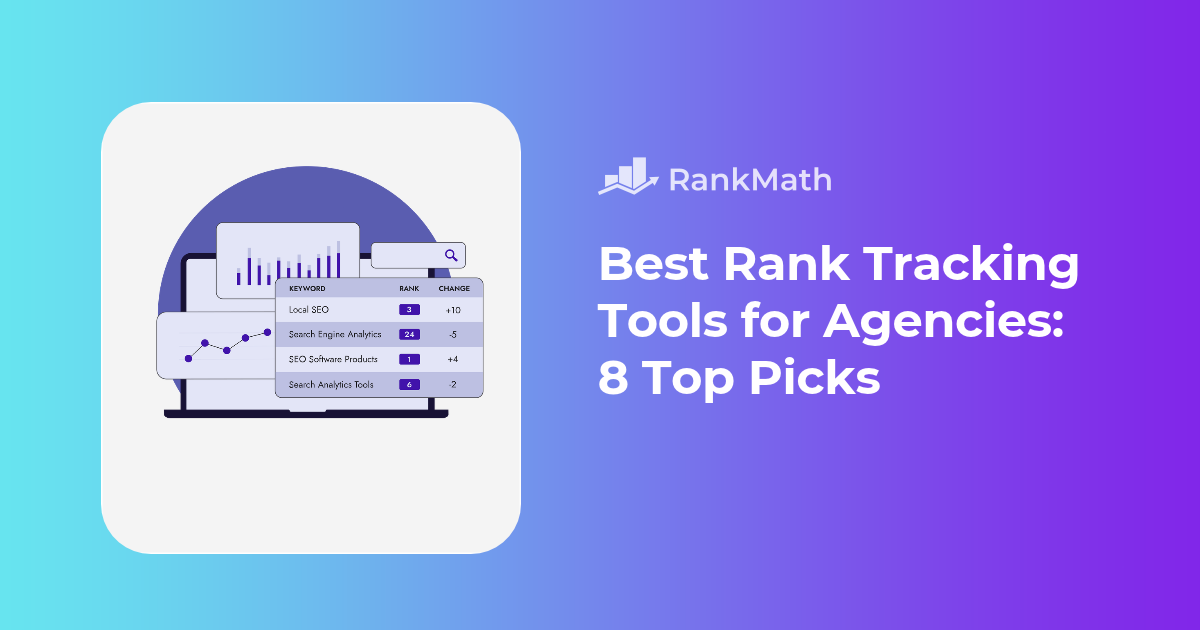
If you manage five clients, you can probably answer from memory. If you manage fifty, you need a rank tracker that checks thousands of keywords, separates each client cleanly, and turns the data into a report your client actually understands.
That’s where rank tracking tools come in.
The best rank tracker for your agency depends on how many keywords you track, how often you need fresh data, and where your clients’ websites are built.
In this post, we’ll explore eight rank tracking tools, to help you find the right fit for your agency.
Your website is live, your pages are optimized, and you have started publishing content. But when someone asks ChatGPT, Google AI Mode, or Perplexity to recommend a business in your category, your brand is nowhere to be found.
It is tempting to respond by publishing more blog posts, building backlinks, or investing in digital PR. Those tactics can help, but they may not be the right starting point for a brand that people barely know yet.
The best AI visibility strategy depends on how established your brand already is.
This guide explains a 3-phase framework for building AI visibility. You’ll learn how to identify your current phase, which strategies to prioritize, and how to measure progress.
WordPress plugins make it easy to add new features to your website without writing everything from scratch. Whether you want to improve SEO, speed up your site, create forms, protect your website, or build an online store, there’s probably a plugin for it.
But when you search for a plugin, you’ll often find two options: a free version and a paid version.
That raises a few questions: Is the free version enough? What do you get by paying? Are premium plugins actually better? And when is upgrading worth the cost?
The answer depends on what your website needs. A free plugin can be more than enough for a small website, while a growing business may benefit from the advanced features and support offered by a paid plugin.
In this post, we’ll compare free vs paid WordPress plugins, look at their differences, and help you choose the right one for your site.
Managing a WordPress website involves much more than publishing new posts.
You need to keep WordPress, themes, and plugins updated. You also need to watch for broken links, check website performance, monitor SEO, keep backups, and make sure your site is available when visitors need it.
That may be easy enough when you manage one website. But when you manage several websites, doing everything manually can quickly become difficult.
This is where WordPress site management plugins and platforms can help.
Some tools let you manage several WordPress websites from one dashboard. Others focus on specific parts of site management, such as SEO, backups, security, or performance.
In this post, you’ll find the best WordPress site management plugins and tools available today. You’ll learn what each tool does, who it’s best for, and what you should consider before choosing one.
Best WordPress Site Management Plugins: Quick Comparison
Running an SEO agency involves much more than improving rankings.
You need to research keywords, audit websites, monitor rankings, analyze competitors, optimize content, track technical issues, and, perhaps most importantly, show clients what you’re doing and how it is affecting their business.
That’s where white label SEO tools come in.
The right platform can help you automate repetitive SEO tasks, create professional client reports, manage multiple websites, and present your agency’s work under your own branding. Instead of spending hours collecting data and creating reports manually, your team can focus on strategy and execution.
But there’s an important distinction: not every SEO tool that offers agency features is a true white-label platform. Some tools let you add your logo to reports, while others provide branded dashboards, custom domains, or complete private-label experiences.
In this post, we’ll compare the best white label SEO tools for agencies in 2026, what each platform does best, how they differ, and which one may be right for your agency.
Summary Table: Best White Label SEO Tools
Tool
Best For
Primary Role
White-Label Focus
SE Ranking
All-in-one agency SEO
SEO management and reporting
Branded SEO reports and agency features
AgencyAnalytics
Client reporting
Reporting and dashboards
Branded client dashboards and reports
WebCEO
Private-label SEO
SEO management and client delivery
Private-label SEO platform
DashThis
Marketing reporting
Data aggregation and dashboards
Branded reporting dashboards
Rank Math SEO
WordPress agencies
SEO execution inside WordPress
Part of a broader agency workflow
BrightLocal
Local SEO
Local search management
White-label local SEO reporting
Semrush
Advanced SEO research
SEO research and competitive intelligence
Agency and reporting capabilities
Note: White-label capabilities, pricing, plan limits, and included features can change. Verify current details on each provider’s website before making a purchasing decision.

 Posted in: Blogging