
Until now, when you encountered an issue while using Rank Math, you either had to refer to our knowledgebase or contact our support team. This meant leaving your WordPress dashboard to visit our website or waiting for our support team to return with a response.
That’s about to change with the Rank Math support agent.
With the support agent, you no longer need to leave your WordPress dashboard to get support. Instead, open the agent, describe your issue, and it will instantly return a solution, right inside your WordPress dashboard.
Note: Rank Math Support Agent has been temporarily paused. It should be back soon. Read more about it here.
In this knowledgebase article, we’ll show you how the Rank Math support agent improves your support experience and helps you resolve issues quickly.
Here’s how to get support:
1 Head to the Help and Support Tab
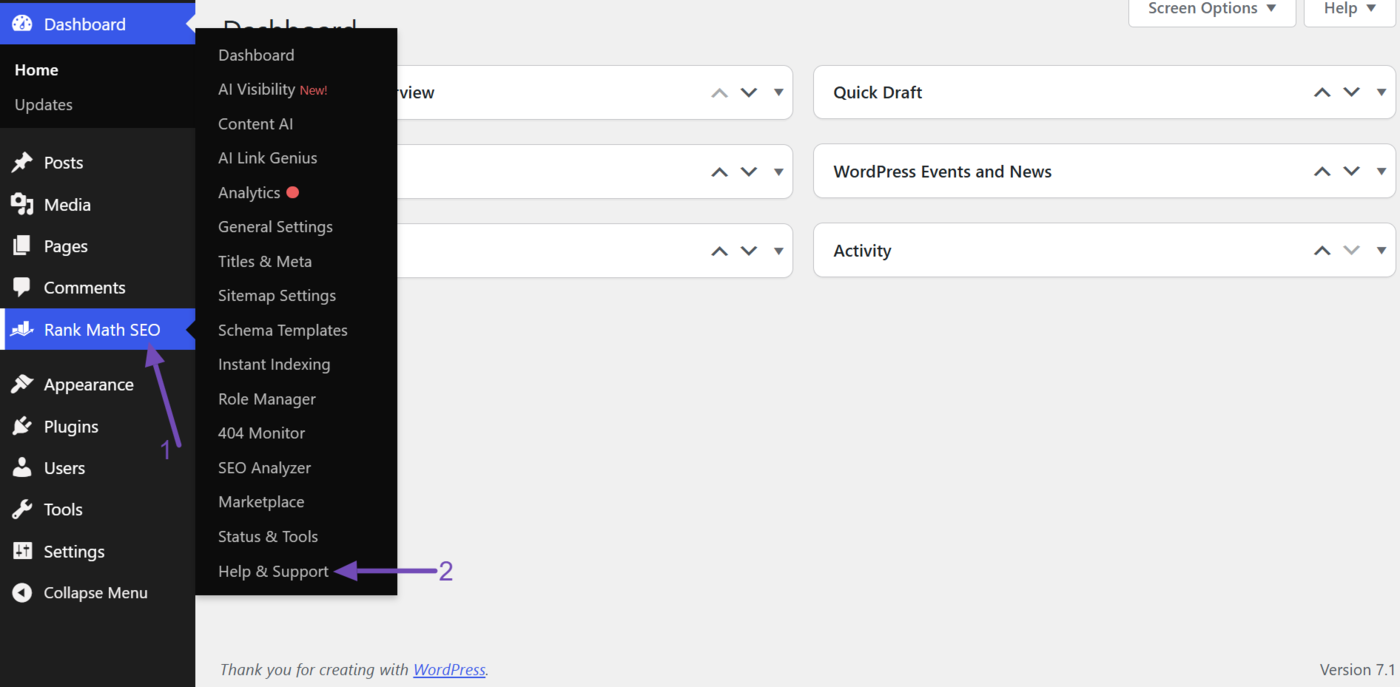
Head to Rank Math SEO → Help & Support from your WordPress dashboard.
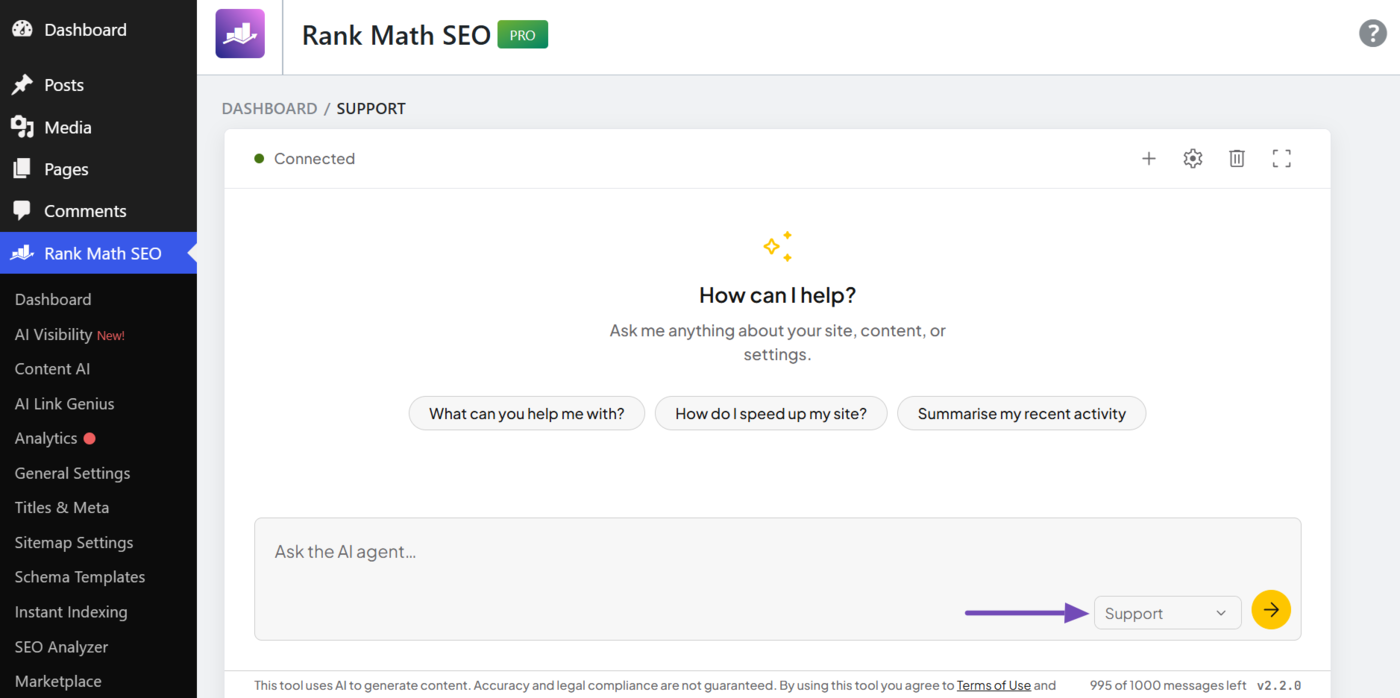
You will be presented with the Rank Math support agent. Ensure the agent type dropdown is set to “Support,” as shown below.
2 Enter Your Issue Into the Support Agent
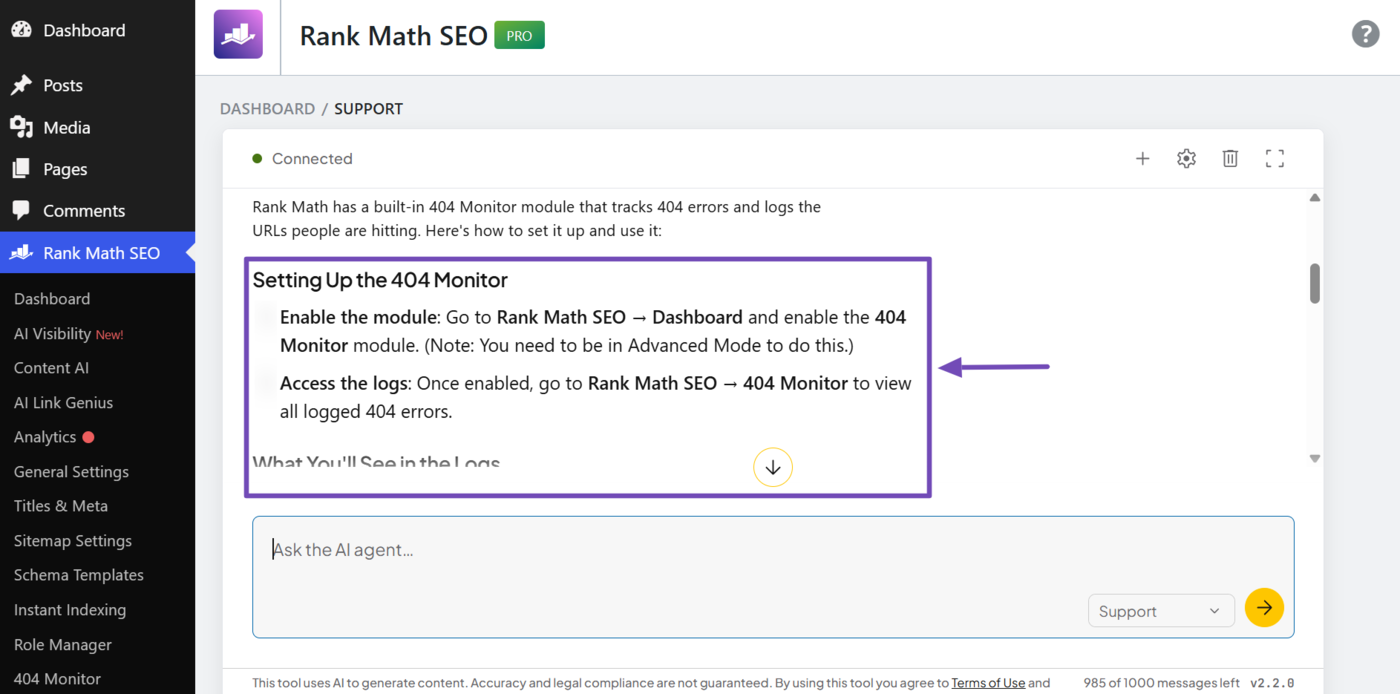
Now, enter your issue into the Rank Math support agent. For example, we want start tracking 404 errors on our site, so we enter a relevant prompt like the one below.
I want to track 404 errors and see a log of the URLs people are hitting. What's the best way to set that up, and where would I view the logs?
The Rank Math support agent will return a step-by step answer right in the chat. Here, it shows us how to enable the 404 module and access the 404 logs.
The support agent can also assist and even troubleshoot complex issues, just as a human support agent would. For example, we have an issue with our permalink, so we entered a relevant prompt into the support agent.
When I publish a new post, index now uses uncategorized in the permalink instead of the actual category. How do I resolve this?
Note: When reporting an issue, ensure to provide detailed insights into it the same way you would’ve if you were speaking to a real human.
The support agent will begin to diagnose the issue and may even ask follow-up questions. Ensure to return relevant answers to them, so it can continue troubleshooting before providing a solution.
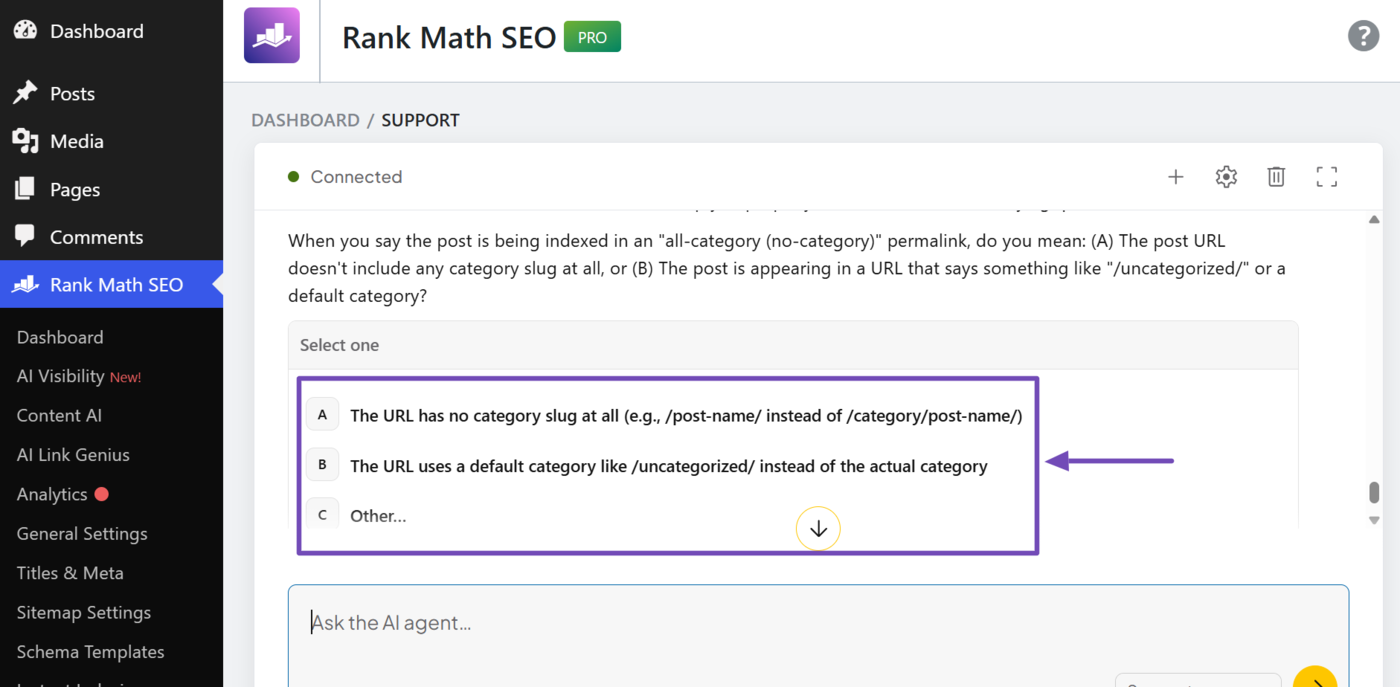
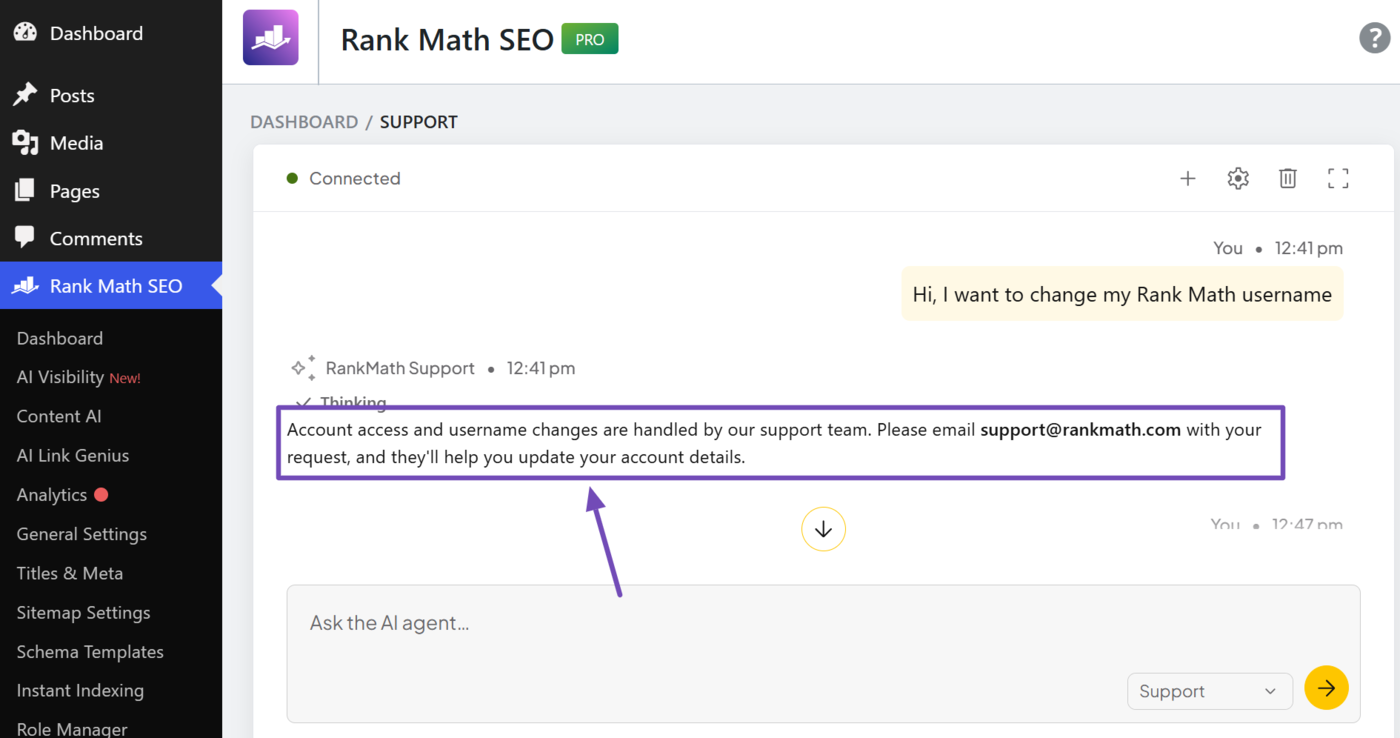
In some instances, your issue may also require a human agent for further support. In such instances, the support agent will return a relevant response, as shown below.
3 Support Agent Frequently Asked Questions (FAQs)
Here are some frequently asked questions (FAQs) you may have about the Rank Math support agent.
Does the support agent replace the human support?
No. The Rank Math support agent is only here to get you helpful answers, fast. If it cannot assist or you just want to talk to a real person, you can always open a support ticket. Our support team is available 24/7, every day of the year.
Where do I find the Rank Math support agent?
You can access the Rank Math support agent by heading to Rank Math SEO → Help & Support from your WordPress dashboard.
Is the Rank Math support agent available on all plans, or only certain ones?
The Rank Math support agent is free to use and available on all Rank Math plans.
Does the Rank Math support agent make changes to my account?
No. The support agent is read-only. It can troubleshoot and provide answers to your issues but cannot modify your account or site settings. You have to implement any changes yourself.
How is this different from a live chat with a human support agent?
The Rank Math support agent gives you faster answers, saves you the time and clicks of digging through the knowledgebase, and keeps you inside WordPress without you needing to switch tabs or wait for a reply.
What happens to my conversation history when I escalate to human support?
Your conversation is passed along to our support team, so they have full context of your issue and you don’t need to re-explain anything.
Can the support agent see my site’s data to give more specific answers, or does it only pull from its training data and knowledgebase?
No. The support agent doesn’t have access to your site’s data. It only pulls from its training data and the Rank Math knowledgebase, so its answers are general rather than specific to your setup.
Is there a limit to how many questions I can ask the support agent?
Ask as many questions as you want. The support agent is here to help you find answers as quickly as possible.
Does the support agent remember previous conversations if I come back later?
Yes. The support agent retains your previous conversations and you can always come back to it later.
What languages does the Rank Math support agent support?
The Rank Math support agent currently only supports English for questions and answers.
If you have additional questions, log into your WordPress dashboard and ask the support agent at Rank Math SEO → Help & Support. Optionally, you can contact our dedicated support team, who are available 24/7, 365 days a year.