Posts on your website may belong to a number of different categories and with the help of Rank Math SEO, you can indicate which category is the primary category. In this article, we will show you why you should be selecting the primary category and how you can choose a primary category with the help of Rank Math.
Why Should You Select the Primary Category?
You need to choose the primary category for your post when your post belongs to different categories for a number of reasons.
For Breadcrumbs
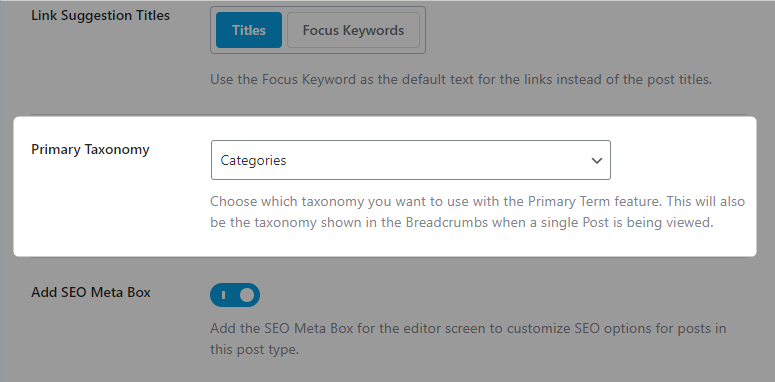
The primary category will be used in the breadcrumbs and even for the Breadcrumbs Schema, provided — you have to set the primary taxonomy to “Categorías” under WordPress Dashboard → Rank Math SEO → Titles & Meta → Posts to work correctly. If you’re unable to see the Primary Taxonomy option here, ensure you’re using Rank Math in the Modo avanzado.
For Permalinks
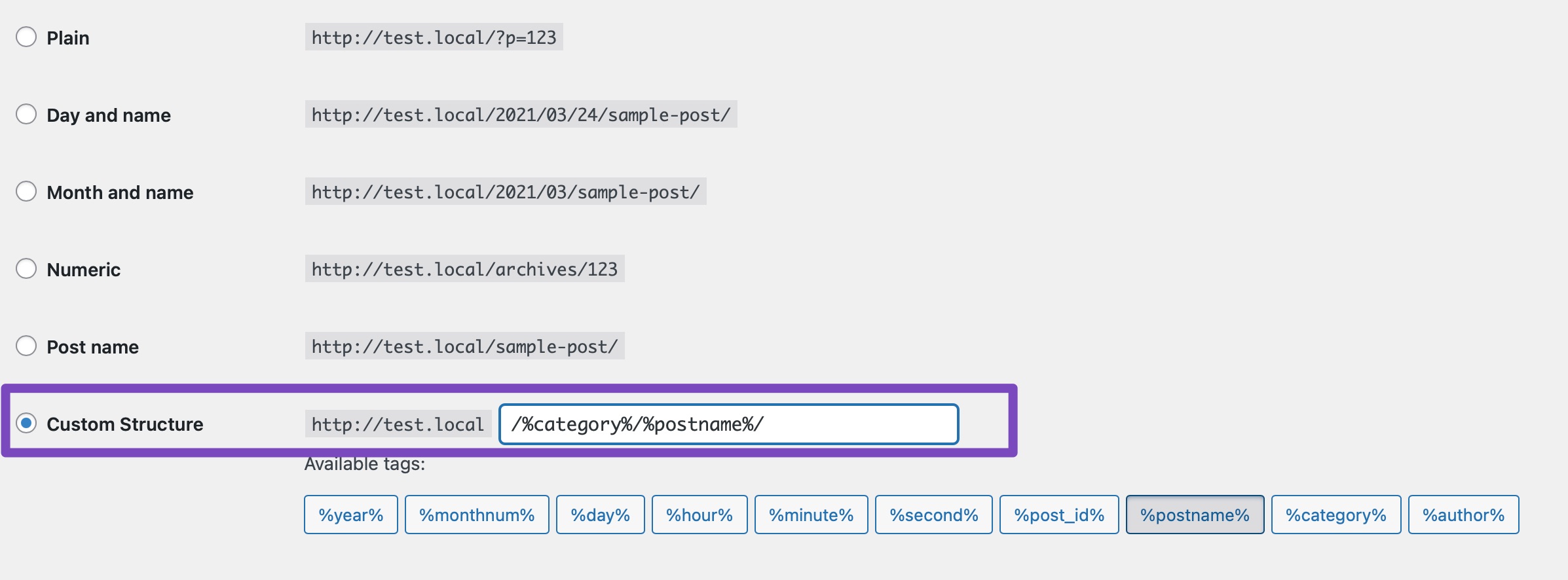
If your site’s permalink structure uses “%category%“ and if the primary category is not set then the correct category slug might not be used in the permalinks of your post with more than one category.
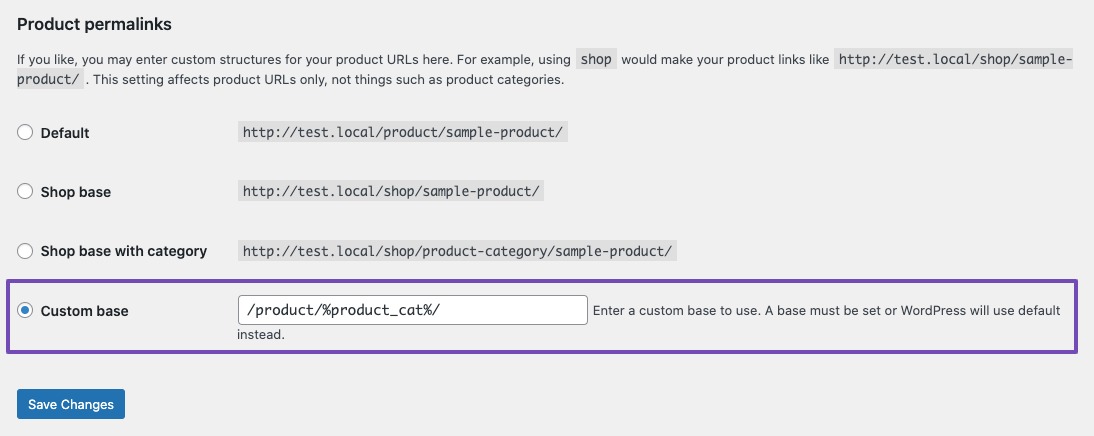
Similarly, if your product’s permalink structure uses %product_cat% and if the primary category is not set, then the correct category slug might not be used in the permalinks of your products with more than one product category.
For Schema Markup
Rank Math generates Product Schema Markup with the set primary category to indicate the category hierarchy of the product. And besides, to check if the correct category has been used for the Product Schema Markup, you can use the herramienta de prueba de resultados enriquecidos.
How to Choose a Primary Category?
In this section, we’ll walk you through how to easily select the primary category when you are editing a post with the help of the Complemento Rank Math SEO.
Paso 1: Open the Post/Page/Product in your WordPress dashboard.
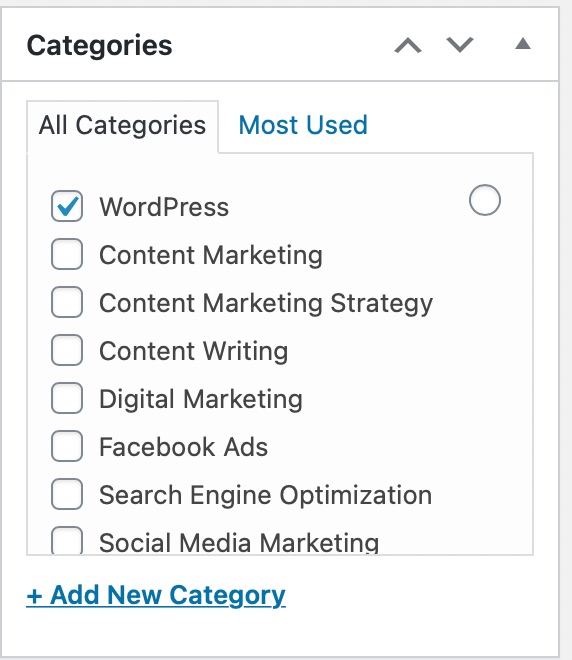
Paso 2: Choose more than one category from the list of available categories in the sidebar of your editing post screen.
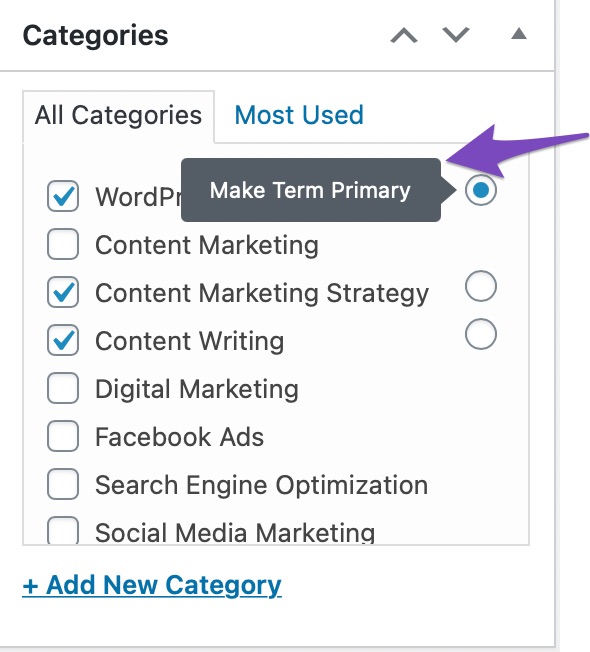
Paso 3: Choose the Category radio button to set your primary category in the case of Classic Editor.
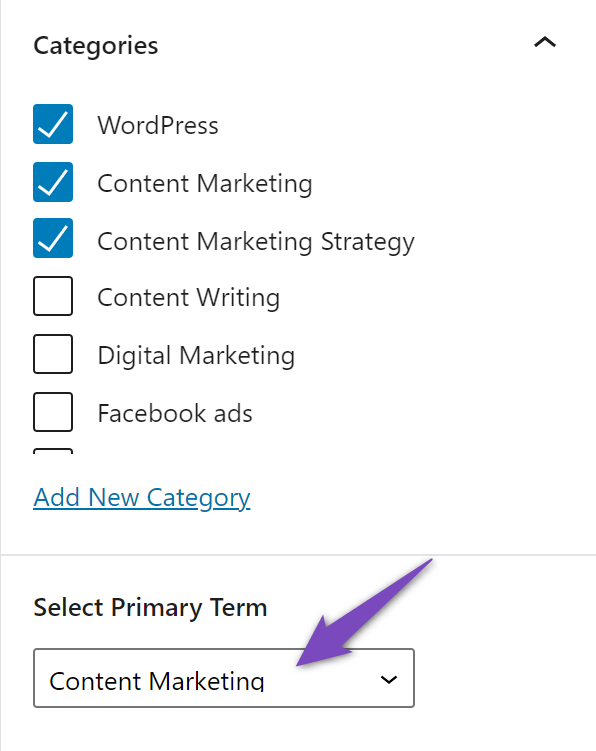
And for Block Editor, set your primary category from the drop-down list.
And, that’s it! If you still have any questions about primary categories and how they work, feel free to contact our support team, who are available 24×7 and more than happy to help…
¿Aún no utilizas Rank Math?
¡La configuración toma menos de 5 minutos, incluida la importación desde su antiguo complemento SEO!
Posts on your website may belong to a number of different categories and with the help of Rank Math SEO, you can indicate which category is the primary
Equipo Rank Math
How to Choose a Primary Category in WordPress? Rank Math SEO
You want to make it easy for your users to find what they are looking for on your site, right? That's why organizing your WordPress site is essential. Rank M...