Let us now discuss how to expand a sentence using our Content AI to enhance the clarity, depth, and overall quality of your writing.
1.1 Aktivieren Sie das Content AI-Modul
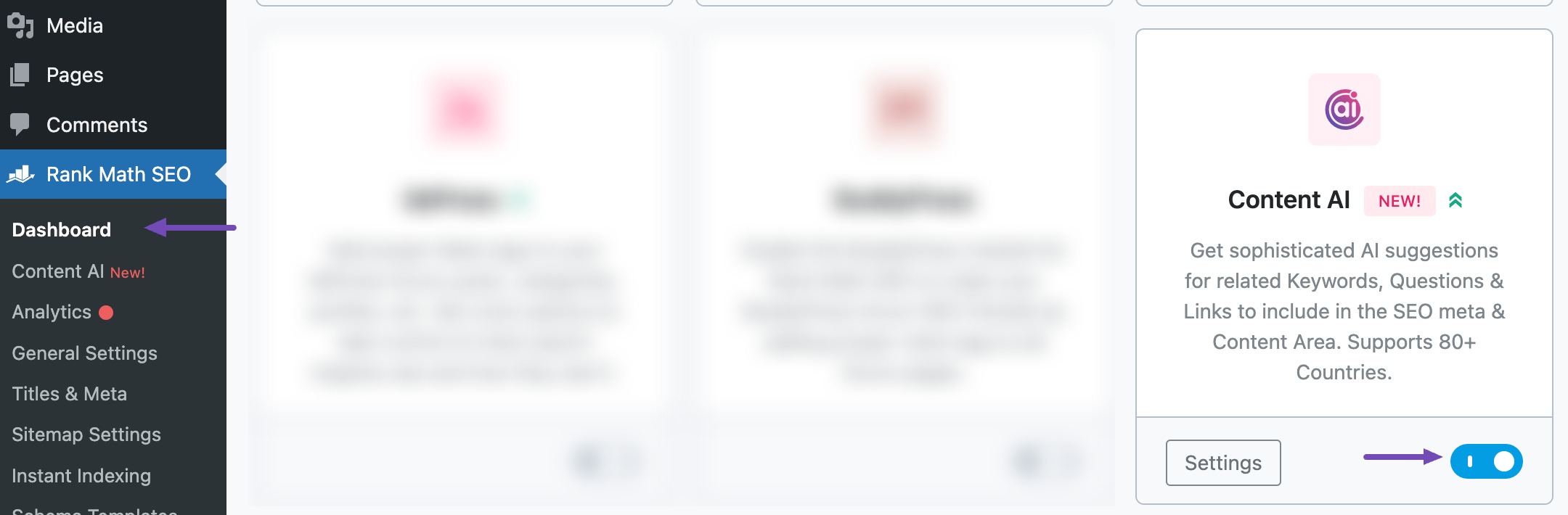
Der erste Schritt besteht darin, rüber zu gehen Rank Math SEO → Dashboard → Module aus Ihrem WordPress-Dashboard. Scrollen Sie hier nach unten, um das zu finden Content AI Modul und aktivieren Sie es wie unten gezeigt, falls Sie dies noch nicht getan haben.
Notiz: If you reach your usage limits, you can easily upgrade to a higher Content AI-Plan that aligns with your requirements.
1.2 Select the Sentence Expander AI Tool
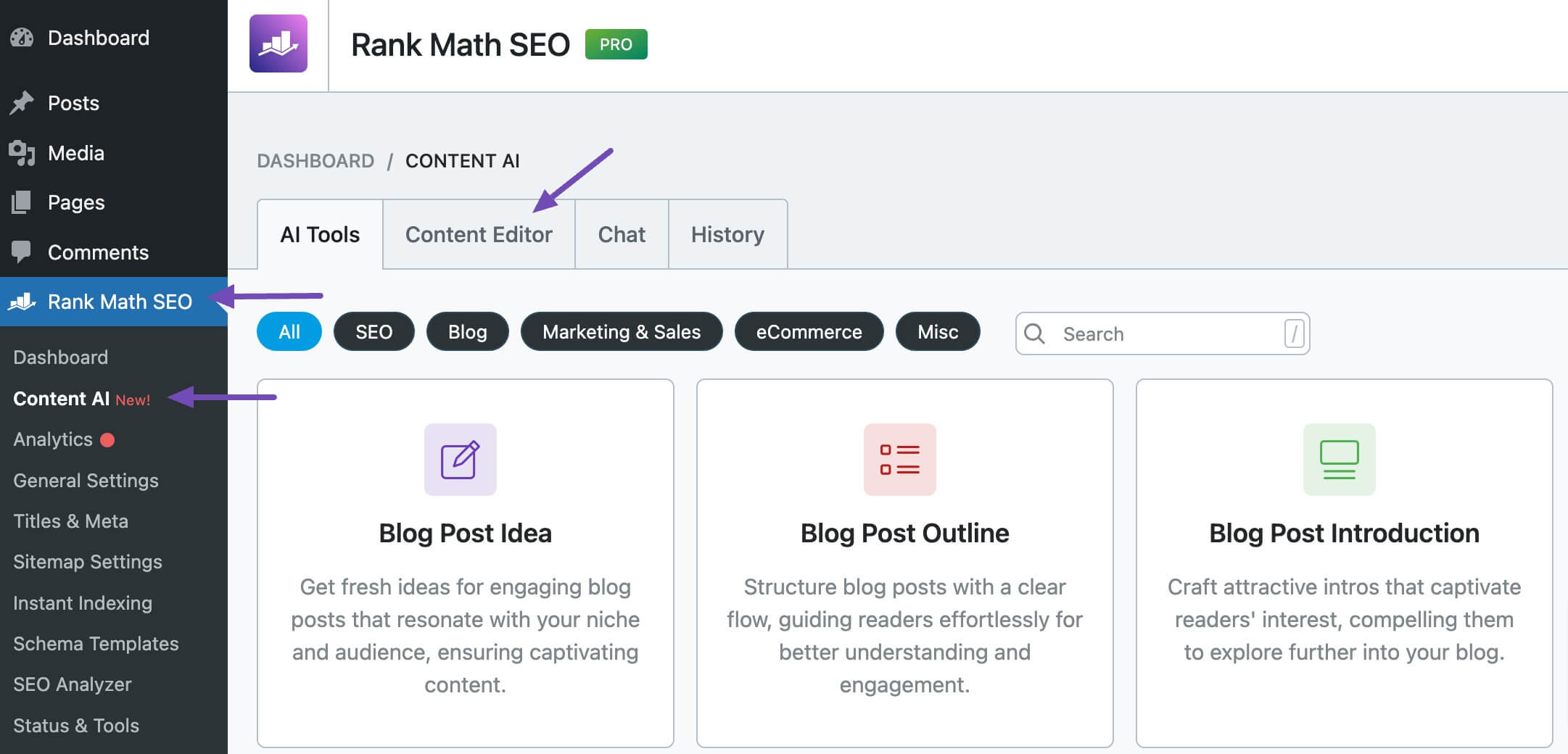
Gehen Sie als nächstes zu Rank Math SEO → Content AI → Inhaltseditor, Wie nachfolgend dargestellt.
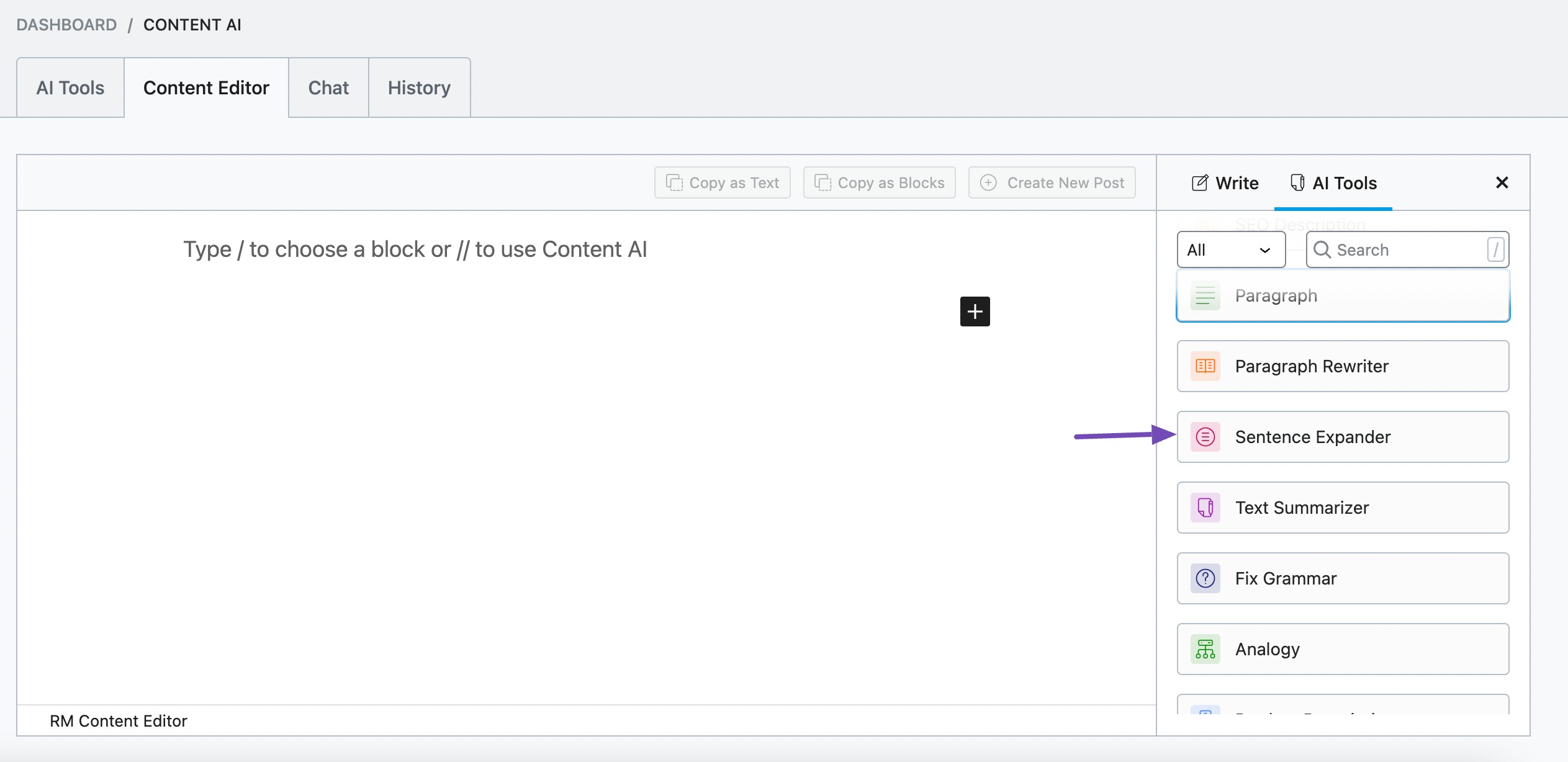
Klicken Sie im Inhaltseditor auf KI-Tools und auswählen Satzerweiterung. Alternatively, you can choose the Sentence Expander AI tool from your favorite WordPress Editors or from the AI Tools tab, whichever suits your writing flow.
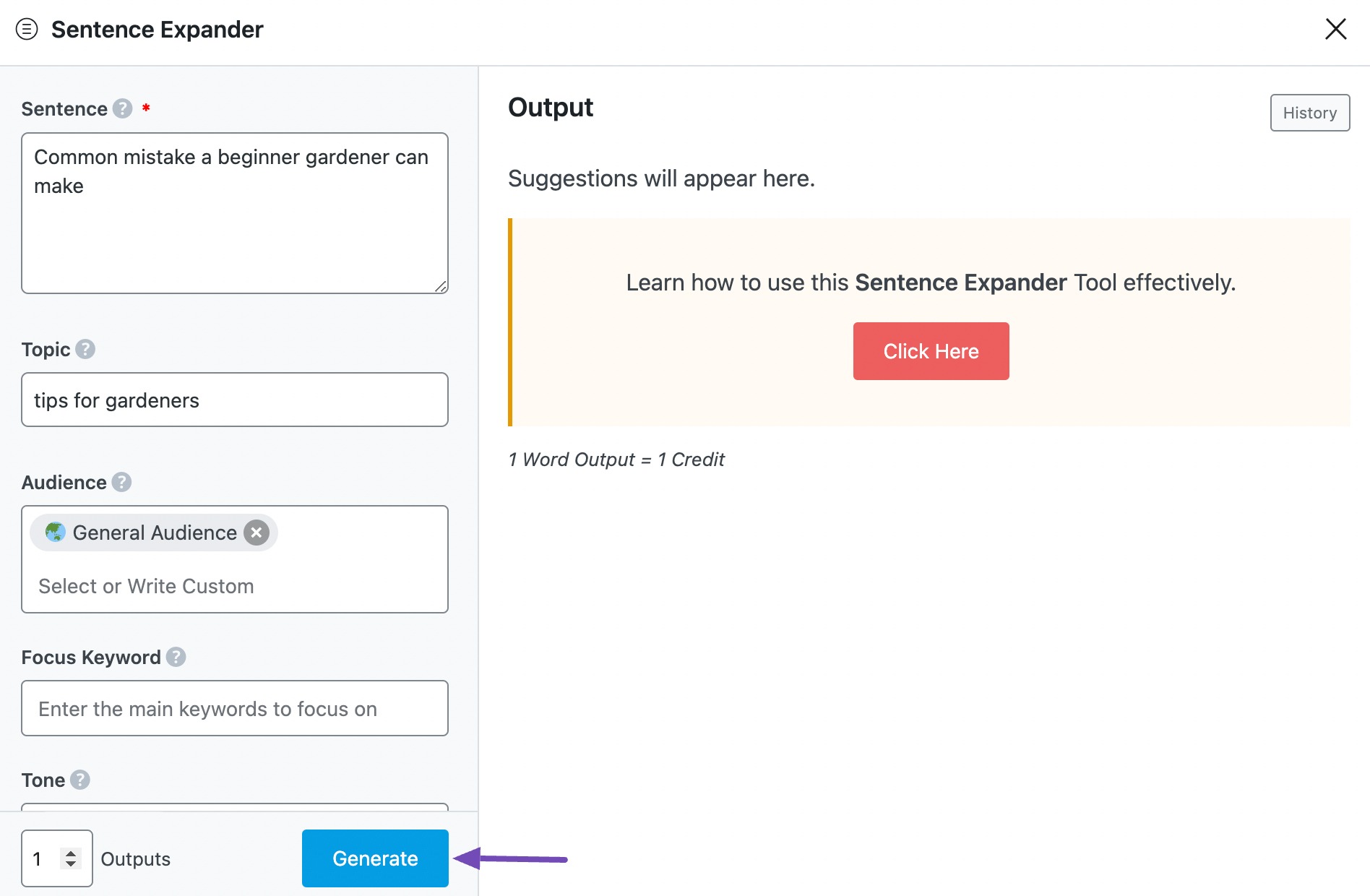
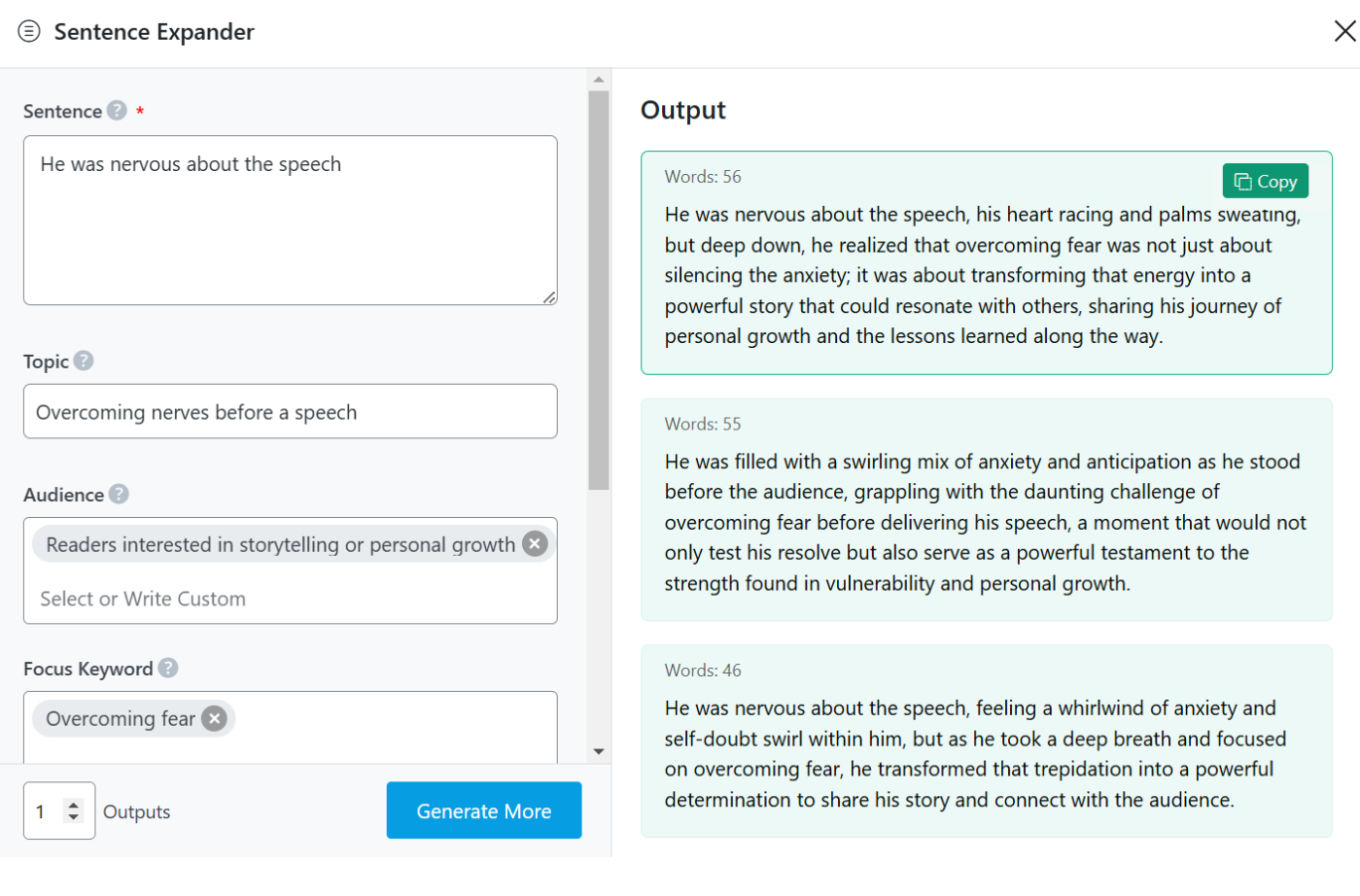
You will be presented with the Sentence Expander AI tool settings. Let’s discuss each of these fields one by one.
2 Available Options in the Sentence Expander AI Tool
Let us now discuss the options in the Sentence Expander tool.
2.1 Sentence
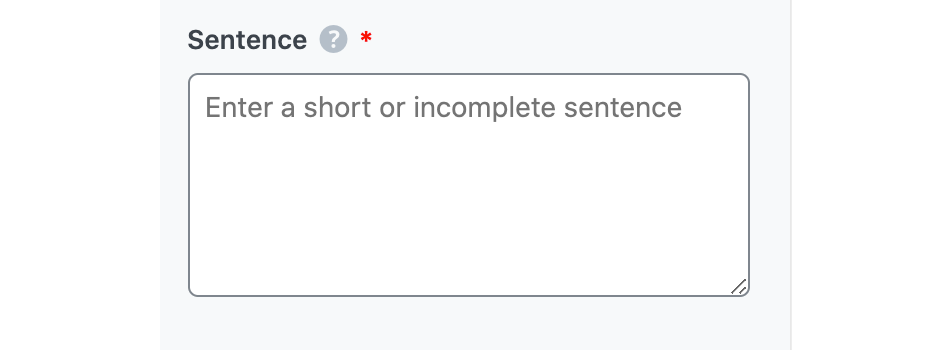
In this field, enter the sentence you want to expand. This is a required field and should contain 200 characters or less.
2.2 Thema
You can provide Content AI with more context about the sentence by entering the article’s topic here. You can enter a maximum of 200 characters.
2.3 Publikum
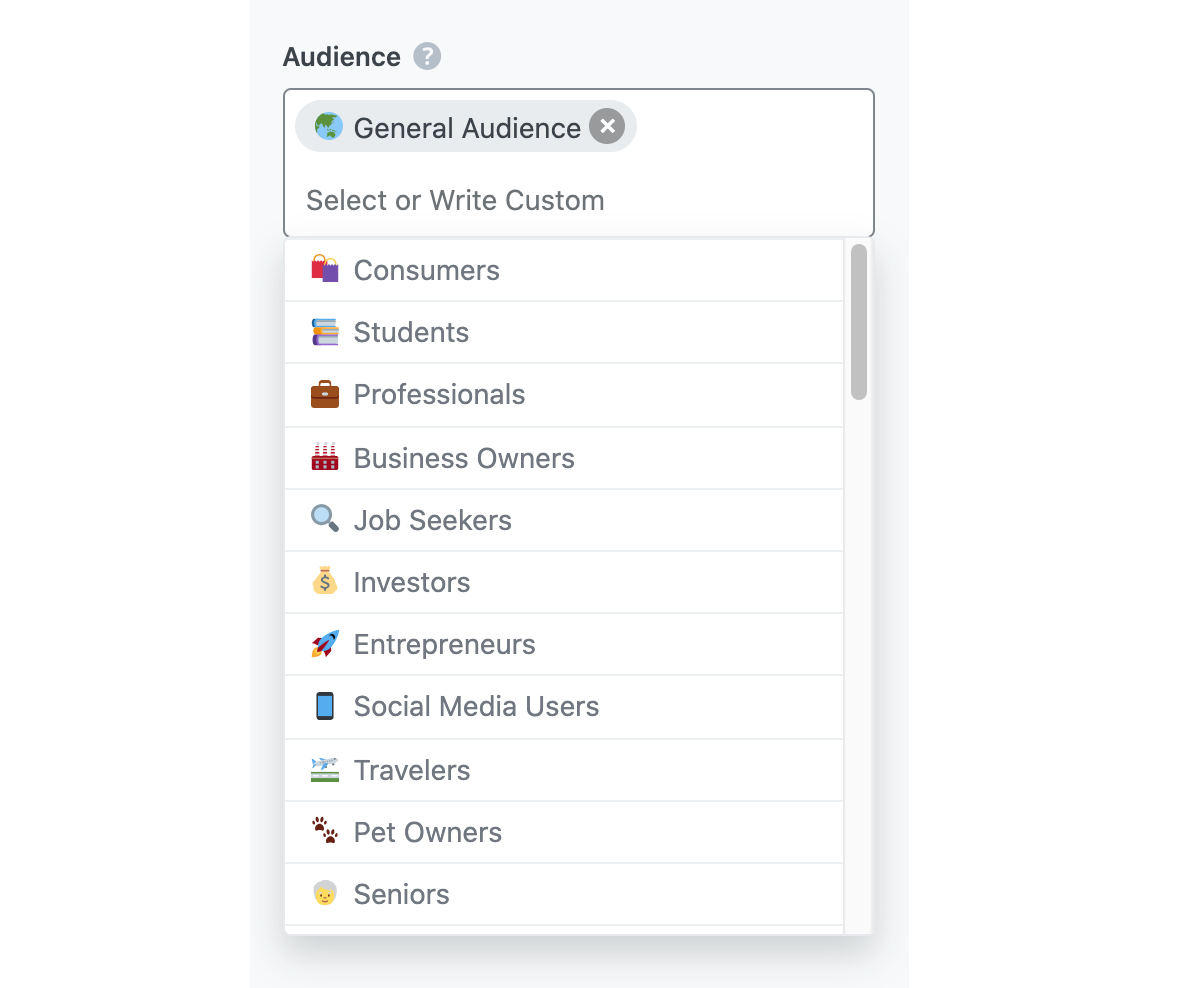
Wählen Sie in diesem Feld die Option aus, die Ihre Zielgruppe am besten beschreibt. Sie können das Wort eingeben oder aus dem Dropdown-Menü auswählen. Sie können mehrere Zielgruppen eingeben.
Enter your primary focus keyword, followed by any other keyword you want to rank for. Remember to separate multiple keywords with a comma. The keywords should be at most 200 characters.
2.5 Ton
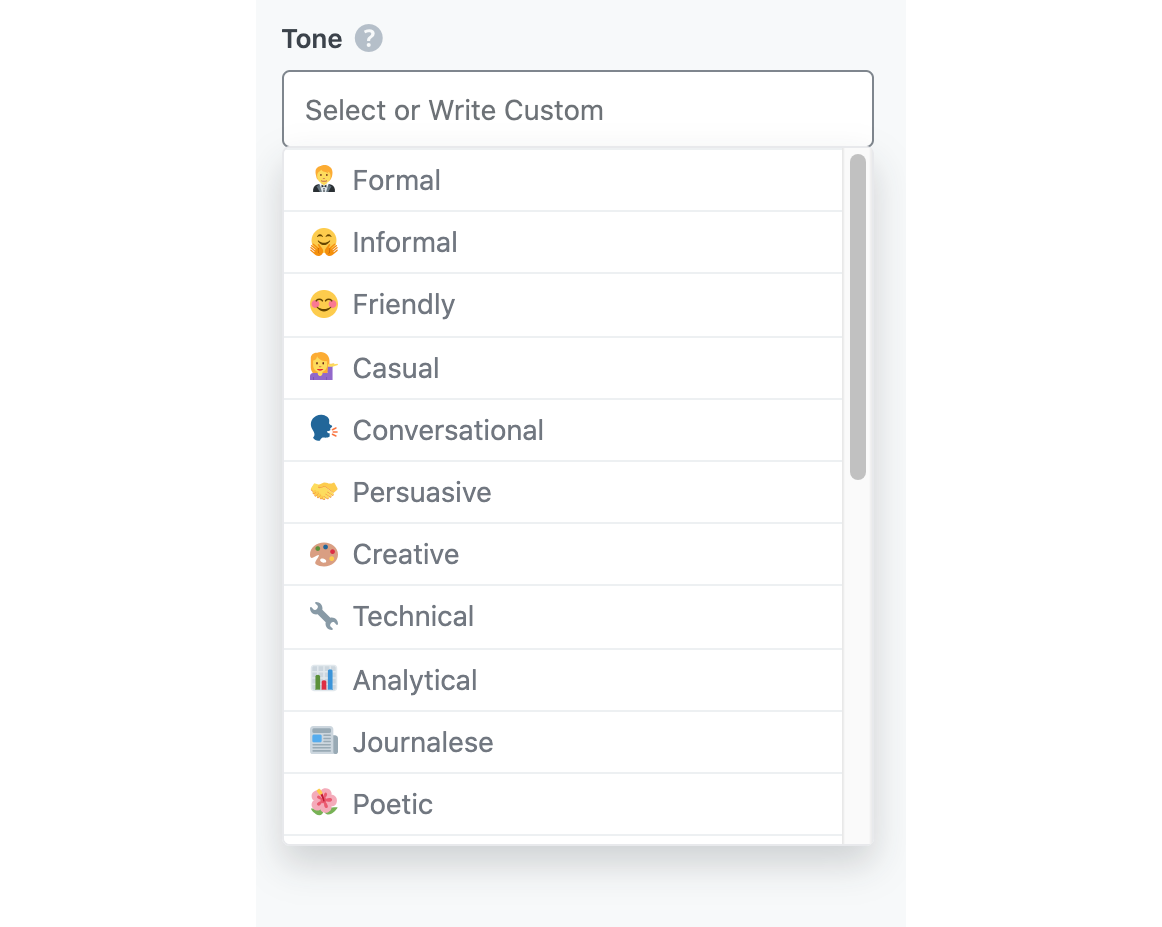
Wählen Sie in diesem Feld die Option aus, die Ihren Schreibton am besten beschreibt. Sie können das Wort eingeben oder aus dem Dropdown-Menü auswählen. Sie können mehrere Töne eingeben.
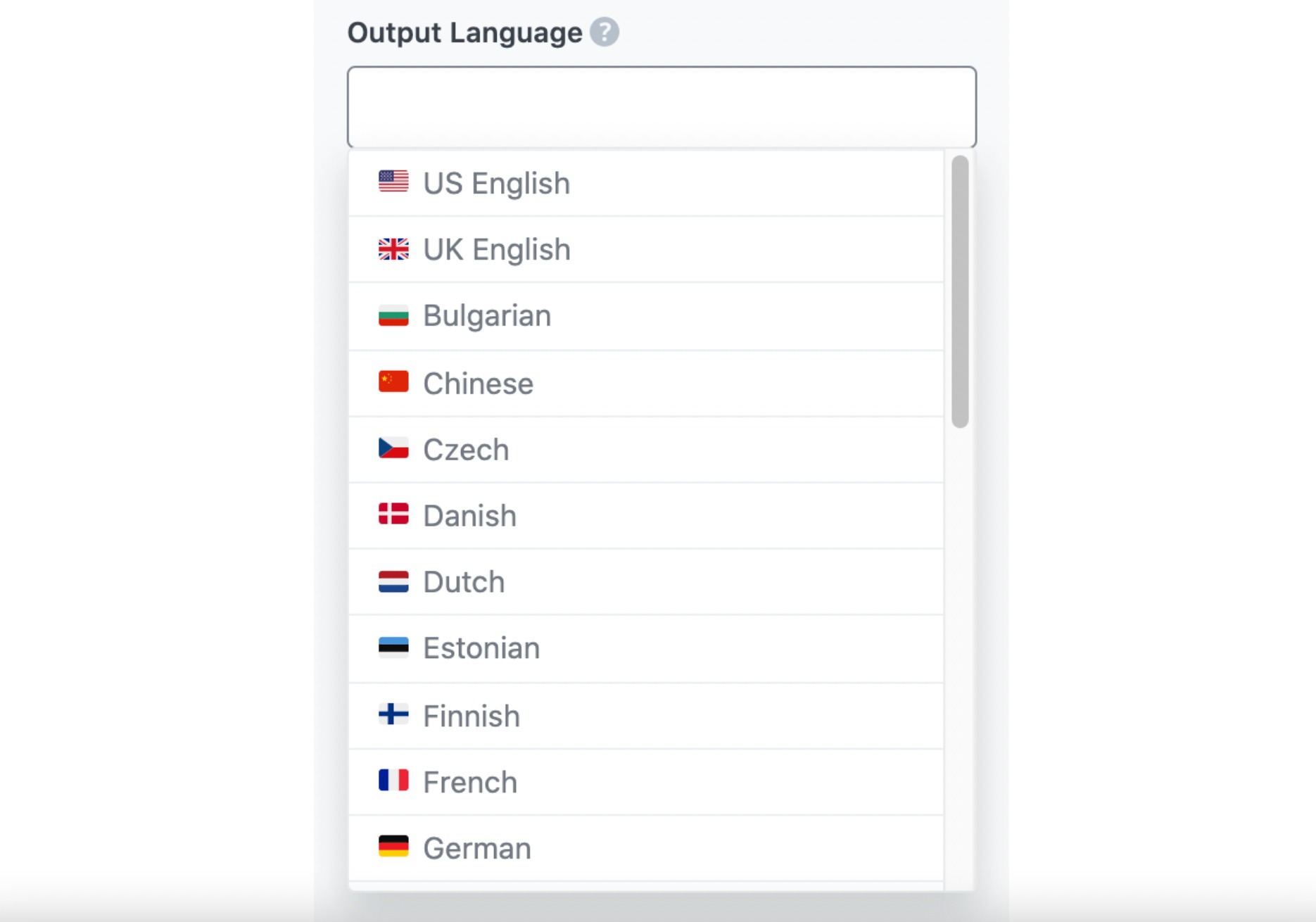
Select the output language in which you want Content AI to generate the expanded sentence. You can only enter one language. If the field already contains a language, delete it and select a new one.
Enter a number between one and five into this field, depending on how many expanded sentences you want to create.
2.8 Generieren
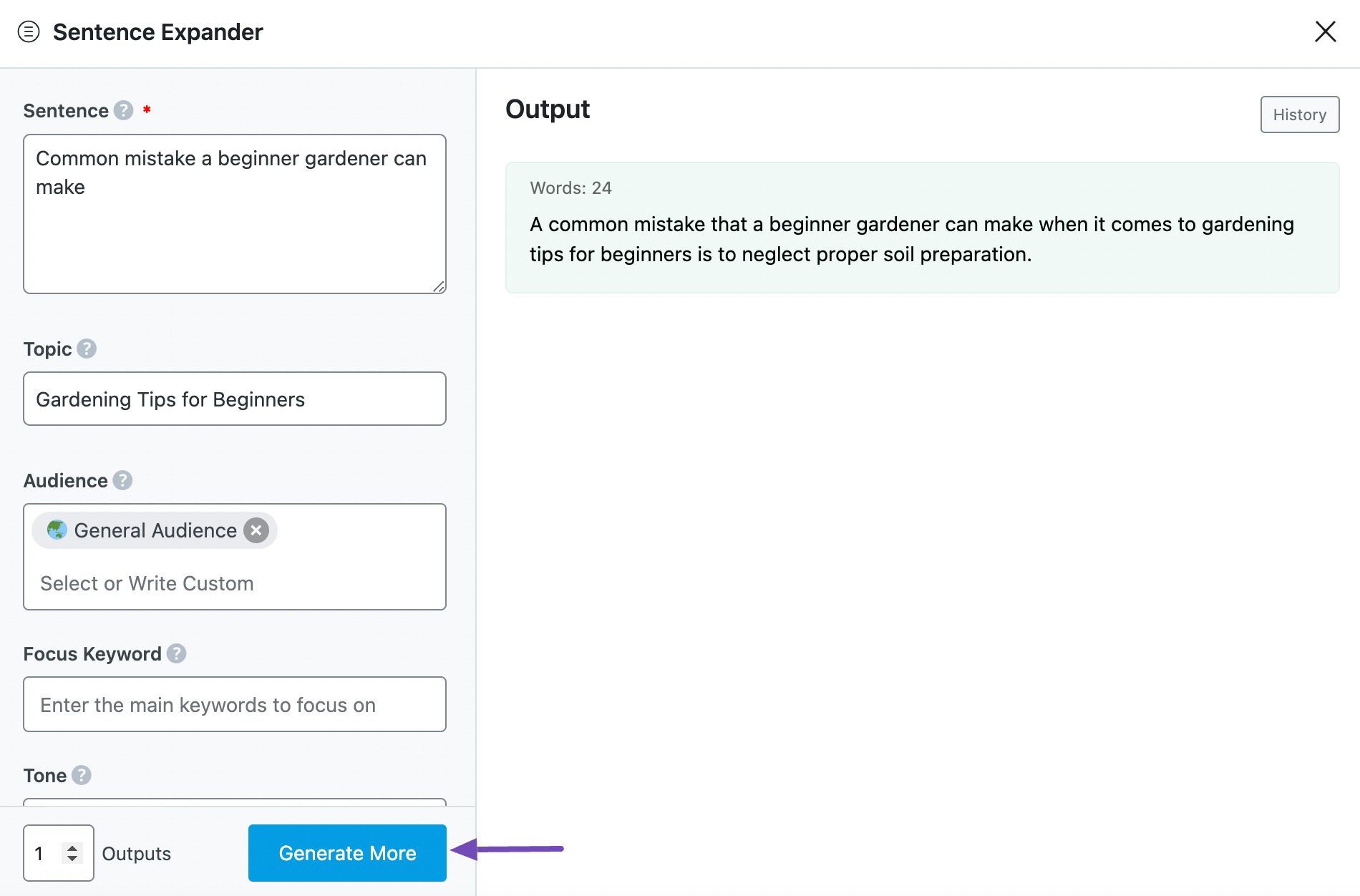
Nachdem Sie die erforderlichen Felder ausgefüllt haben, klicken Sie auf Generieren. Content AI will expand your sentences within a few seconds.
If you want Content AI to suggest more sentences, click Generieren Sie mehr.
2.9 Kopieren und einfügen
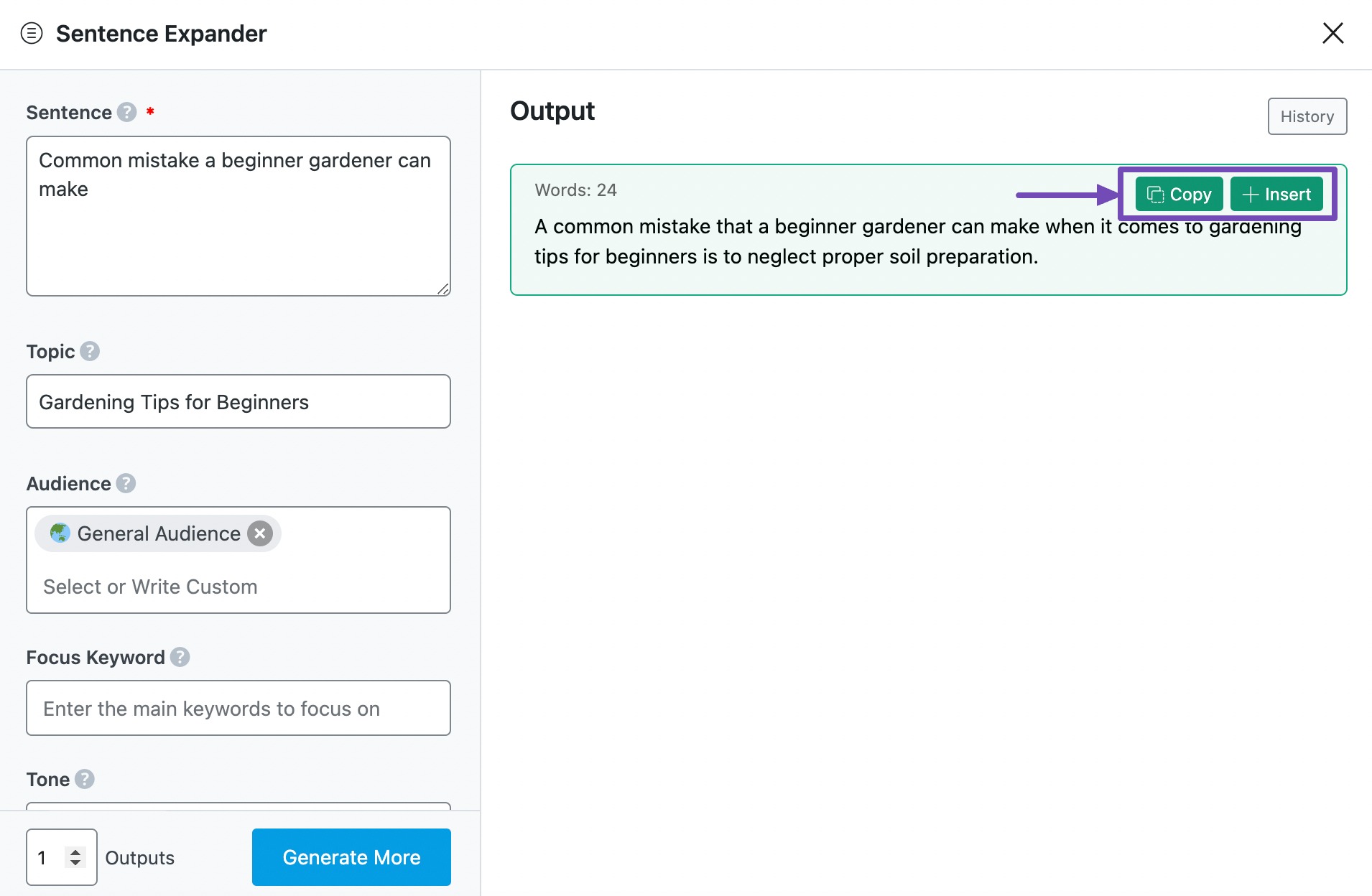
Here, hover over the expanded sentence and click Kopieren oder Einfügen.
Kopieren will copy the expanded sentence to your clipboard. You can then proceed to paste it elsewhere.
Einfügen will insert the expanded sentence into the Content Editor. You can then improve it using the other AI tools in the Content Editor.
3 Use Cases of the Sentence Expander AI Tool
The Sentence Expander AI tool is useful for various purposes, including creating marketing content, composing academic essays, or refining business correspondence. This tool boosts clarity, depth, and effectiveness. Here’s how to utilize it effectively:
3.1 Enhancing Short Marketing Copy
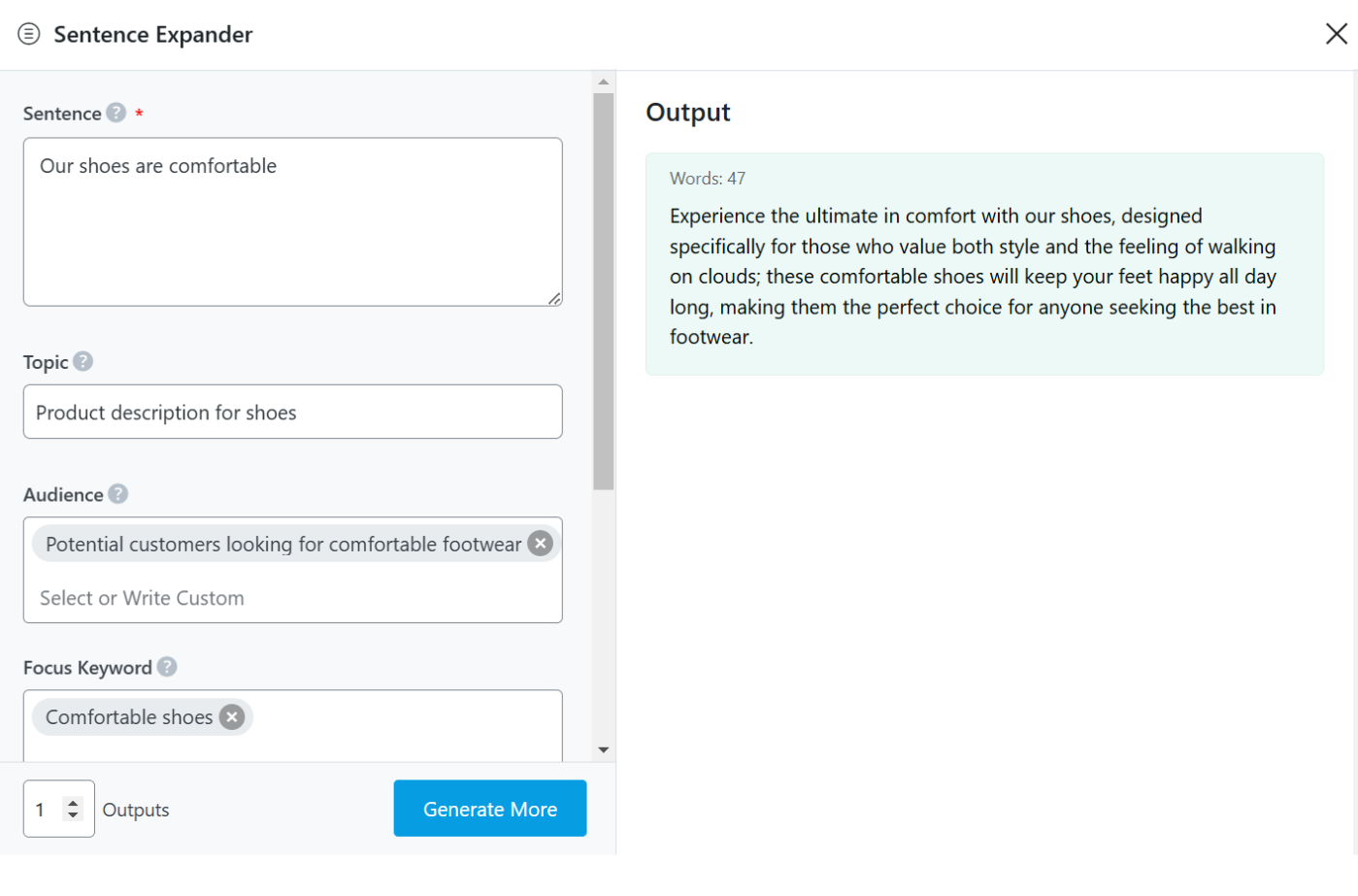
You can take a simple product or service description and expand it into a more persuasive and engaging message. This helps in making marketing content more appealing to potential customers.
3.2 Refining Email Communication
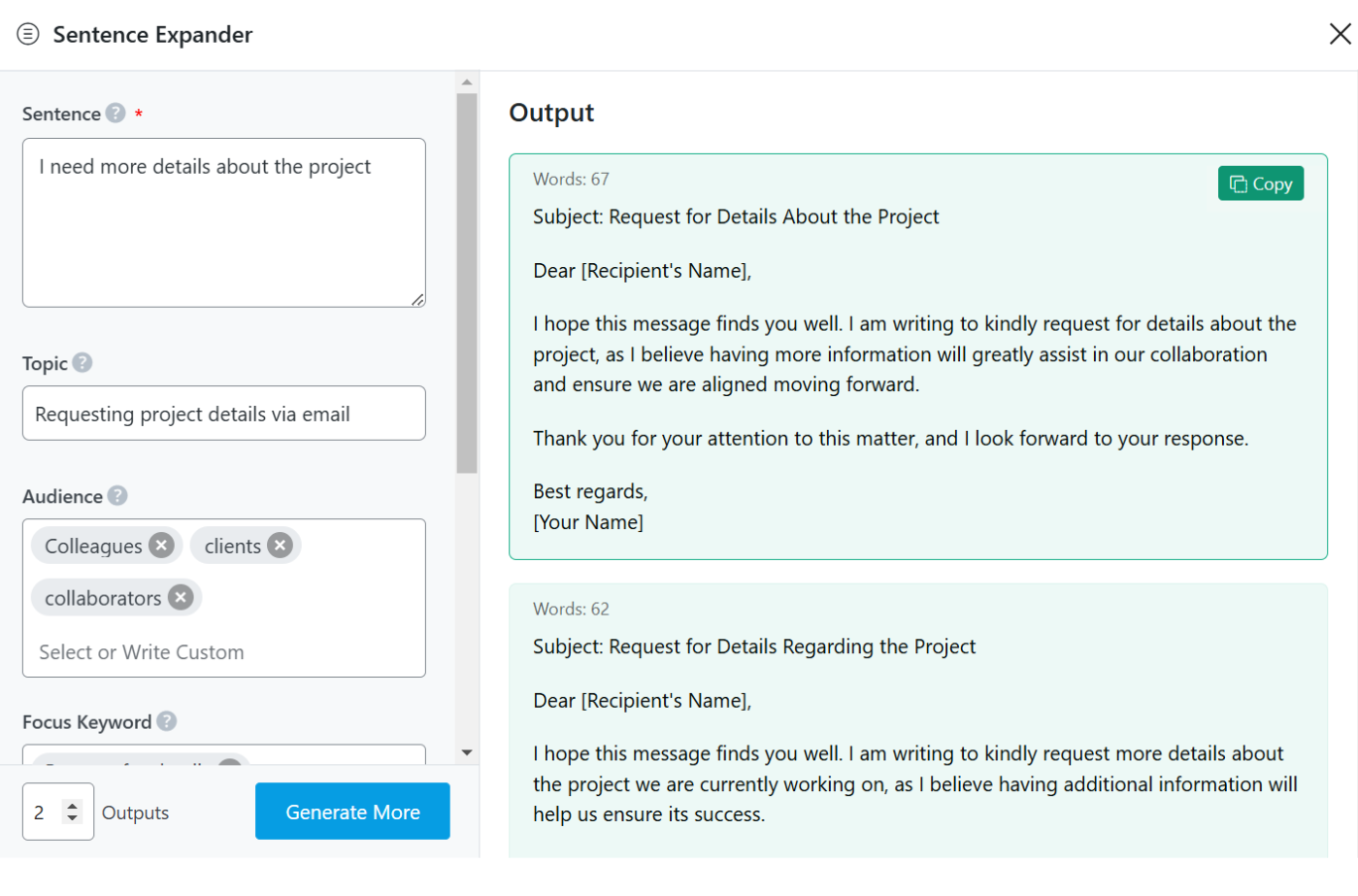
This AI tool helps you expand short, vague email phrases into well-structured, thoughtful messages that get your point across effectively.
3.3 Strengthening Storytelling in Content Writing
If you’re writing a story, blog post, or creative content, the tool helps bring your words to life. It transforms simple descriptions into immersive, vivid, and expressive narratives, making your writing more compelling and enjoyable to read.
4 Fazit
If you still have any questions about using the Sentence Expander AI tool or any other AI tool available in Content AI – you’re always more than welcome to Kontaktieren Sie unser engagiertes Support-Team. Wir sind rund um die Uhr, 365 Tage im Jahr für Sie da …
Verwenden Sie Rank Math immer noch nicht?
Die Einrichtung dauert weniger als 5 Minuten, einschließlich des Imports von Ihrem alten SEO-Plugin!