If you run a website and want it to appear in search, you’ll often hear about sitemaps. Fortunately, our plugin – Rank Math – automatically creates sitemaps for your website that make it easier for search engines to understand your site structure. We then combine all the individual sitemaps – for posts, pages, videos, etc. – into a single sitemap index. We do this so that you only have to submit the sitemap index link, which will be automatically updated when you change your site structure and its content.
In this knowledgebase article, we’re going to walk you through how to submit a sitemap to Google. Without further ado – let’s get started:
To submit your sitemap to Google, follow the exact steps we walk you through below.
1.1 Sign in to Google Search Console
To get started, you’ll need to sign in to the Console de recherche Google using the same account you vérifié & connected the website in question with.
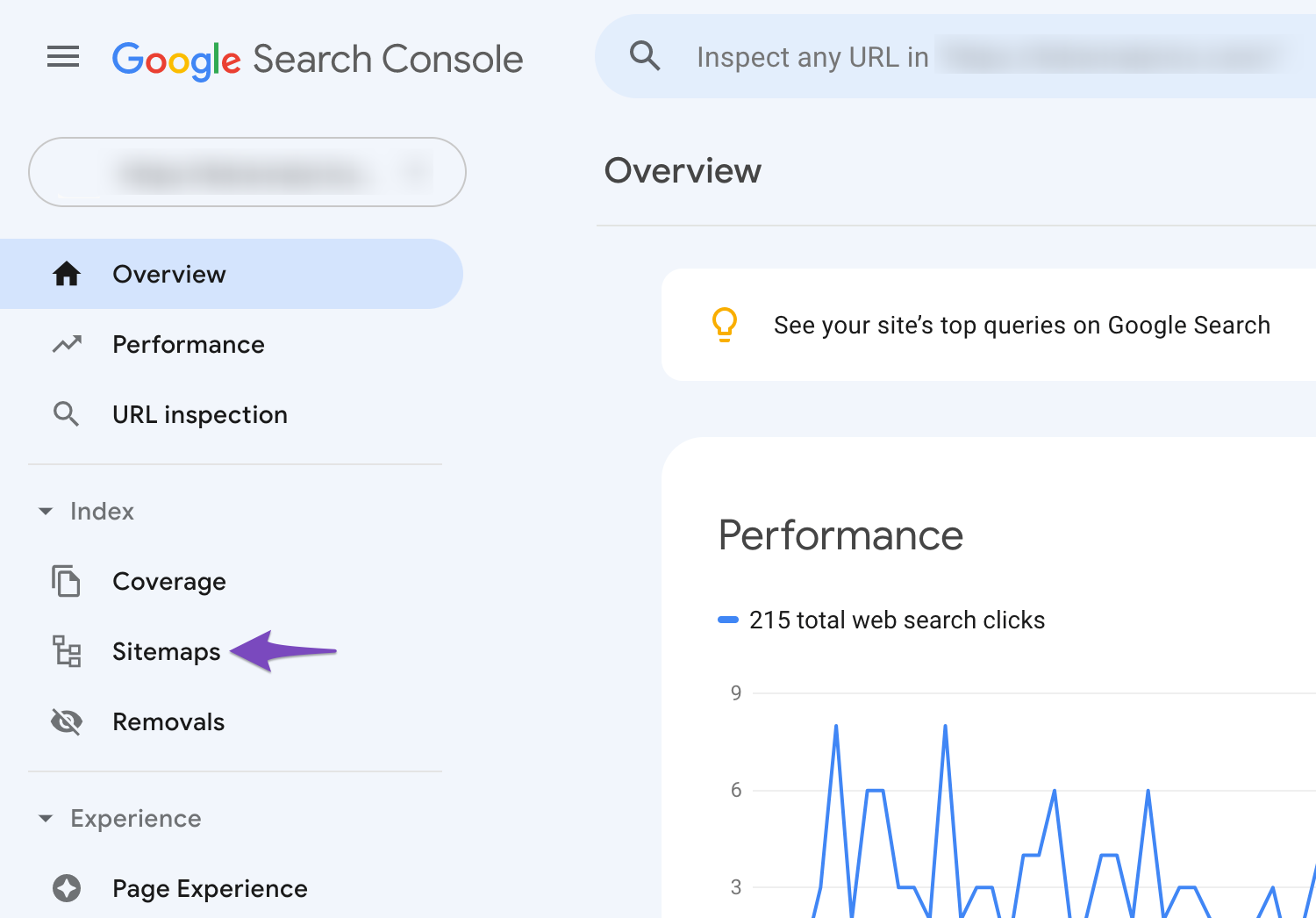
1.2 Navigate to Sitemaps
Select your website and click on Sitemaps as shown below:
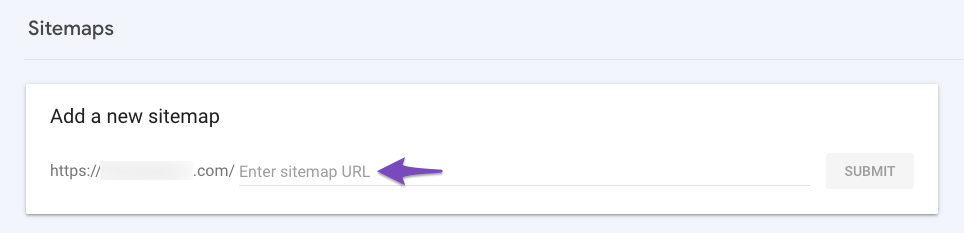
1.3 Enter Sitemap URL
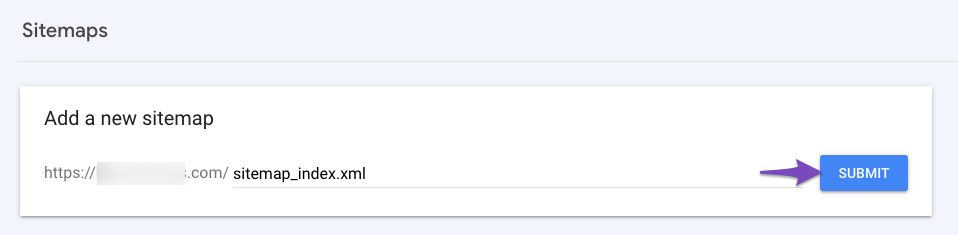
Entrer “sitemap_index.xml” dans le Add a new sitemap field in order to complete the sitemap URL.
1.4 Submit the Sitemap
Click on Submit, and your sitemap will be submitted to Google.
2 Automatically Submit Sitemaps to Google
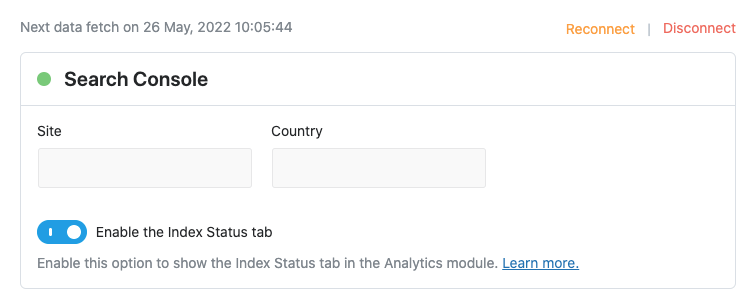
If you’re using the Analytique feature of Rank Math, Rank Math will automatically submit the sitemap to Google Search Console. You don’t need to manually submit your sitemap as we walked you through in the previous method.
To take advantage of this feature, ensure that you’ve connected Rank Math with your Google account and you’ve configured the Search Console settings.
You can read more about Plans de site in our Knowledge Base article and fix the sitemap issues if you have any. If you still have any questions about how to submit a sitemap to Google – you’re always more than welcome to contactez notre équipe d'assistance dédiée, and we are available 24/7, 365 days a year…
Vous n’utilisez toujours pas Rank Math ?
L'installation prend moins de 5 minutes, y compris l'importation depuis votre ancien plugin SEO !
In this knowledgebase article, we're going to walk you through how to submit a sitemap to Google. Without further ado – let's get started:
L'équipe Rank Math
Comment soumettre un plan de site à Google ? Rank Math SEO
Soumettre le plan du site de votre site Web à Google peut aider les robots d'exploration à trouver vos liens plus facilement et à les explorer plus efficacement. https://rankmath.com/kb/submit-sitemap-t...