☀️ Summer Sale: 30% Discount + 2x PRO Benefits

KOM MEER TE WETEN!

Hoe u eenvoudig afbeeldingen kunt toevoegen in WordPress

Adding images in WordPress is a simple yet powerful way to make your website more engaging and professional. Images grab attention, break up long blocks of text, and help communicate your message more clearly.

They also bring personality to your pages and can simplify complex ideas through visual explanation, making the content easier for readers to follow.

So, how do you add images in WordPress?

Fortunately, WordPress makes the process quick and easy—just a few clicks, and your visuals are live. Whether you’re using the Gutenberg block editor or the Classic editor, this post will show you exactly how to add and align images effortlessly.

Lees verder
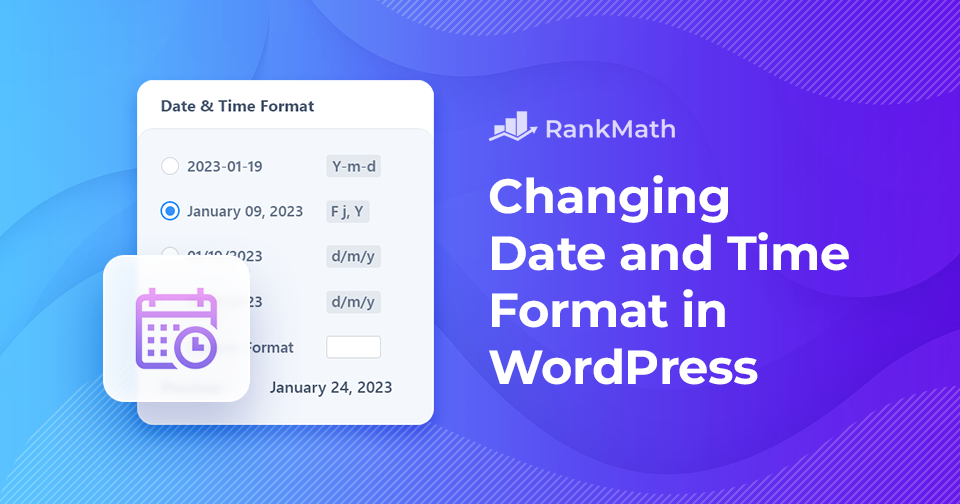
Hoe u snel de datum- en tijdnotatie in WordPress kunt wijzigen

Heeft u ooit de datum- en tijdnotatie van uw WordPress-site willen wijzigen?

Date and time can be displayed in many ways, and the format you choose can make a big difference in readability. You might prefer writing the month first or using numbers, and you may opt for abbreviated months instead of full names.

The same goes for time; some sites look better with a 12-hour clock like, “9:30 pm,” while others, such as medical or military sites, work best with a 24-hour display like “21:30.” Choosing the right format makes your content easier for visitors to understand at a glance.

The good news?

You can easily customize both the date and time format directly from your WordPress dashboard, giving you full control over how your site presents this information. So let’s get started.

Lees verder

Voetnoten toevoegen in WordPress - De gemakkelijke manier

Have you ever wanted to add extra context, cite your sources, or share additional details in your WordPress posts without disrupting the main flow of your content?

That’s exactly where footnotes come in. They let you provide readers with relevant sources, in-depth explanations, and citations, all while keeping your content clean and easy to read. Plus, they add a layer of credibility that helps build trust with your audience.

In WordPress, you can add footnotes in two simple ways: by using a plugin or by adding them manually with HTML.

In this post, I’ll walk you through both methods so you can start enhancing your posts with footnotes quickly and easily.

Lees verder

Google Discover-optimalisatie: hoe u meer verkeer naar uw site kunt leiden

If you’re like me, you’re always looking for ways to get more eyes on your content. You put time and effort into creating posts, but reaching the right audience can still be tough. That’s where Google Discover comes in.

Instead of waiting for visitors to search, Discover places your content directly in front of readers who are most likely to be interested, right on their mobile devices. By learning how it works and making a few smart adjustments, you can open the door to a steady stream of new visitors.

Google Discover Traffic - Hoe u uw inhoud ervoor kunt optimaliseren

In this post, I’ll show you how to optimize your site for Google Discover so you can start driving more traffic and growing your audience. So, let’s begin the discovery!

Lees verder

Er is een kritieke fout opgetreden op deze website: 6 snelle oplossingen

WordPress is een van de populairste platforms voor het bouwen van websites ter wereld. Miljoenen mensen gebruiken het om alles te maken, van eenvoudige websites tot complexe bedrijfsoplossingen.

Ondanks zijn populariteit is WordPress niet zonder gebreken!

Een van de meest voorkomende problemen waarmee u te maken kunt krijgen, is een alarmerende boodschap als: “Er is een kritieke fout opgetreden op deze website. Controleer de e-mailinbox van uw sitebeheerder voor instructies.” 

Dit bericht laat zien hoe u deze kritieke fout in WordPress snel kunt oplossen. We bespreken ook waardoor deze fout wordt veroorzaakt en hoe u deze kunt voorkomen. Dus zonder verder oponthoud, laten we aan de slag gaan.

Lees verder
🇳🇱 Nederlands