☀️ Summer Sale: 30% Discount + 2x PRO Benefits

KOM MEER TE WETEN!

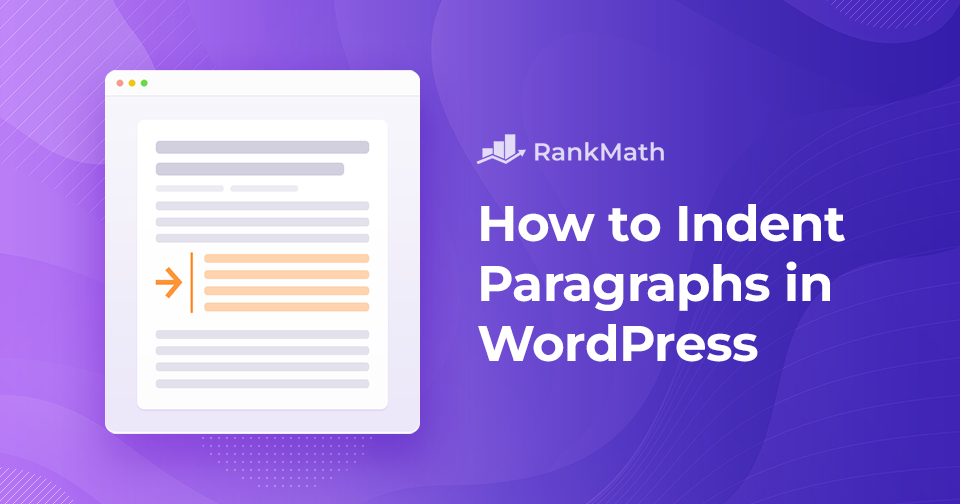
Alinea's inspringen in WordPress - 4 eenvoudige methoden

Do you want to indent paragraphs in WordPress?

Proper formatting is one of the most regularly overlooked best practices of content creation, and it is a major reason for the success and failure of a piece of content.

You only have a few seconds on the internet to capture your audience’s attention and show them that your post is worthy of their time. The secret to garnering more reads is to optimize your post with proper indentation.

Of course, every website is different, and you might not see much indenting. It is simple to indent paragraphs in WordPress. You can indent paragraphs in the classic editor, Gutenberg editor, or use HTML tags or CSS code.

This post will show you different ways to indent your paragraphs. So without any further ado, let’s get started.

Lees verder
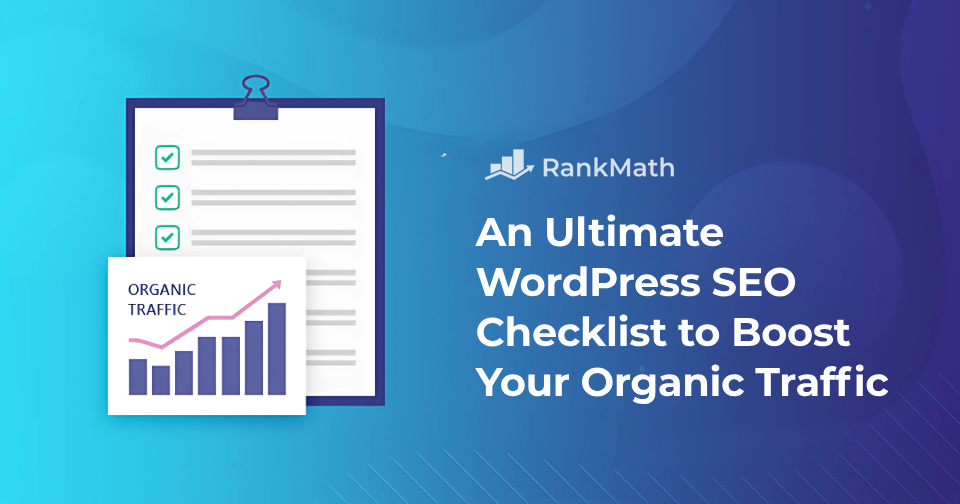
Ultimate WordPress SEO Checklist to Boost Your Organic Traffic in 2026

SEO is verre van eenvoudig. Degenen onder ons die al meer dan een handvol jaren in de branche zitten, zullen u dat vertellen verandering is de enige echte constante

With that being said, optimizing your website for search engines isn’t impossible. And while there are some technical aspects to it that are a bit tricky, the actual implementation of WordPress SEO beste praktijken is geworden gemakkelijker.

Dat is precies wat we gaan behandelen in deze WordPress SEO-checklist.

Lees verder

Sticky Posts in WordPress: complete gids voor beginners

If you’ve ever wanted to keep an important post at the very top of your blog, no matter how many new articles you publish, sticky posts in WordPress are the perfect solution.

This simple feature lets you pin a post so it always stays visible to your readers, ensuring that key announcements, guides, or featured content never get lost in the flow of updates.

In this post, I’ll walk you through everything you need to know about sticky posts in WordPress, from what they are and why they’re useful, to how you can set them up and make the most of them.

Lees verder

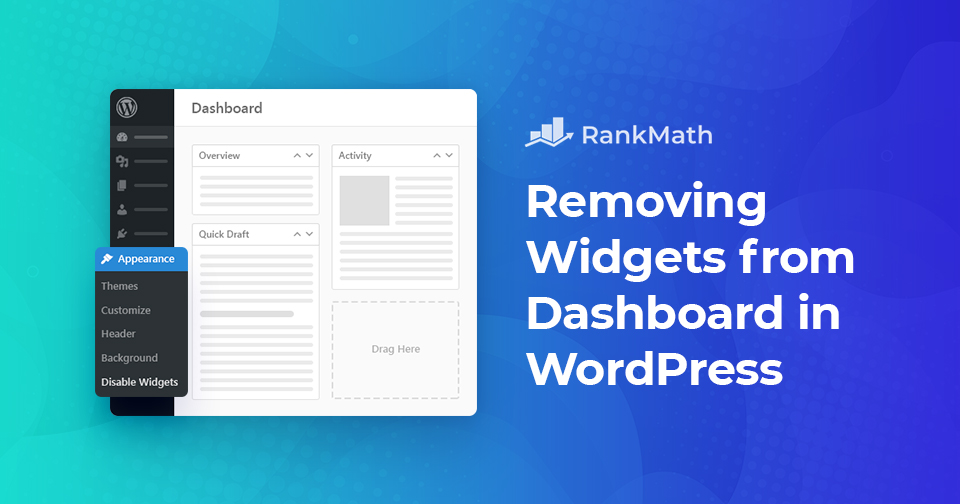
Hoe u snel widgets van het dashboard in WordPress kunt verwijderen

Your WordPress dashboard can quickly become cluttered with widgets added by themes and plugins, many of which you might never use. This clutter can slow your website and make it harder to focus on what really matters.

While you may have tried hiding some widgets, they often reappear or are recreated by other tools. Fortunately, there are simple ways to remove widgets—either using a plugin or adding a quick code snippet.

In this post, you’ll learn exactly how to clean up your WordPress dashboard by disabling unnecessary widgets, making your admin area faster, simpler, and easier to navigate.

Lees verder

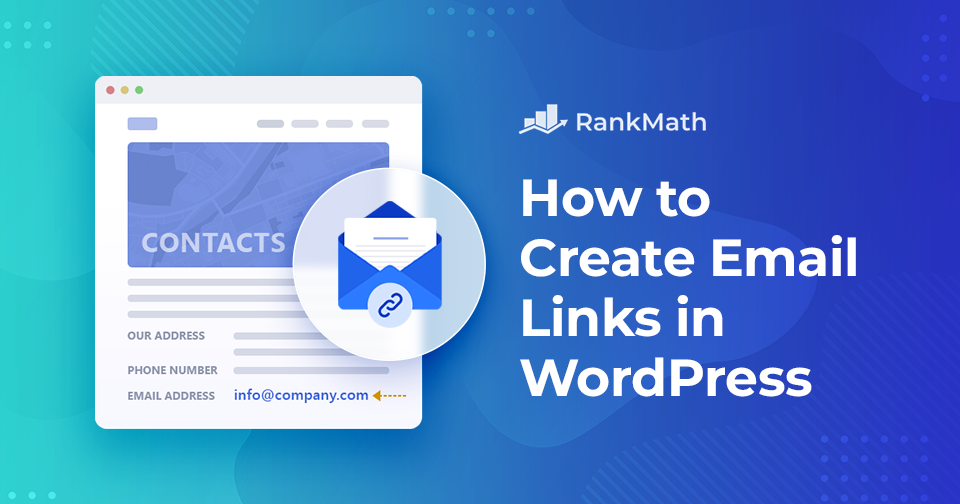
Hoe u eenvoudig e-maillinks kunt maken in WordPress

When you build your website, making it easy for visitors to reach you is essential. Sometimes, you’ll want to share your email address so people can contact you directly.

The easiest way to do this is by creating email links in WordPress, no coding required, or by using simple HTML.

In dit bericht laten we u zien hoe u e-maillinks kunt maken in WordPress en geven we voorbeelden van hoe uw links eruit zouden kunnen zien.

Lees verder
🇳🇱 Nederlands