☀️ Summer Sale: 30% Discount + 2x PRO Benefits

KOM MEER TE WETEN!

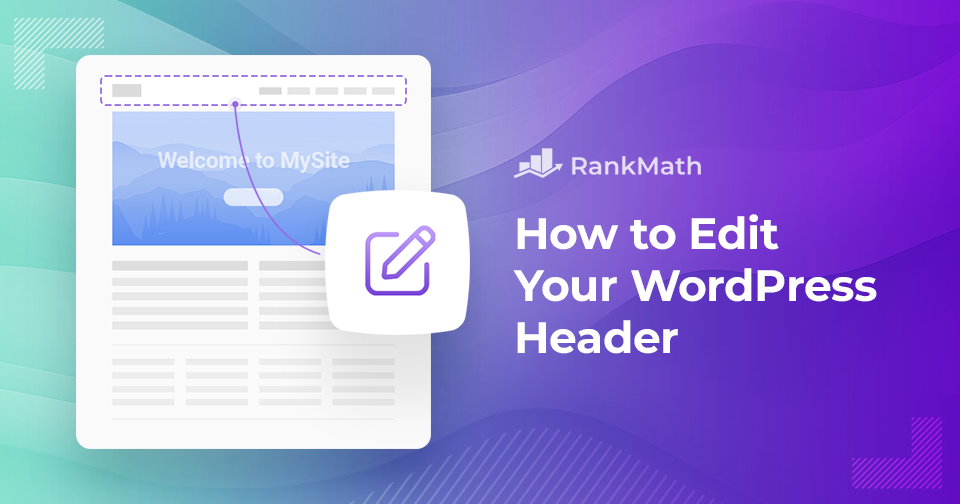
How to Easily Edit Your WordPress Header

Your WordPress header is one of the first things visitors notice when they land on your site. It sets the tone for your brand, showcases your logo, and often contains key navigation elements that guide users through your content.

Knowing how to edit your WordPress header gives you the control to make a strong first impression, improve usability, and reflect your site’s unique style.

In this post, you’ll learn step-by-step how to customize your header, whether you’re working with a theme, using the WordPress Customizer, or adding custom code to make your site truly yours.

Lees verder
Hoe u snel inhoudsupdates kunt plannen in WordPress

When you’re running a WordPress site, keeping your content fresh is just as important as publishing new posts.

I’ve often found that old articles can quickly become outdated, which isn’t great for readers or search engines.

The good news is, you don’t need to spend hours manually updating everything. WordPress gives tools to schedule content updates so you can plan ahead and keep your site looking active without the stress of doing it all in real time.

In this post, I’ll walk you through how you can quickly schedule content updates in WordPress and save yourself a lot of time and hassle.

Lees verder

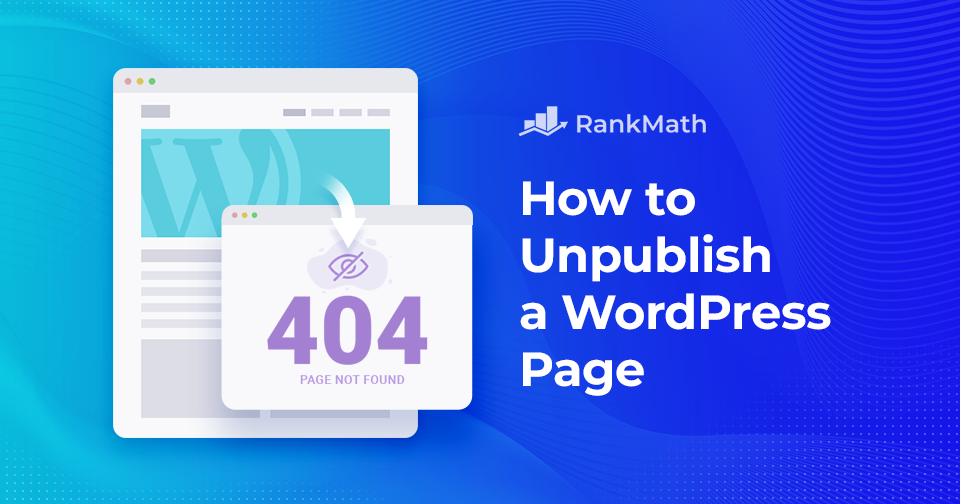
Hoe u snel de publicatie van een WordPress-pagina ongedaan kunt maken – een stapsgewijze zelfstudie

Als u eigenaar bent van een WordPress website, dan wil je op een gegeven moment misschien de publicatie van een WordPress-pagina of -bericht ongedaan maken. Hoewel het nooit erg is om een nieuw bericht te publiceren, kan het ongedaan maken van de publicatie van een bericht lastig zijn als je niet weet hoe je het moet aanpakken. 

De grote vraag is hoe u de publicatie van pagina's of berichten in WordPress ongedaan kunt maken. Als u op zoek bent naar een antwoord, bent u hier aan het juiste adres! U kunt de publicatie van een WordPress-pagina met of zonder plug-ins ongedaan maken.

Dat en nog veel meer bespreken we in deze complete stap-voor-stap-tutorial over hoe u direct kunt omgaan met het ongedaan maken van de publicatie van uw WordPress-pagina's... 

Maar voordat we beginnen, laten we eerst eens kijken naar de verschillende redenen om de publicatie van een WordPress-pagina of -bericht ongedaan te maken.

Lees verder

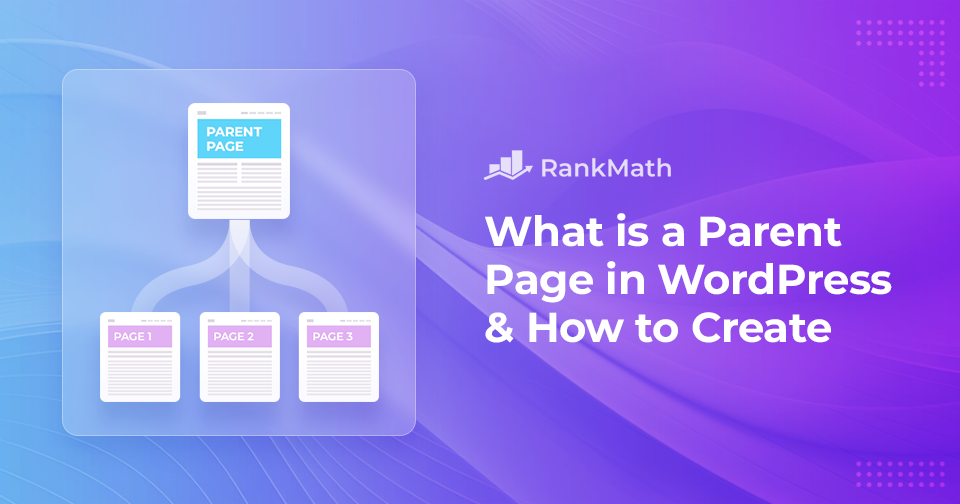
What is a Parent Page in WordPress & How to Create One

When building your WordPress site, keeping your content organized is key to creating a smooth experience for your visitors. That’s where parent pages come in.

In WordPress, pages are usually used for static content like your homepage, About page, or Contact page. But when you have a lot of related content, you’ll want a way to group it neatly. This is where parent and child pages help.

EEN parent page acts like a container that holds related child pages. By setting up this hierarchy, you make your website easier to navigate and more structured for both you and your audience.

In dit bericht geven we gedetailleerde informatie over wat een bovenliggende pagina is, hoe deze verschilt van een onderliggende pagina en hoe u deze kunt maken om de structuur en organisatie van uw website te verbeteren.

Lees verder

Hoe u een WordPress-geheugenuitputtingsfout kunt oplossen

Are you running into the WordPress-geheugen uitgeput error while trying to upload files or run scripts on your site? Don’t worry, this is a common issue, especially if your website uses a lot of images, videos, or resource-heavy plugins.

You might see error messages like:

  • Fatal error: Allowed memory size of X bytes exhausted (tried to allocate Y bytes)
  • PHP Fatal error: Out of memory (allocated X) (tried to allocate Y bytes)

These errors simply mean your site has hit the PHP memory limit set on your server, and WordPress doesn’t have enough memory to complete the task.

In this post, I’ll walk you through why this error happens, how you can fix it, and how to increase your site’s PHP memory limit to keep everything running smoothly.

Lees verder
🇳🇱 Nederlands