☀️ Summer Sale: 30% Discount + 2x PRO Benefits

KOM MEER TE WETEN!

Hoe u de fout ‘Sorry, u mag geen voorbeeld van concepten bekijken’ kunt oplossen

Wilt u de fout 'Sorry, u kunt geen voorbeeld van concepten bekijken' oplossen?

Previewing your posts or page drafts in WordPress is essential, as it allows you to spot design flaws, missing components, and spelling or grammatical errors before publishing them.

Maar zonder de juiste machtigingen kunt u geen voorbeeld van de concepten bekijken.
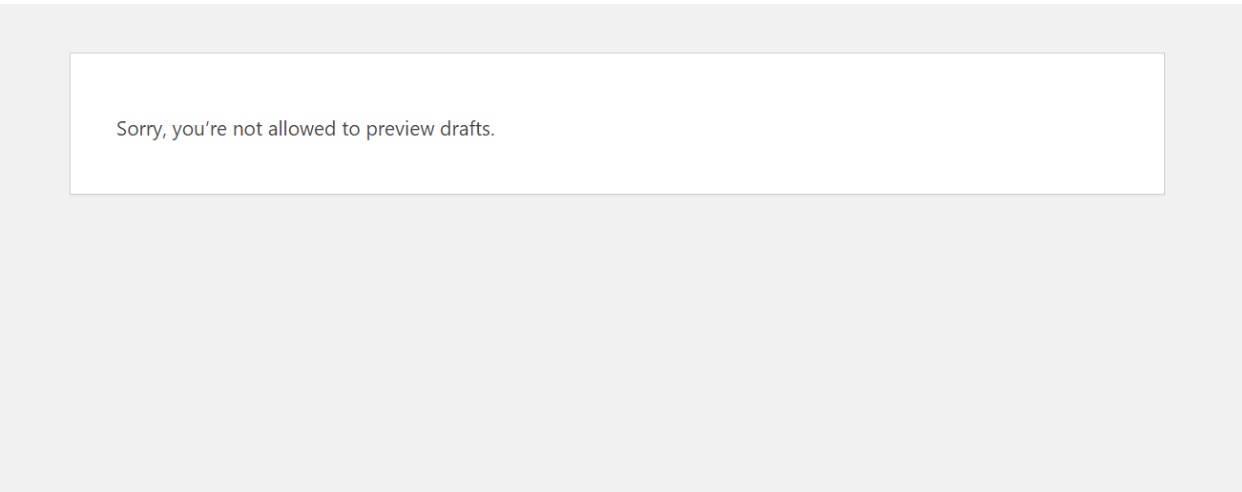
 Fout bij het bekijken van concepten is niet toegestaan

Fortunately, fixing this issue is simple, unlike most WordPress-gerelateerde fouten. Maar voordat we dit probleem oplossen, moeten we eerst begrijpen waarom u de foutmelding krijgt wanneer u een voorbeeld van concepten bekijkt in WordPress.

Lees verder
Hoe u eenvoudig de voettekst kunt bewerken in WordPress: een beginnershandleiding

When you build a website with WordPress, the footer often gets overlooked, but it’s one of the most important areas of your site.

The footer is the section at the very bottom of your pages, and it can include details like copyright information, navigation links, contact info, or even widgets and social icons.

By editing the footer, you can make your site look more professional, improve navigation, and add helpful details for your visitors.

Before we dive into the specifics of editing the footer, it’s important to understand what a footer is and why it’s important. So, let’s dive into the world of WordPress footers!

Lees verder

Hoe u uw WordPress-plug-in kunt vertalen: een meertalige ervaring creëren

Expanding your WordPress plugin to support multiple languages isn’t just a nice-to-have—it’s a smart move that opens the door to a global user base.

As the internet becomes increasingly multilingual, users expect software that speaks their language—literally.

By translating your plugin, you’re not only enhancing usability but also showing respect for your users’ cultural contexts.

In dit bericht begeleiden we u bij het vertalen van een WordPress-plug-in naar uw taal, waarbij we stapsgewijze instructies en waardevolle tips geven.

Laten we erin duiken en leren hoe u een WordPress-plug-in naar uw taal kunt vertalen.

Lees verder

Hoe u generatieve AI kunt gebruiken om uw SEO-spel te vertienvoudigen

Heeft u zich ooit afgevraagd wat er achter de schermen gebeurt als u een zoekopdracht in Google typt en op magische wijze een lijst met relevante websites krijgt? Of hoe sommige websites erin slagen helemaal bovenaan die lijst te komen?🧐

The answer lies in how effectively they use Generatieve AI voor SEO!

In fact, 71% of users say saving time is the #1 advantage of using AI, and Generative AI is here to amplify your efforts and elevate your online presence to unprecedented heights.

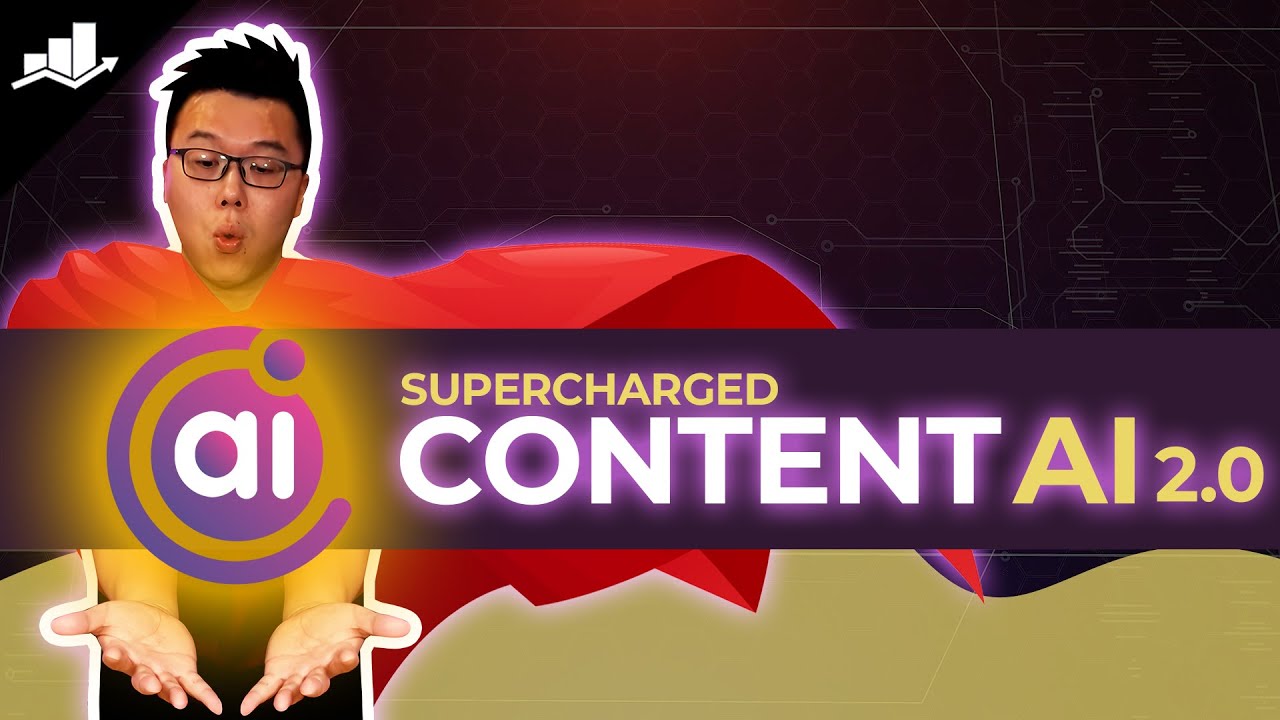
Content AI 2.0 - Geef WordPress SEO een boost met behulp van AI

In deze blogpost duiken we diep in de kern van deze synergie en onderzoeken we hoe generatieve AI uw SEO-strategie kan transformeren van goed naar buitengewoon.

Lees verder

How to Update WordPress Manually: A Step-by-Step Guide

Updating WordPress is essential to keeping your website secure, fast, and compatible with the latest plugins and themes.

While most updates can be done automatically with just a click, there are times when you may need to update WordPress manually.

This can be due to a failed auto-update, compatibility concerns, or simply because you prefer having more control over the process.

By learning how to update WordPress manually, you ensure your site stays safe and functional at all times.

In this post, you’ll learn simple methods: updating through the WordPress dashboard, updating via FTP, and via cPanel. You can pick the option that feels most comfortable for you.

Laten we dus, zonder verder oponthoud, aan de slag gaan.

Lees verder
🇳🇱 Nederlands