☀️ Summer Sale: 30% Discount + 2x PRO Benefits

¡APRENDE MÁS!

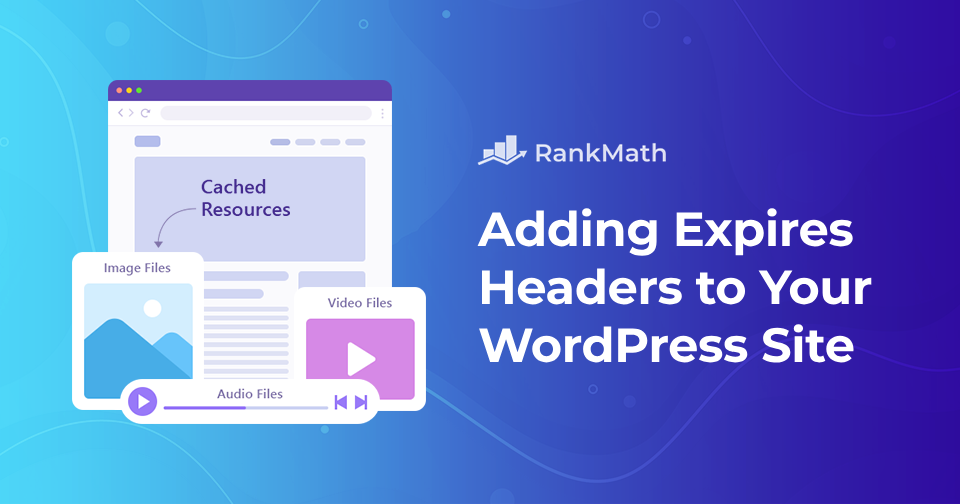
Cómo agregar encabezados de vencimiento a su sitio web de WordPress

¿Alguna vez te has encontrado con una sugerencia como "agregar encabezados de vencimiento"? No estás solo si tienes. Es uno de los consejos de rendimiento de sitios web más típicos que escuchará cuando comience a optimizar su sitio por primera vez.

If you manage a WordPress website, you’re probably always looking for new methods to make your site faster. Adding expires headers is one such option.

Los encabezados de caducidad son reglas que indican a los navegadores web si deben cargar imágenes del caché del navegador del visitante o de su servidor. Estos pueden ayudar a que su sitio web funcione mejor. Puede agregar encabezados de vencimiento manualmente o con la ayuda de un complemento.

Esta publicación explicará qué son los encabezados de vencimiento y cómo afectan su sitio. Además, le mostraremos métodos paso a paso sobre cómo agregar encabezados de vencimiento en WordPress.

Sigue leyendo
Cómo cambiar rápidamente el tamaño de fuente en WordPress

When you’re working on your WordPress site, sometimes the default font size just doesn’t cut it. Maybe your text looks too small on a desktop, or maybe you want headings that really stand out.

¿La buena noticia?

WordPress provides several simple ways to adjust your font size, ensuring your content is easy to read and suits your style.

In this post, I’ll walk you through quick methods you can use to change the font size in WordPress. So, without any further ado, let’s get started.

Sigue leyendo

Cómo solucionar el error 'Hay otra actualización actualmente en curso' en WordPress

When you try to update WordPress or a plugin, you might suddenly run into the frustrating message: “Another update is currently in progress.”

This usually happens if a previous update didn’t finish properly, leaving WordPress stuck and preventing you from running new updates.

The good news is, you don’t need to panic, this error is temporary and can be fixed quickly with a few simple steps.

In this post, you’ll learn what causes this error and how you can resolve it so you can get back to updating your site without interruptions.

Sigue leyendo

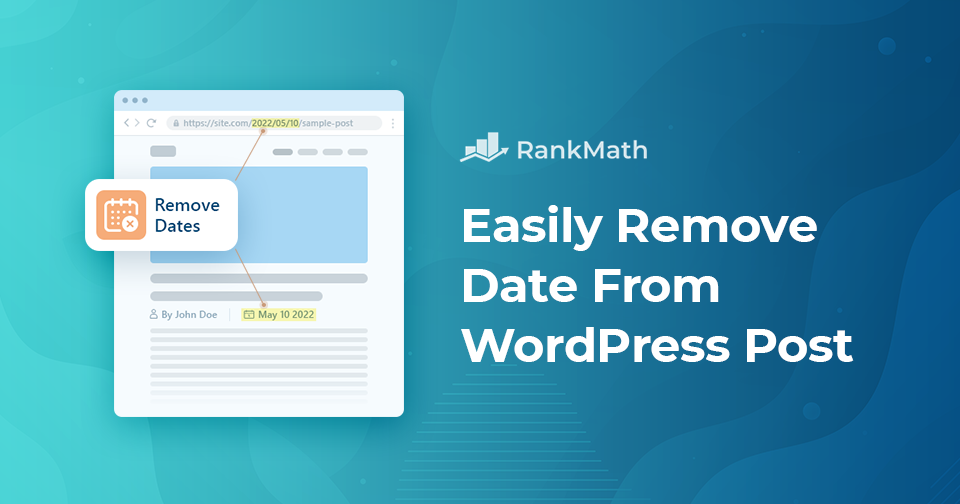
Cómo eliminar fácilmente la fecha de una publicación de WordPress

Do you want to remove the date from your WordPress posts but aren’t sure how to do it?

Sometimes, showing a post date can make your content look outdated, especially if it’s evergreen and still valuable to readers.

By hiding the date, you can give your articles a fresh, timeless feel that keeps visitors focused on the content itself rather than when it was published.

In this post, you’ll learn simple methods to remove the date from WordPress posts without breaking your site’s layout or design.

Sigue leyendo

Complete Rank Math Tutorial 2026 – SEO Tutorial For Beginners (Step-by-Step)!

Complete el tutorial Rank Math 2022 - ¡Tutorial SEO para principiantes (paso a paso)!

Rank Math, la navaja suiza de WordPress SEO, incluye toneladas de herramientas SEO, características innovadoras e integraciones listas para usar; en pocas palabras, el complemento SEO más poderoso disponible para WordPress.

Para dar una ventaja inicial a los principiantes, el asistente de configuración intuitivo de Rank Math configura las configuraciones esenciales para comenzar a funcionar en poco tiempo. No obstante, Rank Math le permite tener un control total sobre la configuración de SEO y personalizar su contenido en función de poderosas sugerencias integradas y mejores prácticas ampliamente aceptadas.

Este video tutorial completo; en otras palabras, es el único video tutorial que necesitará para instalar, instalar y configurar Rank Math para obtener el rendimiento SEO más óptimo de su sitio.

🇪🇸 Español