☀️ Summer Sale: 30% Discount + 2x PRO Benefits

¡APRENDE MÁS!

Las 4 mejores formas de agregar publicaciones destacadas en WordPress

Are you struggling to make your most important content stand out on your WordPress site?

When you have dozens of posts, visitors may find it hard to locate the ones that truly matter. This not only hurts user experience but can also reduce traffic to key pages.

The solution is simple: add a featured posts section. By highlighting selected posts in a special section or widget, you make it easier for readers to quickly spot your best content, whether that’s a must-read blog post, breaking news, or a key update.

You can feature posts in WordPress using plugins, menus, or sidebar widgets, depending on what works best for your site’s design.

In this post, you’ll learn what featured posts are, why they’re valuable, and several easy methods you can use to add them to your WordPress site. Let’s dive in!

Sigue leyendo

La guía definitiva: ¿Cómo instalar Google Tag Manager en WordPress?

¿Está buscando instalar Google Tag Manager en su sitio de WordPress?

Google Tag Manager es una herramienta fantástica que puede usar si desea conectar múltiples estadísticas y servicios de marketing en su sitio web de WordPress. Además, puede agregar y modificar sin esfuerzo varios códigos de seguimiento en su sitio web.

Sin embargo, Google Tag Manager tiene una curva de aprendizaje empinada. Llevaría algún tiempo dominar la herramienta. Pero no debes preocuparte. Puede instalar Google Tag Manager en un sitio web de WordPress de dos maneras: manualmente o mediante un complemento.

Setting Up Google Tag Manager: Complete Tutorial

En esta publicación, le mostraremos las dos formas de instalar Google Tag Manager, lo que facilita la configuración de un seguimiento complejo en su sitio de WordPress. Así que sin más preámbulos, comencemos.

Sigue leyendo

Cómo archivar publicaciones y páginas de WordPress

When your WordPress site grows, older posts and pages can start to pile up, making it harder for visitors to find fresh or relevant content.

Instead of deleting them, archiving is a smart way to keep your site organized while still preserving valuable information.

By archiving, you can remove outdated or less important content from your main pages without losing access to it completely.

In this post, you’ll learn how to easily archive WordPress posts and pages so you can keep your site clean, professional, and user-friendly.

Sigue leyendo

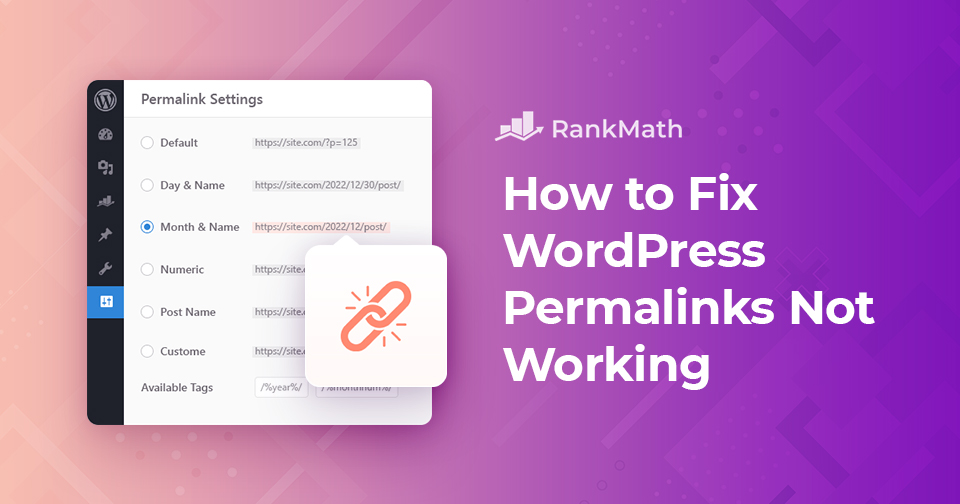
Los enlaces permanentes de WordPress no funcionan: métodos efectivos para resolverlos

¿Se enfrenta a un problema de enlaces permanentes de WordPress? O chocar con un "404 Pagina no encontrada" error en algunas páginas de su sitio?

En esta publicación, lo guiaremos a través de las causas por las que los enlaces permanentes de WordPress no funcionan en su sitio y le mostraremos cómo resolver este problema. Así que sin más preámbulos, comencemos.

Sigue leyendo

Una guía simple para administrar los transitorios de WordPress

When you’re running a WordPress site, performance is always on your mind. You want your pages to load quickly and your visitors to have a smooth experience. That’s where transients come in. They’re a built-in WordPress feature that stores temporary data so your site doesn’t have to repeatedly fetch the same information, saving time and resources.

But here’s the catch: if transients aren’t managed properly, they can build up and cause issues like slow load times or outdated content being displayed. That’s why it’s important for you to understand what they are, how they work, and how you can manage them.

In this post, you’ll learn everything you need to know about transients, from what they do behind the scenes to how you can save, retrieve, and delete them with ease. So, without any further ado, let’s get started.

Sigue leyendo
🇪🇸 Español