☀️ Summer Sale: 30% Discount + 2x PRO Benefits

¡APRENDE MÁS!

How to Easily Edit Your WordPress Header

Your WordPress header is one of the first things visitors notice when they land on your site. It sets the tone for your brand, showcases your logo, and often contains key navigation elements that guide users through your content.

Knowing how to edit your WordPress header gives you the control to make a strong first impression, improve usability, and reflect your site’s unique style.

In this post, you’ll learn step-by-step how to customize your header, whether you’re working with a theme, using the WordPress Customizer, or adding custom code to make your site truly yours.

Sigue leyendo
Cómo programar rápidamente actualizaciones de contenido en WordPress

When you’re running a WordPress site, keeping your content fresh is just as important as publishing new posts.

I’ve often found that old articles can quickly become outdated, which isn’t great for readers or search engines.

The good news is, you don’t need to spend hours manually updating everything. WordPress gives tools to schedule content updates so you can plan ahead and keep your site looking active without the stress of doing it all in real time.

In this post, I’ll walk you through how you can quickly schedule content updates in WordPress and save yourself a lot of time and hassle.

Sigue leyendo

Cómo cancelar rápidamente la publicación de una página de WordPress: un tutorial paso a paso

Si eres dueño de un WordPress sitio web, entonces, en algún momento, es posible que desees cancelar la publicación de una página o publicación de WordPress. Aunque nunca es gran cosa publicar una nueva publicación, cancelar la publicación de una publicación puede ser complicado si no sabes cómo hacerlo. 

La gran pregunta es cómo despublicar páginas o publicaciones en WordPress. Si estás buscando una respuesta, ¡has venido al lugar correcto! Puede cancelar la publicación de una página de WordPress con o sin complementos.

Cubriremos todo eso y mucho más en este tutorial completo paso a paso sobre cómo cancelar la publicación de sus páginas de WordPress de inmediato... 

Pero antes de comenzar, veamos primero las diversas razones para cancelar la publicación de una página o publicación de WordPress.

Sigue leyendo

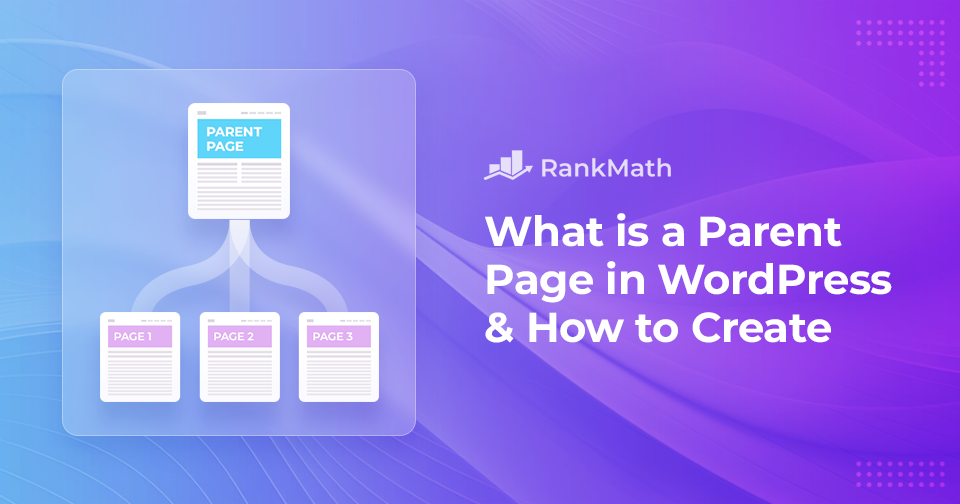
What is a Parent Page in WordPress & How to Create One

When building your WordPress site, keeping your content organized is key to creating a smooth experience for your visitors. That’s where parent pages come in.

In WordPress, pages are usually used for static content like your homepage, About page, or Contact page. But when you have a lot of related content, you’ll want a way to group it neatly. This is where parent and child pages help.

A parent page acts like a container that holds related child pages. By setting up this hierarchy, you make your website easier to navigate and more structured for both you and your audience.

En esta publicación, brindaremos información detallada sobre qué es una página principal, en qué se diferencia de una página secundaria y cómo puede crearlas para mejorar la estructura y organización de su sitio web.

Sigue leyendo

Cómo reparar el error de memoria agotada de WordPress

Are you running into the Memoria de WordPress agotada error while trying to upload files or run scripts on your site? Don’t worry, this is a common issue, especially if your website uses a lot of images, videos, or resource-heavy plugins.

You might see error messages like:

  • Fatal error: Allowed memory size of X bytes exhausted (tried to allocate Y bytes)
  • PHP Fatal error: Out of memory (allocated X) (tried to allocate Y bytes)

These errors simply mean your site has hit the PHP memory limit set on your server, and WordPress doesn’t have enough memory to complete the task.

In this post, I’ll walk you through why this error happens, how you can fix it, and how to increase your site’s PHP memory limit to keep everything running smoothly.

Sigue leyendo
🇪🇸 Español