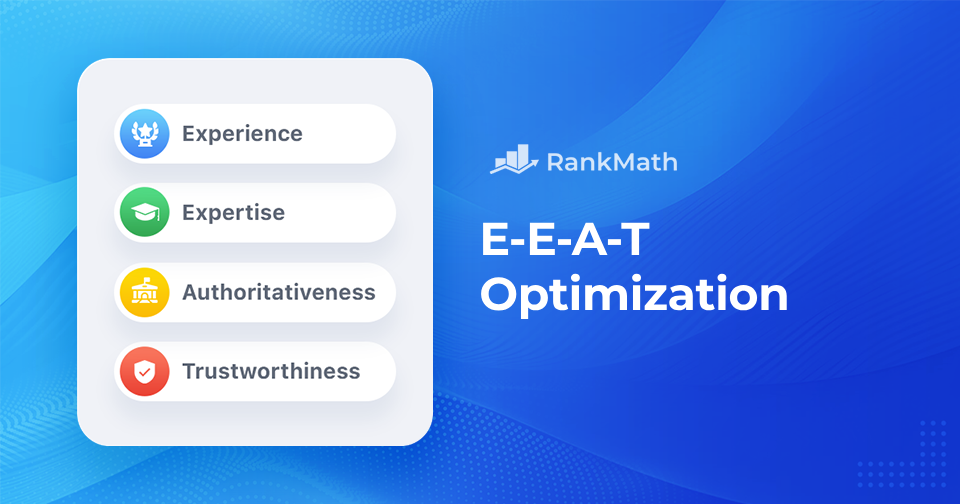
Optimización EEAT: cómo clasificar su sitio más alto

If you want your website to rank well on Google, simply stuffing it with keywords won’t cut it anymore. Google now puts a strong emphasis on comer, which stands for Experience, Expertise, Authoritativeness, and Trustworthiness.

I realized that E-E-A-T isn’t just theory—it’s something Google actually uses to assess whether your content is worth ranking. And it goes far beyond keyword use or backlinks. It’s about credibility. About showing that you actually know what you’re talking about and that readers (and Google) can trust you.

So buckle up because, in this post, we’ll walk through what E-E-A-T really means, why it matters for SEO, and most importantly, how you can optimize your content and brand to align with these principles.
7 Proven E-E-A-T Strategies to Rank Higher
Sigue leyendo

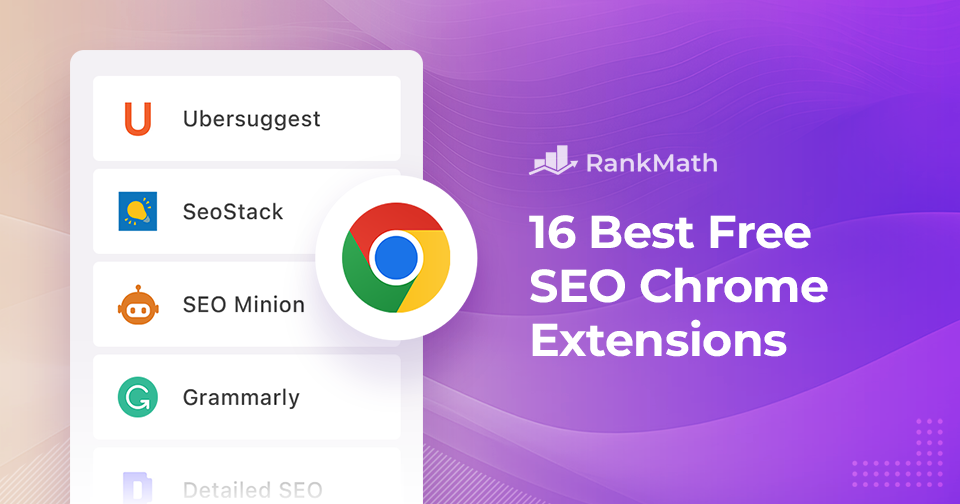
Las mejores extensiones de Chrome SEO: 16 herramientas gratuitas para el éxito de SEO

¿Estás listo para embarcarte en un viaje que te equipará con las últimas extensiones de Chrome para conquistar el terreno salvaje del mundo en línea?

¡Te espera un placer porque estamos a punto de revelar un tesoro de extensiones de Chrome que convertirán tu navegador web en una máquina SEO turboalimentada!

Las extensiones de Chrome son como el séquito de ayudantes de su sitio web. Son como esos fieles compañeros de tu película de superhéroes favorita: te respaldan. Están armados con superpoderes que pueden aumentar la visibilidad de su sitio web, analizar palabras clave e incluso echar un vistazo a los manuales de estrategias de sus competidores. 🦸‍♀️

In this blog post, we’ve handpicked the top tools that’ll be your companions on your thrilling quest for online supremacy.

16 Best FREE SEO Chrome Extensions
Sigue leyendo

Cómo agregar la etiqueta Leer más en WordPress

En el ajetreado mundo del contenido en línea, capturar y retener la atención de su audiencia es extremadamente importante.

If you want your blog page to show short previews instead of full posts, the Read More tag is one of the simplest ways to control what readers see. It helps you decide exactly where your content should cut off on your homepage, category pages, or archive pages.

La etiqueta Leer más le permite mostrar un fragmento de su contenido en la página principal de su sitio web, incitando a los lectores a hacer clic y explorar más.

En esta publicación, lo guiaremos paso a paso para agregar la etiqueta leer más a sus publicaciones o páginas de WordPress, mejorar la experiencia del usuario e impulsar interacciones más significativas con su contenido.

Entonces, sin más preámbulos, comencemos.

Sigue leyendo

How to Easily Hide a Page in WordPress

If you’re like me, you love creating and sharing content on your WordPress site.

But sometimes, you don’t want every page out in the open for the world to see. Maybe you’re working on a draft, building an exclusive page for clients, or keeping something private until it’s ready.

The good news is that you can easily hide a page in WordPress is simple, and you don’t need to be a developer to do it.

In this post, I’ll walk you through easy ways to hide a page, so you can stay in control of what your visitors see and when they see it.

Entonces, sin más preámbulos, comencemos.

Sigue leyendo

Cómo cambiar la URL de su sitio de WordPress

Your WordPress site URL is the address visitors type in to reach your website. There may come a time when you need to change it, maybe you’re moving to a new domain, switching from HTTP to HTTPS, or simply updating your site’s structure.

At first, this might seem tricky, but don’t worry.

With the right steps, you can update your WordPress site URL without breaking your site. In this post, you’ll learn exactly how to make the change and keep everything running smoothly.

So, let’s dive in and explore the best practices for updating your website’s URL.

Sigue leyendo
🇪🇸 Español