Comment ajouter facilement des GIF dans WordPress

Enhancing your blog posts with multimedia can boost shares, backlinks, conversions, and overall engagement, everything you want from your content.

Your audience will notice the effort and respond with likes, shares, and more interaction.

With attention spans shrinking, relying on text alone makes it harder than ever to keep readers engaged. That’s where GIFs come in; they make your posts more dynamic and fun to read.

Ready to make your content more dynamic and engaging? In this post, you’ll learn how to add GIFs in WordPress. So, let’s get started.

Continuer la lecture

Navigation sur le site Web : meilleures pratiques SEO

Effective website navigation is important for two key reasons: it enhances the expérience utilisateur and supports SEO performance.

For visitors, intuitive navigation makes it easier to find what they’re looking for, leading to increased engagement and conversions. For search engines, a clear and structured navigation setup helps them understand your site’s layout, improving indexability and rankings.

So, how can you optimize your site’s navigation to benefit both users and search engines?

In this post, we’ll walk you through the best practices for website navigation to improve usability and boost your site’s SEO. Let’s dive in.

8 Must-Know Tips for Better Site Navigation
Continuer la lecture

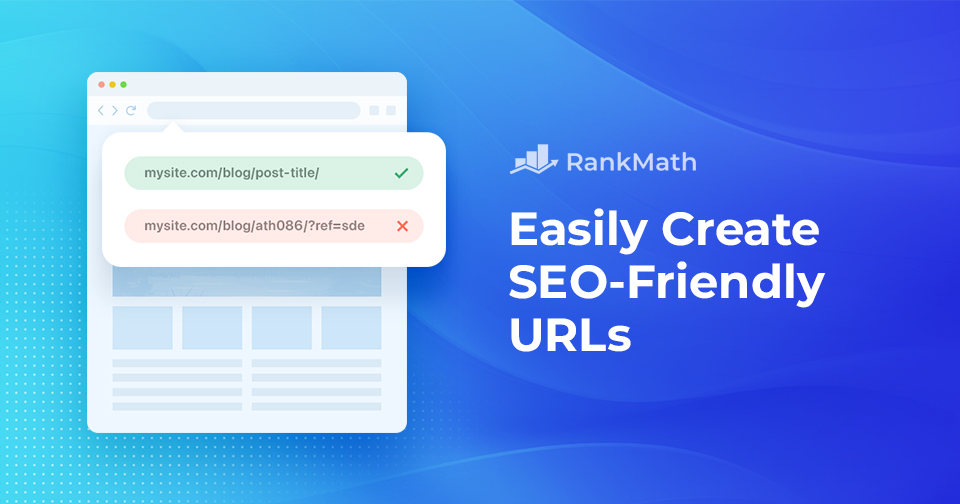
Comment créer facilement des URL compatibles SEO

Creating SEO-friendly URLs might seem like a small detail, but it plays a big role in how both users and search engines understand your content.

A well-structured URL not only improves your site’s visibility in search results but also enhances user experience by making your links easy to read, remember, and share.

On the other hand, messy or confusing URLs can hurt your SEO and confuse your audience.

In this post, we’ll discuss everything about SEO-friendly URLs and help you create them. So, without any further ado, let’s get started.

Ultimate Guide to WordPress Permalinks (Best Link Structure)
Continuer la lecture

Comment masquer un nom de thème WordPress

Picture this: you’ve poured your heart and soul into creating the perfect WordPress website that truly represents your vision and style. 

You’re proud of every detail, but suddenly, you realize that your visitors can see the name of the theme you used, taking away from the authenticity you’ve worked so hard to achieve.

Themes are undoubtedly a helpful resource, but sometimes, you want your website to showcase your creativity and uniqueness, not the theme’s identity. 

That’s when you can hide a WordPress theme name.

In this post, we’ll show you how to hide a WordPress theme name, making your website appear custom-built and one-of-a-kind. 

Es-tu prêt? Commençons.

Continuer la lecture

How to Easily Create a WordPress Backup? [5 Easy Methods]

When you’re running a WordPress site, one of the smartest things you can do is create regular backups.

No matter how secure or well-optimized your website is, unexpected issues like hacking, server crashes, or even a small mistake during an update can put your data at risk. Without a backup, you can lose all your hard work in seconds.

La bonne nouvelle ?

Creating a WordPress backup is easier than you might think.

In this post, you’ll learn five simple methods to create a WordPress backup so you can protect your content, stay prepared, and restore your site quickly whenever needed.

Without any further ado, let’s get started.

Continuer la lecture
🇫🇷 Français