Kuinka lisätä GIF-tiedostoja helposti WordPressiin

Enhancing your blog posts with multimedia can boost shares, backlinks, conversions, and overall engagement, everything you want from your content.

Your audience will notice the effort and respond with likes, shares, and more interaction.

With attention spans shrinking, relying on text alone makes it harder than ever to keep readers engaged. That’s where GIFs come in; they make your posts more dynamic and fun to read.

Ready to make your content more dynamic and engaging? In this post, you’ll learn how to add GIFs in WordPress. So, let’s get started.

Jatka lukemista
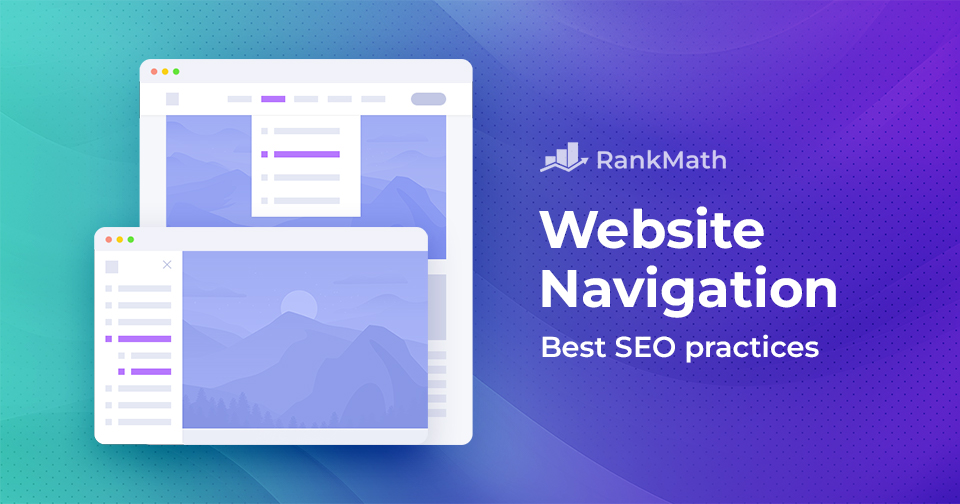
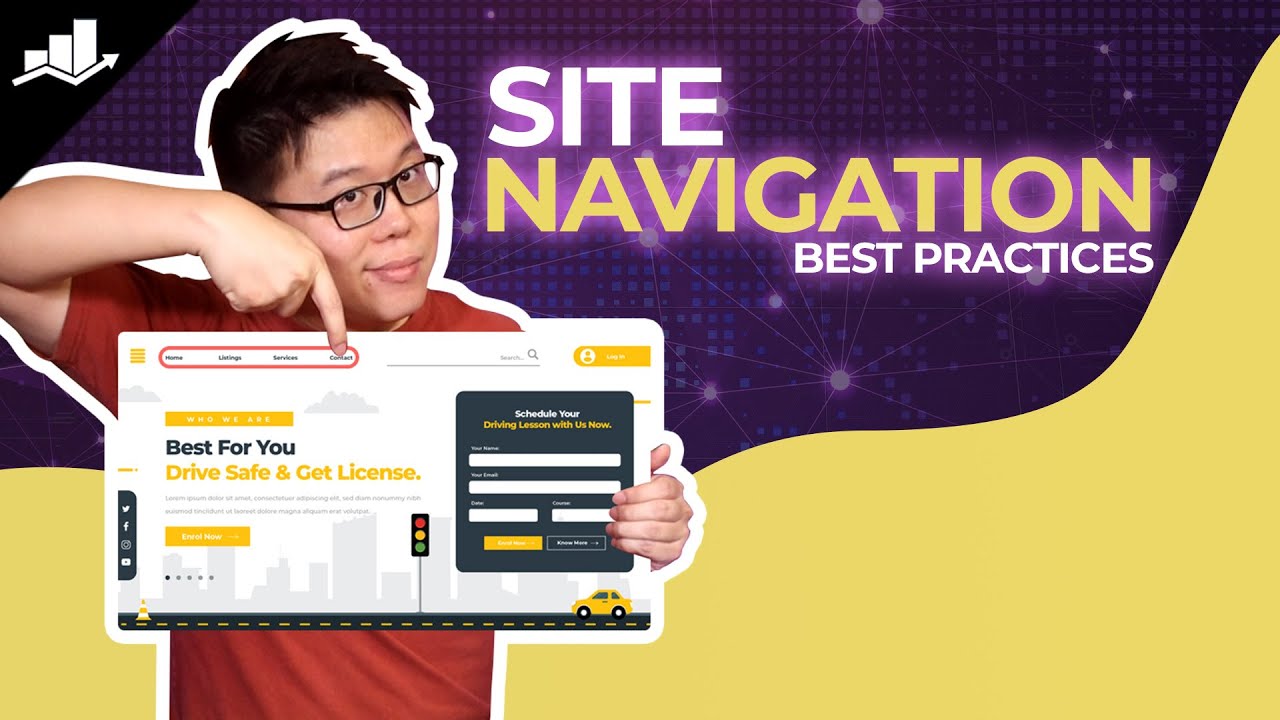
Verkkosivustolla navigointi: parhaat SEO-käytännöt

Effective website navigation is important for two key reasons: it enhances the käyttökokemusta and supports SEO performance.

For visitors, intuitive navigation makes it easier to find what they’re looking for, leading to increased engagement and conversions. For search engines, a clear and structured navigation setup helps them understand your site’s layout, improving indexability and rankings.

So, how can you optimize your site’s navigation to benefit both users and search engines?

In this post, we’ll walk you through the best practices for website navigation to improve usability and boost your site’s SEO. Let’s dive in.

8 vinkkiä parempaan sivustonavigointiin
Jatka lukemista

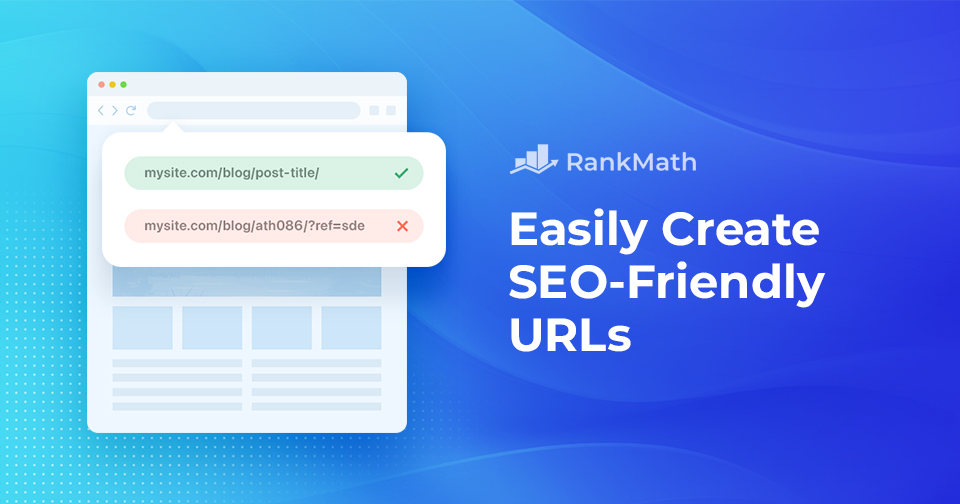
SEO-ystävällisten URL-osoitteiden luominen helposti

Creating SEO-friendly URLs might seem like a small detail, but it plays a big role in how both users and search engines understand your content.

A well-structured URL not only improves your site’s visibility in search results but also enhances user experience by making your links easy to read, remember, and share.

On the other hand, messy or confusing URLs can hurt your SEO and confuse your audience.

Tässä viestissä keskustelemme kaikesta SEO-ystävällisistä URL-osoitteista ja autamme sinua luomaan niitä. Joten ilman pitkiä puheita aloitetaan.

Lopullinen opas WordPressin pysyviin linkkeihin (paras linkkirakenne)
Jatka lukemista

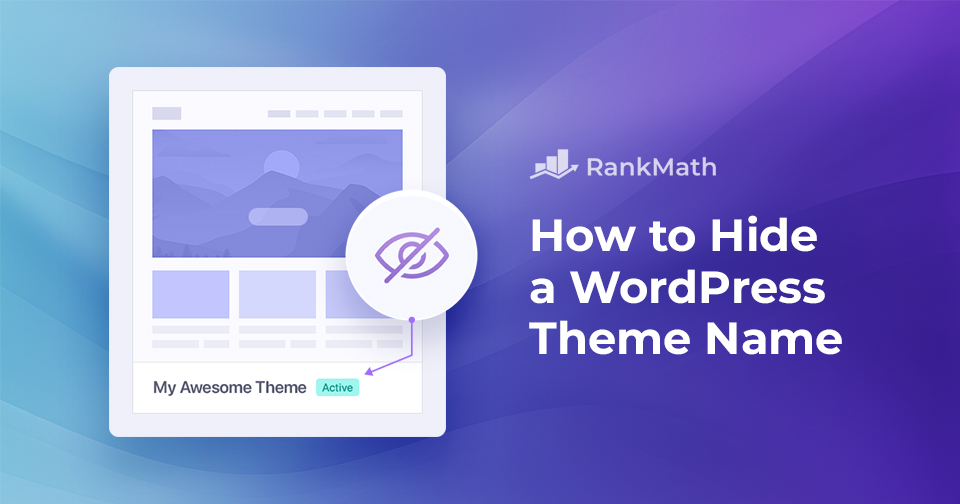
Kuinka piilottaa WordPress-teeman nimi

Kuvittele tämä: olet vuodattanut sydämesi ja sielusi luodaksesi täydellisen WordPress-verkkosivuston, joka todella edustaa visioitasi ja tyyliäsi. 

Olet ylpeä jokaisesta yksityiskohdasta, mutta yhtäkkiä huomaat, että vierailijasi näkevät käyttämäsi teeman nimen, mikä poistaa aitouden, jonka saavuttamiseksi olet tehnyt niin kovasti töitä.

Teemat ovat epäilemättä hyödyllinen resurssi, mutta joskus haluat verkkosivustosi esittelevän luovuutesi ja ainutlaatuisuutesi, ei teeman identiteettiä. 

Silloin voit piilottaa WordPress-teeman nimen.

In this post, we’ll show you how to hide a WordPress theme name, making your website appear custom-built and one-of-a-kind. 

Oletko valmis? Aloitetaan.

Jatka lukemista

How to Easily Create a WordPress Backup? [5 Easy Methods]

When you’re running a WordPress site, one of the smartest things you can do is create regular backups.

No matter how secure or well-optimized your website is, unexpected issues like hacking, server crashes, or even a small mistake during an update can put your data at risk. Without a backup, you can lose all your hard work in seconds.

Hyvät uutiset?

Creating a WordPress backup is easier than you might think.

In this post, you’ll learn five simple methods to create a WordPress backup so you can protect your content, stay prepared, and restore your site quickly whenever needed.

Aloitetaan ilman pitkiä puheita.

Jatka lukemista
🇫🇮 Suomi