☀️ Summer Sale: 30% Discount + 2x PRO Benefits

もっと詳しく知る!

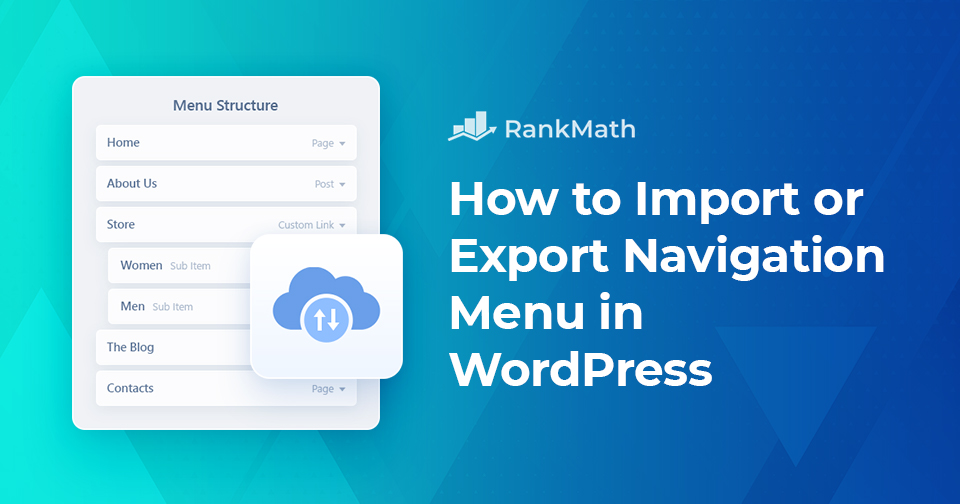
ナビゲーション メニューを 30 分で簡単にインポート/エクスポートする方法

Do you want to export a navigation menu from one WordPress site and import it into another?

Maybe you’re moving your entire website or just want to reuse a menu structure on a different site. Either way, importing and exporting menus can save you a lot of time compared to recreating them manually.

By default, WordPress import/export functionality only lets you transfer menus as part of a full site export, which means you can’t move just the menus on their own. This can feel confusing if you’re a beginner, but don’t worry, it’s easier than it sounds.

In this post, you’ll learn step by step how to import and export navigation menus in WordPress. But before we dive into the process, let’s take a quick look at how WordPress handles import and export features.

読み続けてください
Secret Revealed: How to Write an Introduction Paragraph

Google is in awe of amazing content! We’re all aware of this, right?

And what’s THE most important part of a post or article? That very first paragraph!

So, you should give that introduction paragraph some extra attention!

Think about it: when someone clicks on your post, those opening lines decide whether they’ll keep reading or click away. Your introduction sets the tone, tells readers what to expect, and helps Google understand what your content is about.

But why is an introduction so important? And how can you be certain to create an introduction that is SEO-friendly?

In this post, we’ll talk about how to write captivating introductions and give practical tips on how to write an awesome first paragraph!

読み続けてください

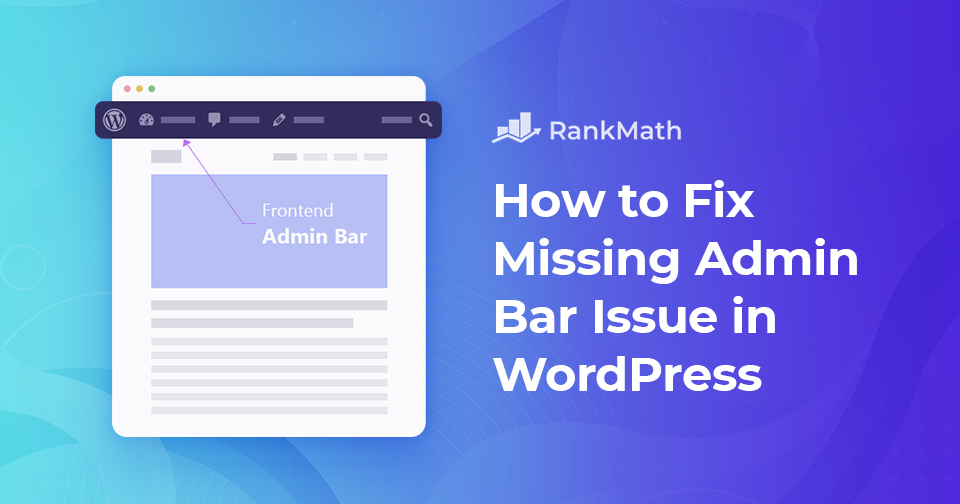
How to Fix Missing Admin Bar Issue in WordPress

Are you looking to fix the admin bar not showing on your WordPress site? For most WordPress websites, the admin bar appears on each page when you’re logged in on your site. It includes useful shortcuts to various sections of the WordPress admin area. But, when you experience the missing admin bar issue, the admin bar will be removed completely.

This can be very inconvenient since you have to go to your WordPress admin panel whenever you want to edit posts and pages, respond to comments, change plugin settings, and perform other actions.

The missing admin bar issue is usually caused by poorly coded themes, plugin conflicts, and user profiles that aren’t set up correctly.

With that said, let’s look at why this happens and how to fix your site’s missing admin bar issue.

読み続けてください

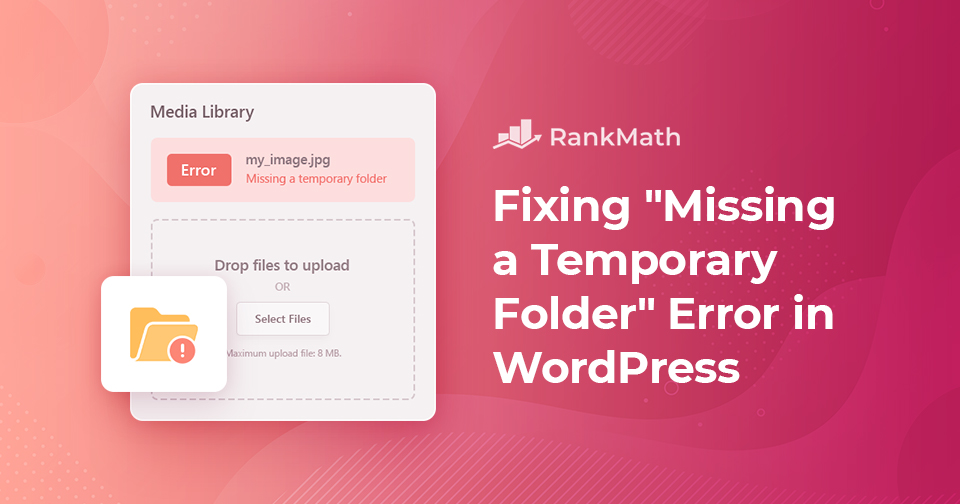
WordPress の「Missing a temporary folder」エラーをすばやく修正する方法

Is your WordPress site showing a “Missing a temporary folder” error? 

WordPress is the most commonly used website platform in the world. It’s the backbone of the modern internet, without WordPress, you wouldn’t be able to read most of the content you’re reading right now!

With that said, WordPress can sometimes be overwhelming, and you will likely encounter problems while installing and using it. One of the most annoying problems you can encounter is the “missing a temporary folder” error.

Nothing is more frustrating than having your workflow interrupted by an unexpected error message. But you need not worry, this is a common WordPress error, and you can fix it easily by editing the wp-config.php file.

How to Fix Missing Temporary Folder WordPress Error?

So let’s see how to troubleshoot the error in this post!

読み続けてください

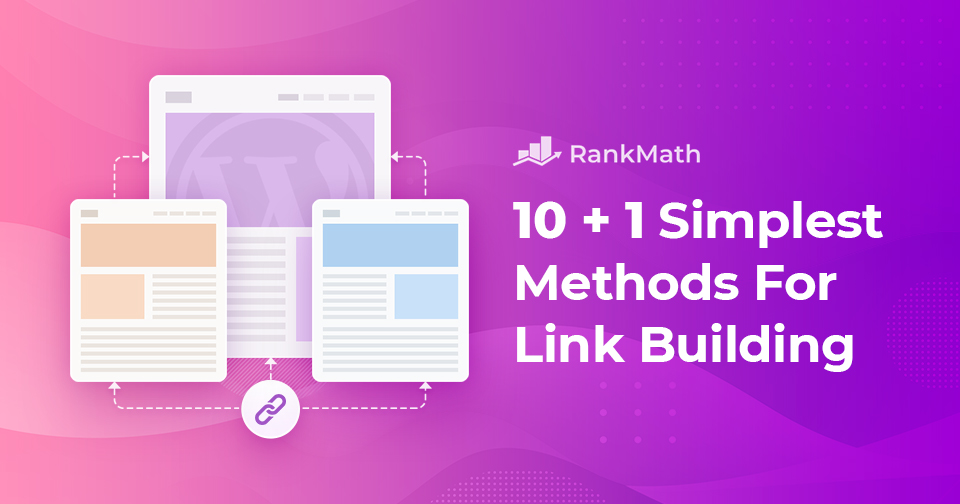
10 + 1 Simplest Methods for Link Building (2026 Edition)

Link building is and has been the foundation of SEO. SEO itself may have changed over time, but links still play one of the most important roles in helping a site rank.

好むと好まざるとにかかわらず、インターネット (および SEO もある程度) は人気コンテストです。そして、このコンテストでは、 通貨はリンクです.あなたのウェブサイトが別のウェブサイトから取得する各リンクは投票のようなもので、最も多くの投票を獲得した人が勝ちます.

しかし、これが問題です!

すべての票が同等と見なされるわけではなく、信頼できる情報源からの票は他の票よりも価値があります。同じパターンに従って、権限の高い Web サイトからのリンクは、取得する一般的なリンクよりも価値があります。

読み続けてください
🇯🇵 日本語