☀️ Summer Sale: 30% Discount + 2x PRO Benefits

もっと詳しく知る!

WordPress で注目の投稿を追加する 4 つの最良の方法

Are you struggling to make your most important content stand out on your WordPress site?

When you have dozens of posts, visitors may find it hard to locate the ones that truly matter. This not only hurts user experience but can also reduce traffic to key pages.

The solution is simple: add a featured posts section. By highlighting selected posts in a special section or widget, you make it easier for readers to quickly spot your best content, whether that’s a must-read blog post, breaking news, or a key update.

You can feature posts in WordPress using plugins, menus, or sidebar widgets, depending on what works best for your site’s design.

In this post, you’ll learn what featured posts are, why they’re valuable, and several easy methods you can use to add them to your WordPress site. Let’s dive in!

読み続けてください


究極のガイド: WordPress に Google タグ マネージャーをインストールする方法

WordPress サイトに Google タグ マネージャーをインストールしようとしていますか?

Google タグ マネージャーは、WordPress Web サイトで複数の統計およびマーケティング サービスを接続する場合に使用できる優れたツールです。また、Web サイトでさまざまなトラッキング コードを簡単に追加および変更できます。

ただし、Google タグ マネージャーの学習曲線は急勾配です。このツールに習熟するには、しばらく時間がかかります。しかし、心配する必要はありません。 WordPress ウェブサイトに Google タグ マネージャーをインストールするには、手動またはプラグインを使用する 2 つの方法があります。

Setting Up Google Tag Manager: Complete Tutorial

この投稿では、WordPress サイトで複雑なトラッキングを簡単に設定できる Google タグ マネージャーをインストールする両方の方法を紹介します。それでは、さっそく始めましょう。

読み続けてください

How to Archive WordPress Posts and Pages

When your WordPress site grows, older posts and pages can start to pile up, making it harder for visitors to find fresh or relevant content.

Instead of deleting them, archiving is a smart way to keep your site organized while still preserving valuable information.

By archiving, you can remove outdated or less important content from your main pages without losing access to it completely.

In this post, you’ll learn how to easily archive WordPress posts and pages so you can keep your site clean, professional, and user-friendly.

読み続けてください

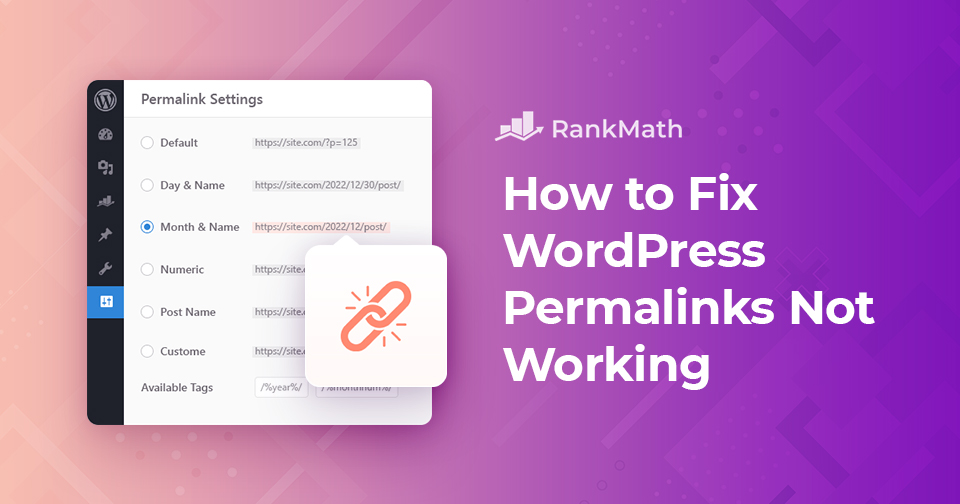
WordPress のパーマリンクが機能しない: それらを解決する効果的な方法

WordPress パーマリンクの問題に直面していますか?または、 「404 ページが見つかりません」 サイトのいくつかのページでエラーが発生しましたか?

この投稿では、WordPress のパーマリンクがサイトで機能しない原因と、この問題の解決方法について説明します。それでは、さっそく始めましょう。

読み続けてください

WordPress トランジェントを管理するための簡単なガイド

When you’re running a WordPress site, performance is always on your mind. You want your pages to load quickly and your visitors to have a smooth experience. That’s where transients come in. They’re a built-in WordPress feature that stores temporary data so your site doesn’t have to repeatedly fetch the same information, saving time and resources.

But here’s the catch: if transients aren’t managed properly, they can build up and cause issues like slow load times or outdated content being displayed. That’s why it’s important for you to understand what they are, how they work, and how you can manage them.

In this post, you’ll learn everything you need to know about transients, from what they do behind the scenes to how you can save, retrieve, and delete them with ease. So, without any further ado, let’s get started.

読み続けてください
🇯🇵 日本語