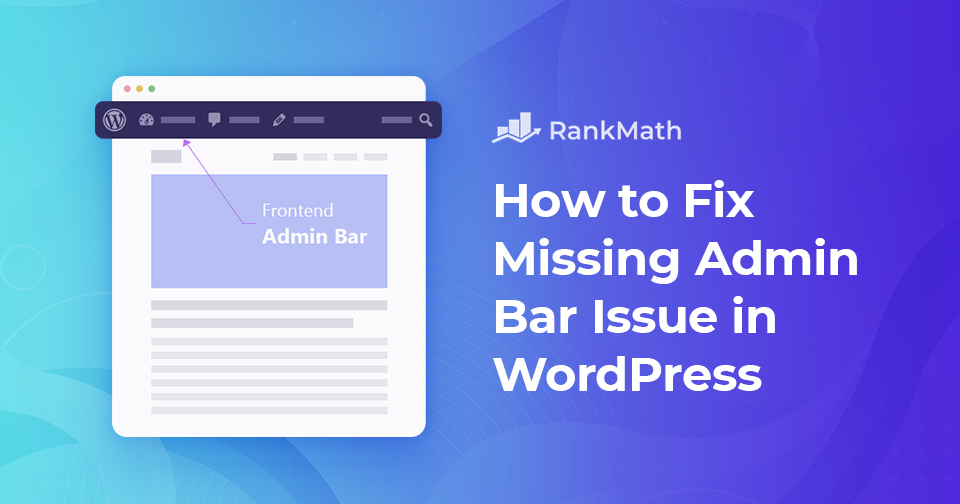
Come risolvere il problema della barra di amministrazione mancante in WordPress

Stai cercando di correggere la barra di amministrazione che non viene visualizzata sul tuo sito WordPress? Per la maggior parte dei siti Web WordPress, la barra di amministrazione viene visualizzata su ogni pagina quando accedi al tuo sito. Include utili collegamenti a varie sezioni dell'area di amministrazione di WordPress. Tuttavia, quando si verifica il problema con la barra di amministrazione mancante, la barra di amministrazione verrà rimossa completamente.

Questo può essere molto scomodo poiché devi andare al pannello di amministrazione di WordPress ogni volta che vuoi modificare post e pagine, rispondere ai commenti, modificare le impostazioni del plug-in ed eseguire altre azioni.

Il problema della barra di amministrazione mancante è solitamente causato da temi mal codificati, conflitti di plug-in e profili utente che non sono impostati correttamente.

Detto questo, diamo un'occhiata al motivo per cui ciò accade e come risolvere il problema della barra di amministrazione mancante del tuo sito.

Continua a leggere
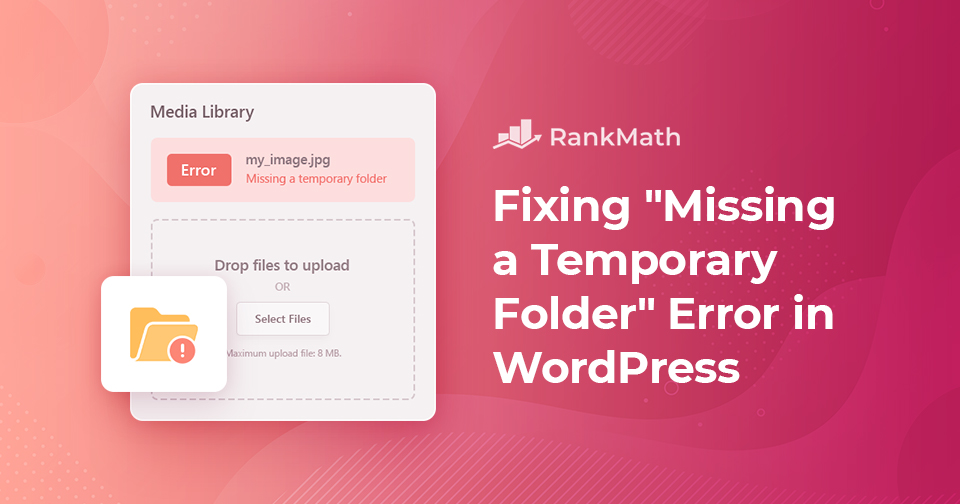
Come correggere rapidamente l'errore "Manca una cartella temporanea" in WordPress?

Il tuo sito WordPress mostra un "Manca una cartella temporaneaerrore? 

WordPress is the most commonly used website platform in the world. It’s the backbone of the modern internet, without WordPress, you wouldn’t be able to read most of the content you’re reading right now!

Detto questo, WordPress a volte può essere travolgente e probabilmente incontrerai problemi durante l'installazione e l'utilizzo. Uno dei problemi più fastidiosi che puoi incontrare è l'errore "manca una cartella temporanea".

Niente è più frustrante dell'interruzione del flusso di lavoro da un messaggio di errore imprevisto. Ma non devi preoccuparti, questo è un errore comune di WordPress e puoi risolverlo facilmente modificando il file wp-config.php.

How to Fix Missing Temporary Folder WordPress Error?

Quindi vediamo come risolvere l'errore in questo post!

Continua a leggere

10 + 1 Simplest Methods for Link Building (2025 Edition)

Link building is and has been the foundation of SEO. SEO itself may have changed over time, but links still play one of the most important roles in helping a site rank.

Piaccia o no, Internet (e SEO in una certa misura) è un concorso di popolarità. E in questo concorso, la valuta è link. Ogni collegamento che il tuo sito Web riceve da un altro sito Web è come un voto e vincono quelli che ottengono il maggior numero di voti.

Ma ecco la cosa!

Non tutti i voti sono considerati uguali e i voti provenienti da fonti autorevoli sono più preziosi di altri. Seguendo gli stessi schemi, i collegamenti da siti Web di alta autorità sono più preziosi di qualsiasi collegamento generale che ottieni.

Continua a leggere

5 modi migliori per riordinare i post in WordPress

So, you’ve got your new WordPress site ready, beautiful design, polished content, and everything in place. You’re just about ready to hit publish and share it with the world… but wait. There’s one last detail that can make a huge difference: the order of your posts.

By default, WordPress automatically lists posts from newest to oldest. That works fine most of the time, but sometimes you need a different setup, maybe you want to feature a specific blog post at the top, highlight an older piece that’s still relevant, rearrange custom post types, or even move a WooCommerce product to the front of your shop page.

In this post, I’ll walk you through five simple and effective ways to reorder posts in WordPress so you can take full control over what your visitors see first. So, without any further ado, let’s get started.

Continua a leggere

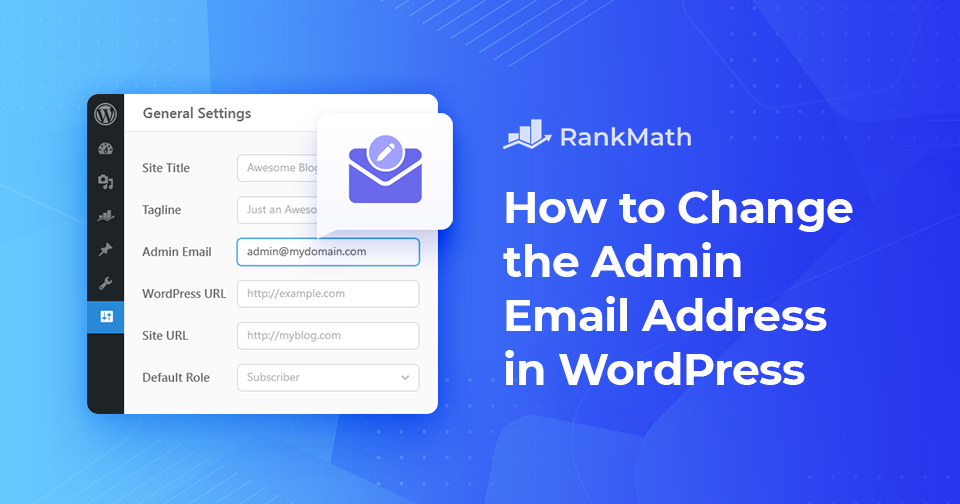
Come modificare l'indirizzo e-mail dell'amministratore in WordPress: il modo più semplice

When you set up your WordPress site, you probably entered an email address without giving it much thought.

But that admin email plays a bigger role than you might realize, it’s the one WordPress uses to send you important updates, password reset links, and security alerts. If the address is outdated or inaccessible, you could miss critical information about your site.

The good news? Changing your WordPress admin email is simple and doesn’t take more than a few minutes.

In this post, you’ll learn the easiest ways to change the admin email, so you can stay in control, receive important notifications, and keep your website running smoothly.

Continua a leggere
🇮🇹 Italiano