🌸 Spring Sale: Massive Discount + 2x PRO Benefits

SAPERNE DI PIÙ!

Come aggiungere tag Leggi di più in WordPress

Nel frenetico mondo dei contenuti online, catturare e mantenere l'attenzione del pubblico è estremamente importante.

If you want your blog page to show short previews instead of full posts, the Read More tag is one of the simplest ways to control what readers see. It helps you decide exactly where your content should cut off on your homepage, category pages, or archive pages.

Il tag Leggi di più ti consente di visualizzare uno snippet dei tuoi contenuti sulla pagina principale del tuo sito web, invogliando i lettori a fare clic ed esplorare ulteriormente.

In questo post, ti guideremo attraverso il processo passo passo per aggiungere il tag Leggi di più ai tuoi post o alle tue pagine WordPress, migliorare l'esperienza utente e favorire interazioni più significative con i tuoi contenuti.

Quindi, senza ulteriori indugi, iniziamo.

Continua a leggere
How to Easily Hide a Page in WordPress

If you’re like me, you love creating and sharing content on your WordPress site.

But sometimes, you don’t want every page out in the open for the world to see. Maybe you’re working on a draft, building an exclusive page for clients, or keeping something private until it’s ready.

The good news is that you can easily hide a page in WordPress is simple, and you don’t need to be a developer to do it.

In this post, I’ll walk you through easy ways to hide a page, so you can stay in control of what your visitors see and when they see it.

Quindi, senza ulteriori indugi, iniziamo.

Continua a leggere
Come modificare l'URL del tuo sito WordPress

Your WordPress site URL is the address visitors type in to reach your website. There may come a time when you need to change it, maybe you’re moving to a new domain, switching from HTTP to HTTPS, or simply updating your site’s structure.

At first, this might seem tricky, but don’t worry.

With the right steps, you can update your WordPress site URL without breaking your site. In this post, you’ll learn exactly how to make the change and keep everything running smoothly.

Quindi, tuffiamoci ed esploriamo le migliori pratiche per aggiornare l'URL del tuo sito web.

Continua a leggere

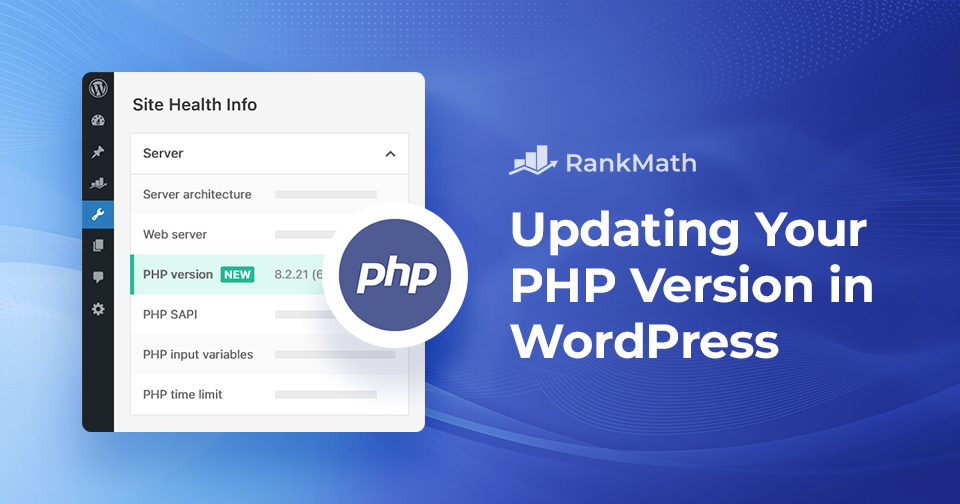
How to Update PHP Version in WordPress

If your WordPress site feels slow, runs into compatibility issues, or shows warnings about outdated software, chances are it’s time to update the PHP version of your site.

PHP is the programming language that powers WordPress, and running the latest version ensures your site is faster, more secure, and compatible with modern themes and plugins.

In this post, you’ll learn how to update PHP version in WordPress step by step, so you can keep your website running smoothly without unnecessary risks.

Continua a leggere

Come abilitare facilmente il debug in WordPress

If you’re looking to troubleshoot issues or optimize your WordPress site, enabling debugging is one of the first steps you should take.

Debugging helps you identify errors, warnings, and notices that may be affecting your website’s performance or functionality. By turning on WordPress debugging, you can gain clear insights into what’s going wrong, whether it’s a theme conflict, a plugin issue, or a PHP error.

In this post, I’ll share simple steps to enable debugging, allowing you to see exactly what’s going on under the hood of your WordPress site.

Continua a leggere
🇮🇹 Italiano