☀️ Summer Sale: 30% Discount + 2x PRO Benefits

APPRENDRE ENCORE PLUS!

4 meilleures façons d'ajouter des articles en vedette dans WordPress

Are you struggling to make your most important content stand out on your WordPress site?

When you have dozens of posts, visitors may find it hard to locate the ones that truly matter. This not only hurts user experience but can also reduce traffic to key pages.

The solution is simple: add a featured posts section. By highlighting selected posts in a special section or widget, you make it easier for readers to quickly spot your best content, whether that’s a must-read blog post, breaking news, or a key update.

You can feature posts in WordPress using plugins, menus, or sidebar widgets, depending on what works best for your site’s design.

In this post, you’ll learn what featured posts are, why they’re valuable, and several easy methods you can use to add them to your WordPress site. Let’s dive in!

Continuer la lecture

Le guide ultime : Comment installer Google Tag Manager dans WordPress

Vous cherchez à installer Google Tag Manager sur votre site WordPress ?

Google Tag Manager est un outil fantastique que vous pouvez utiliser si vous souhaitez connecter plusieurs services de statistiques et de marketing sur votre site Web WordPress. De plus, vous pouvez facilement ajouter et modifier divers codes de suivi sur votre site Web.

Cependant, Google Tag Manager a une courbe d'apprentissage abrupte. Il faudrait un certain temps pour maîtriser l'outil. Mais ne vous inquiétez pas. Vous pouvez installer Google Tag Manager sur un site Web WordPress de deux manières : manuellement ou à l'aide d'un plugin.

Setting Up Google Tag Manager: Complete Tutorial

Dans cet article, nous vous montrerons les deux manières d'installer Google Tag Manager, qui facilite la configuration d'un suivi complexe sur votre site WordPress. Alors sans plus tarder, commençons.

Continuer la lecture

Comment archiver des publications et des pages WordPress

When your WordPress site grows, older posts and pages can start to pile up, making it harder for visitors to find fresh or relevant content.

Instead of deleting them, archiving is a smart way to keep your site organized while still preserving valuable information.

By archiving, you can remove outdated or less important content from your main pages without losing access to it completely.

In this post, you’ll learn how to easily archive WordPress posts and pages so you can keep your site clean, professional, and user-friendly.

Continuer la lecture

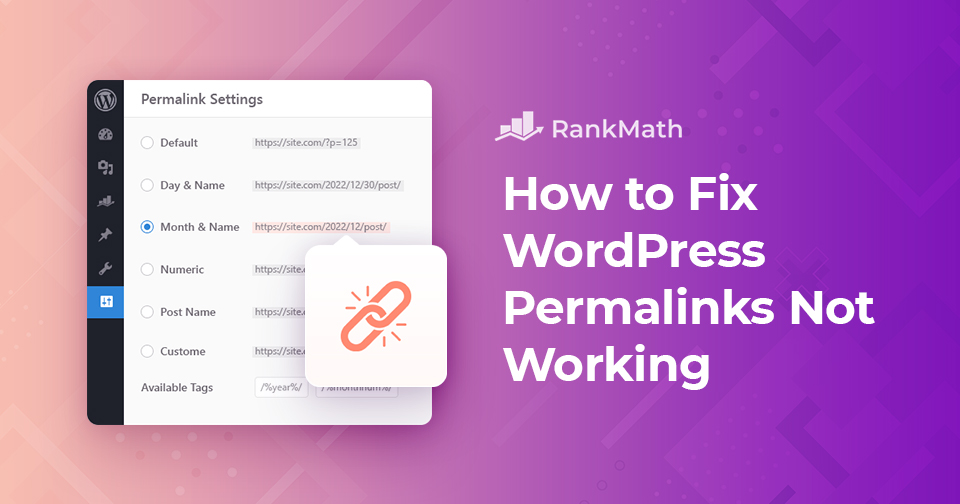
Les permaliens WordPress ne fonctionnent pas : des méthodes efficaces pour les résoudre

Vous êtes confronté à un problème de permaliens WordPress ? Ou tomber sur un "404 Page non trouvée" erreur sur quelques pages de votre site ?

Dans cet article, nous vous expliquerons les causes des permaliens WordPress qui ne fonctionnent pas sur votre site et vous montrerons comment résoudre ce problème. Alors sans plus tarder, commençons.

Continuer la lecture

Un guide simple pour gérer les transitoires WordPress

When you’re running a WordPress site, performance is always on your mind. You want your pages to load quickly and your visitors to have a smooth experience. That’s where transients come in. They’re a built-in WordPress feature that stores temporary data so your site doesn’t have to repeatedly fetch the same information, saving time and resources.

But here’s the catch: if transients aren’t managed properly, they can build up and cause issues like slow load times or outdated content being displayed. That’s why it’s important for you to understand what they are, how they work, and how you can manage them.

In this post, you’ll learn everything you need to know about transients, from what they do behind the scenes to how you can save, retrieve, and delete them with ease. So, without any further ado, let’s get started.

Continuer la lecture
🇫🇷 Français