Comment configurer les redirections 301 en masse dans WordPress (la meilleure façon)
 Publié dans: Technique SEO
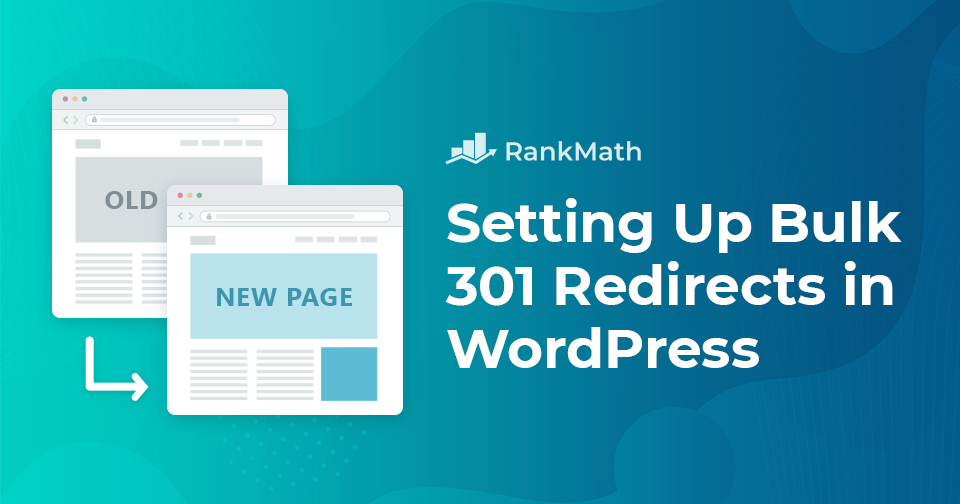
 If you’ve ever changed your site’s structure, removed old pages, or moved to a new domain, you know how important it is to make sure visitors (and search engines) don’t hit dead ends. That’s where 301 redirects come in; they help you guide traffic from outdated URLs to the right pages while preserving your SEO.
But what if you have dozens or even hundreds of URLs to redirect? You need not worry. You don’t need to update each one manually. In this post, we’ll show you how to set up bulk 301 redirects in WordPress, so you can avoid Liens brisés and keep your SEO intact.