🎉 Celebrating 4M+ Active Installations: With 2x PRO Benefits

APPRENDRE ENCORE PLUS!

How to Add or Change a Profile Picture to WordPress

Vous vous demandez comment ajouter une photo de profil sur votre site WordPress ? 

Pour établir une présence en ligne, il est essentiel d'avoir un profil WordPress bien conçu et visuellement attrayant pour les téléspectateurs. Un élément clé pour y parvenir est d’ajouter une photo de profil.

Non seulement cela sert de représentation de vous-même ou de votre marque, mais cela crée également un sentiment de familiarité avec votre public.

Fortunately, adding a profile picture in WordPress is a quick and easy process that can be done with just a few clicks, either by using Gravatar or with the help of a plugin. Whether you’re a beginner or an experienced WordPress user, we’ve got you covered.

Alors, sans plus tarder, commençons.

Continuer la lecture
Comment changer le logo dans WordPress : tutoriel étape par étape

Your website’s logo is one of the most important elements of your brand identity; it’s often the first thing visitors notice.

If you’re running a WordPress site, changing your logo is simple and doesn’t require advanced technical skills.

You might want to update your existing design, rebrand with a fresh look, or make small adjustments, and WordPress gives you several easy options to upload and customize your logo.

So, are you ready to change the logo and make a long-lasting impression? Let’s get started.

Continuer la lecture

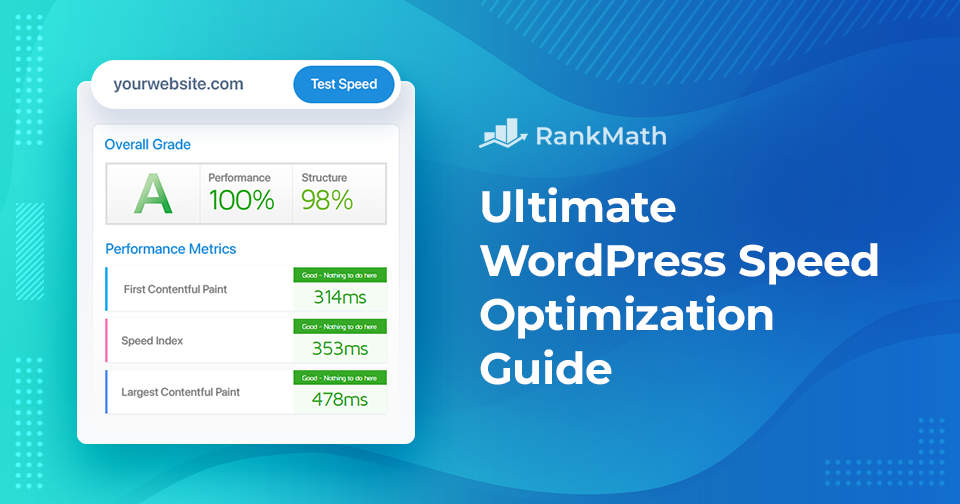
Guide ultime d'optimisation de la vitesse de WordPress - Réorganisez les performances de votre site

Êtes-vous fatigué des sites Web à chargement lent qui frustrent vos visiteurs et entravent votre réussite en ligne ?

Cherchez pas plus loin! Dans ce guide complet d'optimisation de la vitesse, nous vous aiderons à améliorer les performances de votre site Web avec des trucs et astuces simples qui laisseront vos visiteurs impressionnés !

Continuer la lecture

Guide de contenu SEO : Votre feuille de route pour un trafic organique maximal

If you want your content to rank well in search engines, it needs to do more than just sound good. It must appeal to both your audience and search engine algorithms. That’s where content SEO comes in.

It’s a core component of any successful SEO strategy, helping your pages get discovered, indexed, and ranked for the right queries.

Key Takeaways:

  • User-centric approach: Prioritize helpfulness and user intent over search engine algorithms.
  • Quality over quantity: Focus on well-researched, original, and actionable content
  • Intent alignment: Identify if keywords are informational, transactional, or navigational.
  • Long-tail focus: Target specific multi-word phrases to capture 92% of search queries with lower competition.
Continuer la lecture

Comment ajouter facilement des images dans WordPress

Adding images in WordPress is a simple yet powerful way to make your website more engaging and professional. Images grab attention, break up long blocks of text, and help communicate your message more clearly.

They also bring personality to your pages and can simplify complex ideas through visual explanation, making the content easier for readers to follow.

So, how do you add images in WordPress?

Fortunately, WordPress makes the process quick and easy—just a few clicks, and your visuals are live. Whether you’re using the Gutenberg block editor or the Classic editor, this post will show you exactly how to add and align images effortlessly.

Continuer la lecture
🇫🇷 Français