☀️ Summer Sale: 30% Discount + 2x PRO Benefits

LUE LISÄÄ!

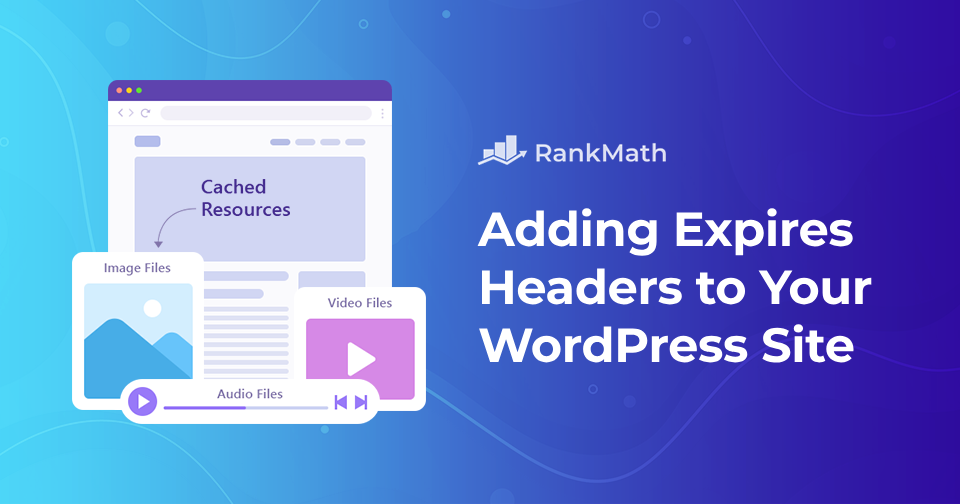
Kuinka lisätä Expires-otsikoita WordPress-verkkosivustollesi

Oletko koskaan törmännyt ehdotukseen, kuten "lisää vanhenemisotsikot"? Et ole yksin, jos olet. Se on yksi tyypillisistä verkkosivuston tehokkuutta koskevista neuvoista, joita kuulet, kun aloitat sivustosi optimoinnin.

If you manage a WordPress website, you’re probably always looking for new methods to make your site faster. Adding expires headers is one such option.

Expires-otsikot ovat sääntöjä, jotka kertovat selaimille, ladataanko kuvat vierailijan selaimen välimuistista vai palvelimeltasi. Nämä voivat auttaa verkkosivustoasi toimimaan sujuvammin. Voit lisätä expires-otsikot manuaalisesti tai laajennuksen avulla.

Tämä viesti selittää, mitä vanhenevat otsikot ovat ja miten ne vaikuttavat sivustoosi. Lisäksi näytämme sinulle vaiheittaiset menetelmät vanhentuvien otsikoiden lisäämiseen WordPressiin.

Jatka lukemista
Kuinka muuttaa nopeasti kirjasinkokoa WordPressissä

When you’re working on your WordPress site, sometimes the default font size just doesn’t cut it. Maybe your text looks too small on a desktop, or maybe you want headings that really stand out.

Hyvät uutiset?

WordPress provides several simple ways to adjust your font size, ensuring your content is easy to read and suits your style.

In this post, I’ll walk you through quick methods you can use to change the font size in WordPress. So, without any further ado, let’s get started.

Jatka lukemista

How to Fix ‘Another Update is Currently in Progress’ Error in WordPress

When you try to update WordPress or a plugin, you might suddenly run into the frustrating message: “Another update is currently in progress.”

This usually happens if a previous update didn’t finish properly, leaving WordPress stuck and preventing you from running new updates.

The good news is, you don’t need to panic, this error is temporary and can be fixed quickly with a few simple steps.

In this post, you’ll learn what causes this error and how you can resolve it so you can get back to updating your site without interruptions.

Jatka lukemista

How to Easily Remove the Date From WordPress Post

Do you want to remove the date from your WordPress posts but aren’t sure how to do it?

Sometimes, showing a post date can make your content look outdated, especially if it’s evergreen and still valuable to readers.

By hiding the date, you can give your articles a fresh, timeless feel that keeps visitors focused on the content itself rather than when it was published.

In this post, you’ll learn simple methods to remove the date from WordPress posts without breaking your site’s layout or design.

Jatka lukemista

Complete Rank Math Tutorial 2026 – SEO Tutorial For Beginners (Step-by-Step)!

Complete Rank Math Tutorial 2022 - SEO Tutorial For Beginners (Step-by-Step)!

Rank Math, the Swiss Army Knife of WordPress SEO, is bundled with tons of SEO tools, innovative features & out-of-the-box integrations — to simply put, the most powerful SEO plugin available for WordPress.

To give a head start for beginners, Rank Math’s intuitive Setup Wizard configures the essential settings to start running in no time. Nonetheless, Rank Math lets you have complete control over the SEO settings and customize your content based on powerful built-in suggestions and widely-accepted best practices.

This complete video tutorial — in other words, is the only video tutorial you’ll ever need to install, setup, and configure Rank Math for your site’s most optimal SEO Performance.

🇫🇮 Suomi