Tweettien upottaminen WordPressiin – helppo tapa

Tweets are everywhere, short, simple, and highly shareable.

But instead of just taking a screenshot, you can embed tweets directly into your WordPress site. This makes your content more engaging, lets visitors interact with the tweet, and adds credibility by linking back to the original source.

Whether it’s a funny meme, a news update, or an insightful thread you want to highlight, embedding tweets is the easiest way to share X (Twitter) content without interrupting your readers’ experience.

In this post, you’ll learn the simple steps to embed tweets in WordPress, both with and without a plugin.

Jatka lukemista

How to Delete All Comments on WordPress [3 Easy Methods]

Running a WordPress site means dealing with comments, sometimes a lot of them.

Over time, your site might collect thousands of comments, including spam, old discussions that no longer matter, or comments that don’t fit the new direction of your content. You might feel it’s easier to start over with a clean slate rather than sort through them one by one.

In this post, you’ll learn three different ways to delete all WordPress comments – using the admin dashboard, a plugin, or phpMyAdmin, so you can choose the method that best fits your comfort level and needs.

Jatka lukemista

Podcastin optimointi SEO:lle

If you’re creating a podcast, you’re already doing something powerful, building a deeper connection with your audience through your voice and ideas.

And you’re not alone. According to Statista, nearly 6 in every 10 U.S. consumers over the age of 12 listen to podcasts. That’s a huge and growing audience, but simply publishing episodes isn’t enough if people can’t find them.

By optimizing your podcast for search engines, you increase your chances of showing up in search results on Google, Apple Podcasts, Spotify, and beyond.

So, if you’re planning to explore this marketing channel, you’ll find what you need in this guide.

Jatka lukemista

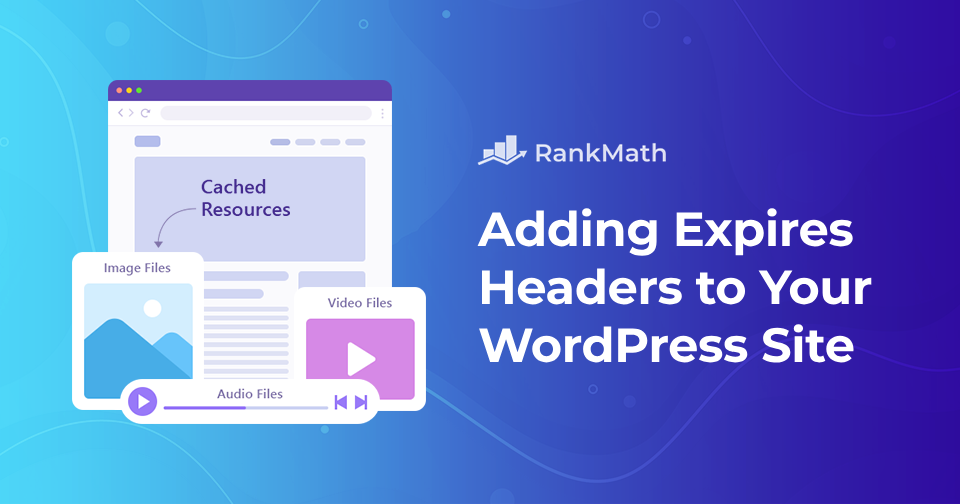
Kuinka lisätä Expires-otsikoita WordPress-verkkosivustollesi

Oletko koskaan törmännyt ehdotukseen, kuten "lisää vanhenemisotsikot"? Et ole yksin, jos olet. Se on yksi tyypillisistä verkkosivuston tehokkuutta koskevista neuvoista, joita kuulet, kun aloitat sivustosi optimoinnin.

If you manage a WordPress website, you’re probably always looking for new methods to make your site faster. Adding expires headers is one such option.

Expires-otsikot ovat sääntöjä, jotka kertovat selaimille, ladataanko kuvat vierailijan selaimen välimuistista vai palvelimeltasi. Nämä voivat auttaa verkkosivustoasi toimimaan sujuvammin. Voit lisätä expires-otsikot manuaalisesti tai laajennuksen avulla.

Tämä viesti selittää, mitä vanhenevat otsikot ovat ja miten ne vaikuttavat sivustoosi. Lisäksi näytämme sinulle vaiheittaiset menetelmät vanhentuvien otsikoiden lisäämiseen WordPressiin.

Jatka lukemista

Kuinka muuttaa nopeasti kirjasinkokoa WordPressissä

When you’re working on your WordPress site, sometimes the default font size just doesn’t cut it. Maybe your text looks too small on a desktop, or maybe you want headings that really stand out.

The good news?

WordPress provides several simple ways to adjust your font size, ensuring your content is easy to read and suits your style.

In this post, I’ll walk you through quick methods you can use to change the font size in WordPress. So, without any further ado, let’s get started.

Jatka lukemista
🇫🇮 Suomi