☀️ Summer Sale: 30% Discount + 2x PRO Benefits

LUE LISÄÄ!

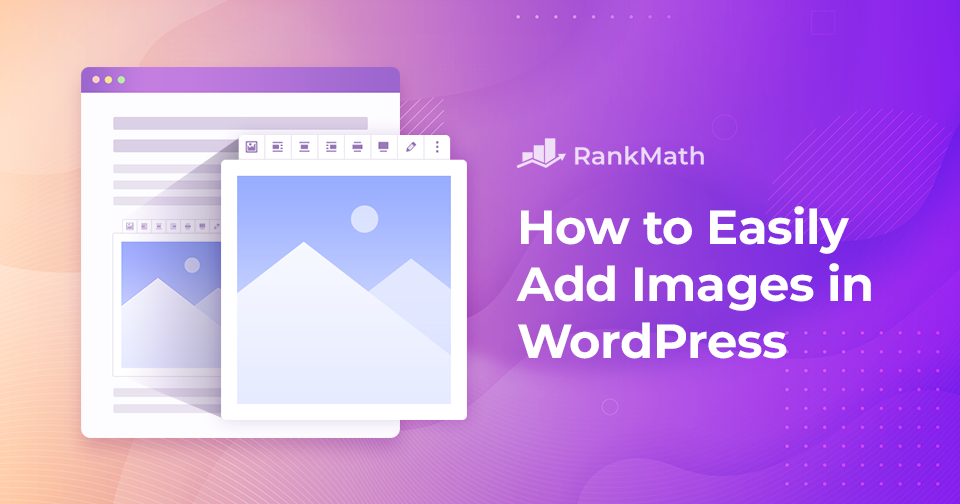
How to Easily Add Images in WordPress

Adding images in WordPress is a simple yet powerful way to make your website more engaging and professional. Images grab attention, break up long blocks of text, and help communicate your message more clearly.

They also bring personality to your pages and can simplify complex ideas through visual explanation, making the content easier for readers to follow.

So, how do you add images in WordPress?

Fortunately, WordPress makes the process quick and easy—just a few clicks, and your visuals are live. Whether you’re using the Gutenberg block editor or the Classic editor, this post will show you exactly how to add and align images effortlessly.

Jatka lukemista
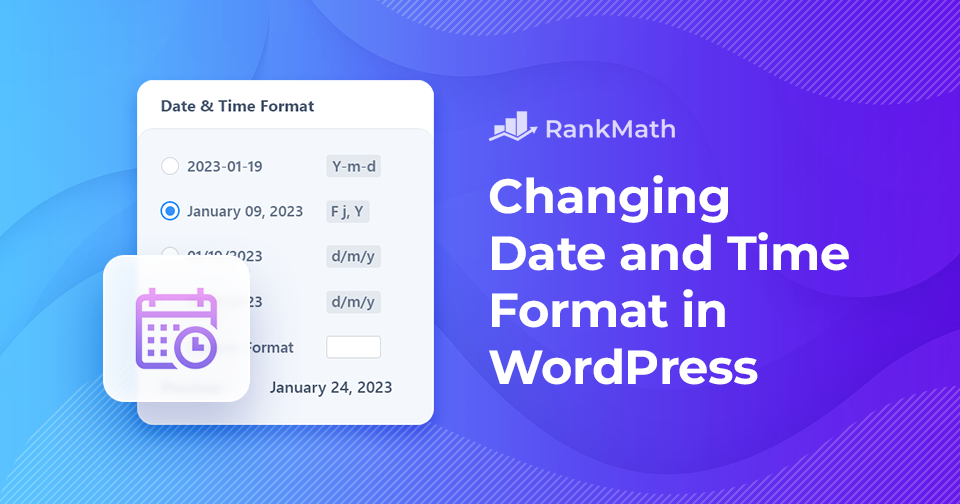
How to Quickly Change the Date and Time Format in WordPress

Have you ever wanted to change your WordPress site’s date and time format?

Date and time can be displayed in many ways, and the format you choose can make a big difference in readability. You might prefer writing the month first or using numbers, and you may opt for abbreviated months instead of full names.

The same goes for time; some sites look better with a 12-hour clock like, “9:30 pm,” while others, such as medical or military sites, work best with a 24-hour display like “21:30.” Choosing the right format makes your content easier for visitors to understand at a glance.

Hyvät uutiset?

You can easily customize both the date and time format directly from your WordPress dashboard, giving you full control over how your site presents this information. So let’s get started.

Jatka lukemista

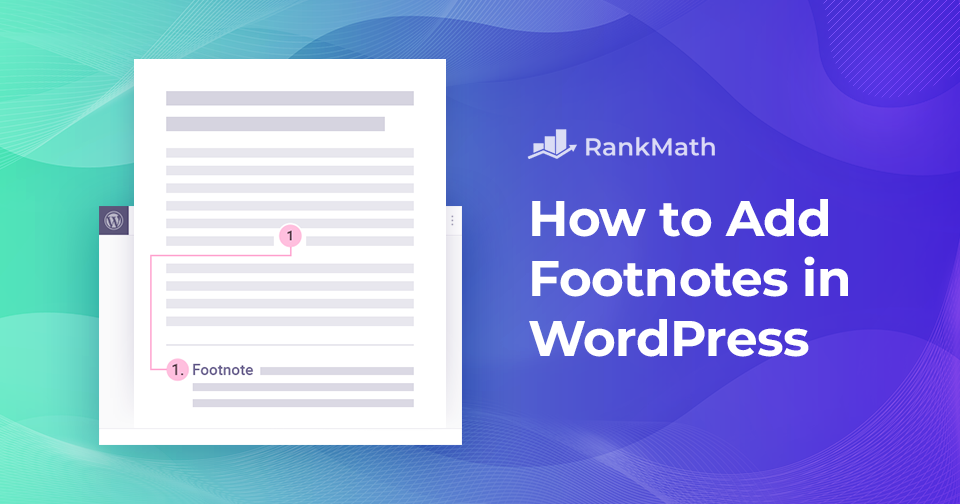
How to Add Footnotes in WordPress – The Easy Way

Have you ever wanted to add extra context, cite your sources, or share additional details in your WordPress posts without disrupting the main flow of your content?

That’s exactly where footnotes come in. They let you provide readers with relevant sources, in-depth explanations, and citations, all while keeping your content clean and easy to read. Plus, they add a layer of credibility that helps build trust with your audience.

In WordPress, you can add footnotes in two simple ways: by using a plugin or by adding them manually with HTML.

In this post, I’ll walk you through both methods so you can start enhancing your posts with footnotes quickly and easily.

Jatka lukemista

Google Discover -optimointi: Kuinka saada lisää liikennettä sivustollesi

If you’re like me, you’re always looking for ways to get more eyes on your content. You put time and effort into creating posts, but reaching the right audience can still be tough. That’s where Google Discover comes in.

Instead of waiting for visitors to search, Discover places your content directly in front of readers who are most likely to be interested, right on their mobile devices. By learning how it works and making a few smart adjustments, you can open the door to a steady stream of new visitors.

Google Discover Traffic - Miten optimoida sisältösi sitä varten

In this post, I’ll show you how to optimize your site for Google Discover so you can start driving more traffic and growing your audience. So, let’s begin the discovery!

Jatka lukemista

Tällä sivustolla on ollut kriittinen virhe: 6 pikakorjausta

WordPress on yksi maailman suosituimmista verkkosivustojen rakennusalustoista. Miljoonat ihmiset käyttävät sitä luodakseen kaikkea yksinkertaisista verkkosivustoista monimutkaisiin yritysratkaisuihin.

Suosiosta huolimatta WordPress ei ole vailla puutteita!

Yksi yleisimmistä ongelmista, joita saatat kohdata, on hälyttävä viesti, kuten "Tällä sivustolla on ollut kriittinen virhe. Tarkista ohjeet sivustosi järjestelmänvalvojan sähköpostilaatikosta.” 

Tämä viesti näyttää sinulle kuinka korjata tämä kriittinen virhe WordPressissä nopeasti. Keskustelemme myös siitä, mikä aiheuttaa tämän virheen ja kuinka välttää se. Joten ilman pitkiä puheita, aloitetaan.

Jatka lukemista
🇫🇮 Suomi