☀️ Summer Sale: 30% Discount + 2x PRO Benefits

ERFAHREN SIE MEHR!

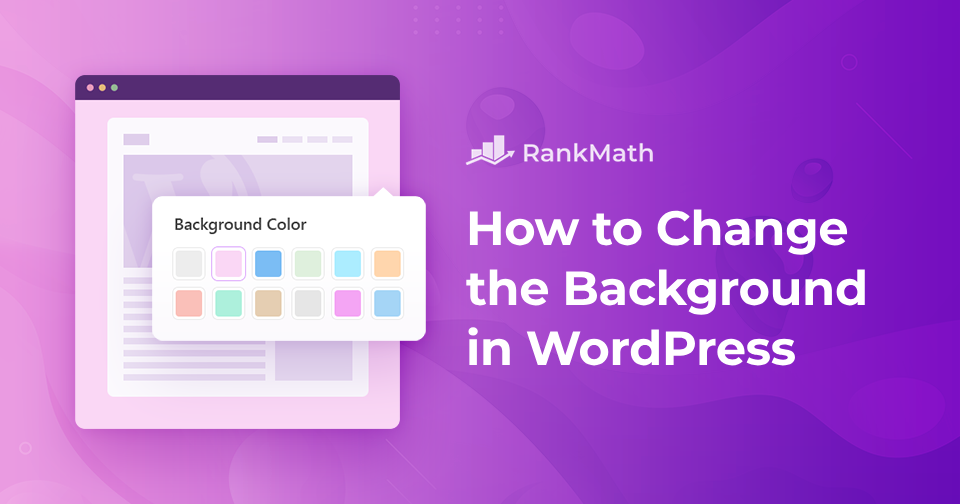
So ändern Sie den Hintergrund in WordPress

Möchten Sie Ihrer WordPress-Website ein frisches, neues Aussehen verleihen?

Das Ändern des Hintergrunds ist eine der schnellsten Möglichkeiten, Ihre Website individuell anzupassen und sie Ihrem Marken- oder persönlichen Stil anzupassen.

Sie können eine einfarbige Fläche, ein Bild oder sogar ein Muster verwenden, um Ihre Markenidentität widerzuspiegeln und die richtige Atmosphäre für Ihre Besucher zu schaffen.

In diesem Beitrag erfahren Sie Schritt für Schritt, wie Sie den Hintergrund in WordPress ändern und Ihre Website optisch ansprechender gestalten können.

Also, ohne weitere Umschweife, fangen wir an.

Weiterlesen

How to Add Search Bar to Your WordPress Menu

No one can deny that the search bar is an important website component. This is because a website’s homepage, product, blog, pricing, and other pages offer a wealth of information. You might want to add a search bar to your WordPress site and save your visitors’ precious time.

How will you find information scattered across multiple pages? Will you find them individually visiting those pages?

You certainly don’t want to do so. Not that you won’t find the information you need this way, but it’s time-consuming. This is when including a search bar on your website comes in handy.

Sie können eine Suchleiste aus dem Widget-Bereich oder mit Hilfe eines Plugins hinzufügen, sodass Ihre Besucher problemlos nach ihren Inhalten suchen können. Also, ohne weitere Umschweife, fangen wir an.

Weiterlesen

So betten Sie Tweets in WordPress ein – der einfache Weg

Tweets are everywhere, short, simple, and highly shareable.

But instead of just taking a screenshot, you can embed tweets directly into your WordPress site. This makes your content more engaging, lets visitors interact with the tweet, and adds credibility by linking back to the original source.

Whether it’s a funny meme, a news update, or an insightful thread you want to highlight, embedding tweets is the easiest way to share X (Twitter) content without interrupting your readers’ experience.

In this post, you’ll learn the simple steps to embed tweets in WordPress, both with and without a plugin.

Weiterlesen

How to Delete All Comments on WordPress [3 Easy Methods]

Running a WordPress site means dealing with comments, sometimes a lot of them.

Over time, your site might collect thousands of comments, including spam, old discussions that no longer matter, or comments that don’t fit the new direction of your content. You might feel it’s easier to start over with a clean slate rather than sort through them one by one.

In this post, you’ll learn three different ways to delete all WordPress comments – using the admin dashboard, a plugin, or phpMyAdmin, so you can choose the method that best fits your comfort level and needs.

Weiterlesen

So optimieren Sie Podcasts für SEO

If you’re creating a podcast, you’re already doing something powerful, building a deeper connection with your audience through your voice and ideas.

And you’re not alone. According to Statistik, nearly 6 in every 10 U.S. consumers over the age of 12 listen to podcasts. That’s a huge and growing audience, but simply publishing episodes isn’t enough if people can’t find them.

By optimizing your podcast for search engines, you increase your chances of showing up in search results on Google, Apple Podcasts, Spotify, and beyond.

So, if you’re planning to explore this marketing channel, you’ll find what you need in this guide.

Weiterlesen
🇩🇪 Deutsch