☀️ Summer Sale: 30% Discount + 2x PRO Benefits

ERFAHREN SIE MEHR!

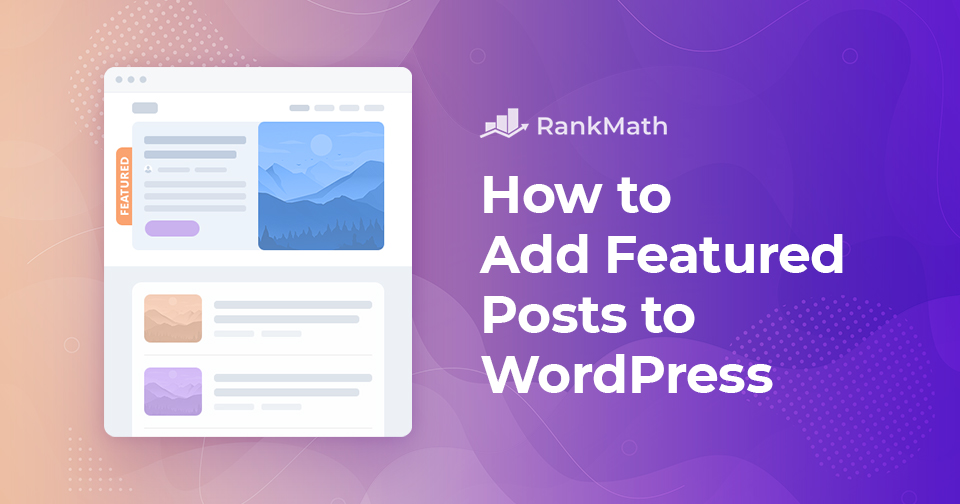
Die 4 besten Möglichkeiten zum Hinzufügen von hervorgehobenen Beiträgen in WordPress

Are you struggling to make your most important content stand out on your WordPress site?

When you have dozens of posts, visitors may find it hard to locate the ones that truly matter. This not only hurts user experience but can also reduce traffic to key pages.

The solution is simple: add a featured posts section. By highlighting selected posts in a special section or widget, you make it easier for readers to quickly spot your best content, whether that’s a must-read blog post, breaking news, or a key update.

You can feature posts in WordPress using plugins, menus, or sidebar widgets, depending on what works best for your site’s design.

In this post, you’ll learn what featured posts are, why they’re valuable, and several easy methods you can use to add them to your WordPress site. Let’s dive in!

Weiterlesen


Der ultimative Leitfaden: So installieren Sie Google Tag Manager in WordPress

Möchten Sie Google Tag Manager auf Ihrer WordPress-Seite installieren?

Google Tag Manager ist ein fantastisches Tool, das Sie verwenden können, wenn Sie mehrere Statistik- und Marketingdienste auf Ihrer WordPress-Website verbinden möchten. Außerdem können Sie mühelos verschiedene Tracking-Codes auf Ihrer Website hinzufügen und ändern.

Google Tag Manager hat jedoch eine steile Lernkurve. Es würde einige Zeit dauern, um mit dem Tool vertraut zu werden. Aber Sie brauchen sich keine Sorgen zu machen. Sie können den Google Tag Manager auf zwei Arten auf einer WordPress-Website installieren – manuell oder mithilfe eines Plugins.

Setting Up Google Tag Manager: Complete Tutorial

In diesem Beitrag zeigen wir Ihnen beide Möglichkeiten, Google Tag Manager zu installieren, was die Einrichtung komplexer Trackings auf Ihrer WordPress-Seite vereinfacht. Also, ohne weitere Umschweife, fangen wir an.

Weiterlesen

So archivieren Sie WordPress-Beiträge und -Seiten

When your WordPress site grows, older posts and pages can start to pile up, making it harder for visitors to find fresh or relevant content.

Instead of deleting them, archiving is a smart way to keep your site organized while still preserving valuable information.

By archiving, you can remove outdated or less important content from your main pages without losing access to it completely.

In this post, you’ll learn how to easily archive WordPress posts and pages so you can keep your site clean, professional, and user-friendly.

Weiterlesen

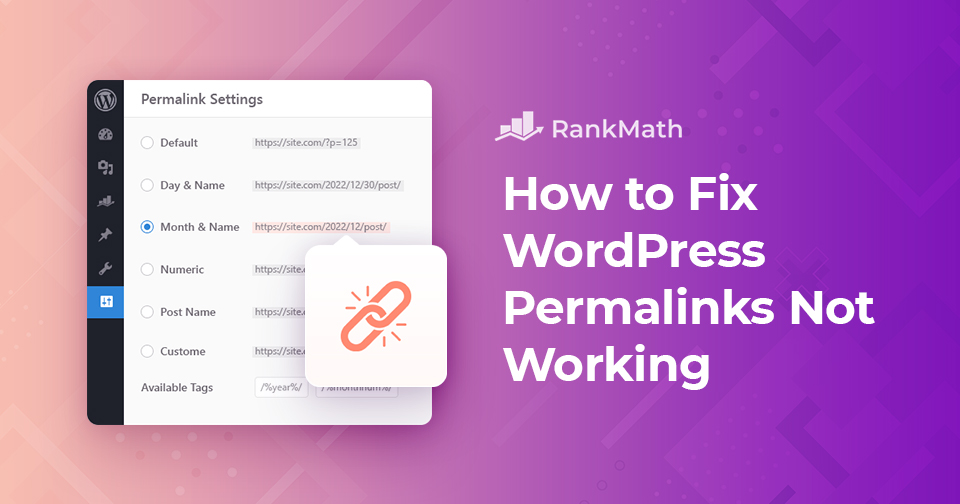
WordPress-Permalinks funktionieren nicht: Effektive Methoden, um sie zu lösen

Stehen Sie vor einem Problem mit WordPress-Permalinks? Oder auf einen stoßen "404 Seite nicht gefunden" Fehler auf einigen Seiten Ihrer Website?

In diesem Beitrag führen wir Sie durch die Ursachen dafür, dass WordPress-Permalinks auf Ihrer Website nicht funktionieren, und zeigen Ihnen, wie Sie dieses Problem lösen können. Also, ohne weitere Umschweife, fangen wir an.

Weiterlesen

Eine einfache Anleitung zum Verwalten von WordPress-Transienten

When you’re running a WordPress site, performance is always on your mind. You want your pages to load quickly and your visitors to have a smooth experience. That’s where transients come in. They’re a built-in WordPress feature that stores temporary data so your site doesn’t have to repeatedly fetch the same information, saving time and resources.

But here’s the catch: if transients aren’t managed properly, they can build up and cause issues like slow load times or outdated content being displayed. That’s why it’s important for you to understand what they are, how they work, and how you can manage them.

In this post, you’ll learn everything you need to know about transients, from what they do behind the scenes to how you can save, retrieve, and delete them with ease. So, without any further ado, let’s get started.

Weiterlesen
🇩🇪 Deutsch