☀️ Summer Sale: 30% Discount + 2x PRO Benefits

ERFAHREN SIE MEHR!

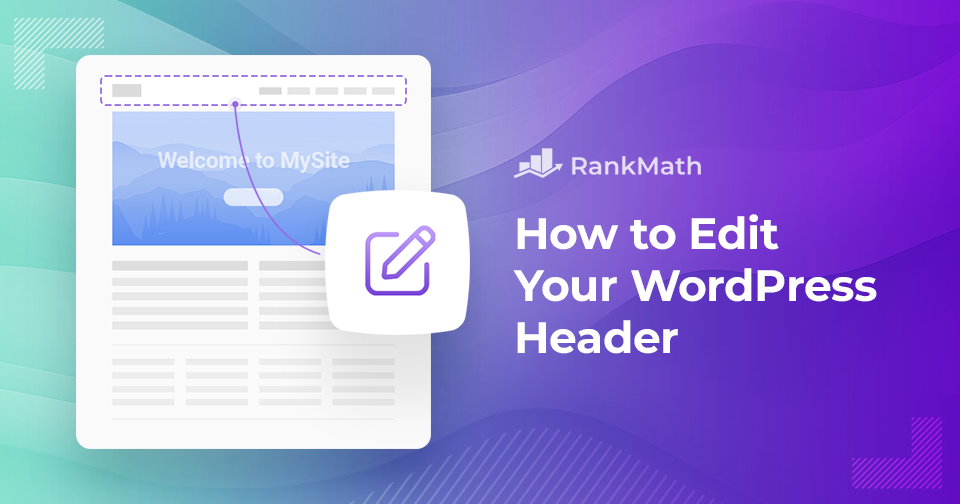
How to Easily Edit Your WordPress Header

Your WordPress header is one of the first things visitors notice when they land on your site. It sets the tone for your brand, showcases your logo, and often contains key navigation elements that guide users through your content.

Knowing how to edit your WordPress header gives you the control to make a strong first impression, improve usability, and reflect your site’s unique style.

In this post, you’ll learn step-by-step how to customize your header, whether you’re working with a theme, using the WordPress Customizer, or adding custom code to make your site truly yours.

Weiterlesen
So planen Sie schnell Inhaltsaktualisierungen in WordPress

When you’re running a WordPress site, keeping your content fresh is just as important as publishing new posts.

I’ve often found that old articles can quickly become outdated, which isn’t great for readers or search engines.

The good news is, you don’t need to spend hours manually updating everything. WordPress gives tools to schedule content updates so you can plan ahead and keep your site looking active without the stress of doing it all in real time.

In this post, I’ll walk you through how you can quickly schedule content updates in WordPress and save yourself a lot of time and hassle.

Weiterlesen

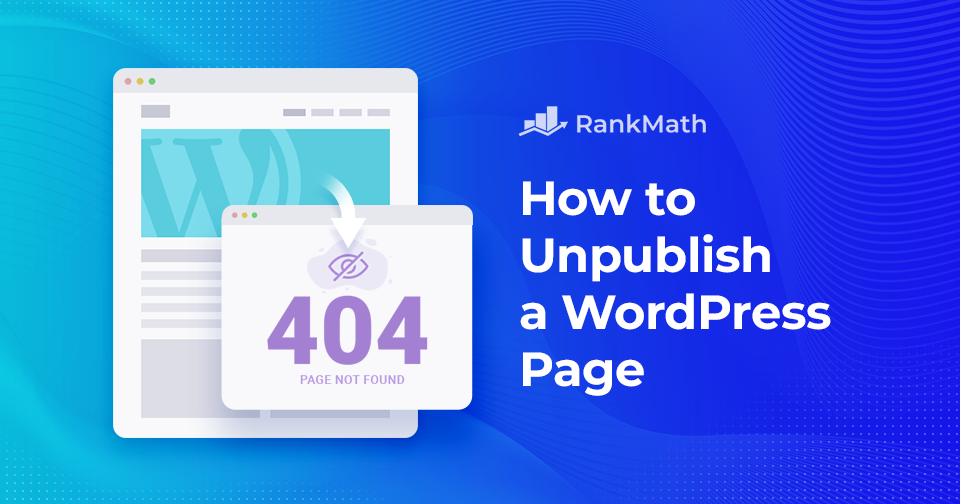
So entfernen Sie schnell die Veröffentlichung einer WordPress-Seite – eine Schritt-für-Schritt-Anleitung

Wenn Sie ein besitzen WordPress Dann möchten Sie vielleicht irgendwann die Veröffentlichung einer WordPress-Seite oder eines WordPress-Beitrags aufheben. Obwohl es nie eine große Sache ist, einen neuen Beitrag zu veröffentlichen, kann es schwierig sein, die Veröffentlichung eines Beitrags aufzuheben, wenn Sie nicht wissen, wie Sie vorgehen sollen. 

Die große Frage ist wie man die Veröffentlichung von Seiten oder Beiträgen in WordPress aufhebt. Wenn Sie nach einer Antwort suchen, sind Sie hier genau richtig! Sie können die Veröffentlichung einer WordPress-Seite mit oder ohne Plugins aufheben.

All das und noch viel mehr behandeln wir in diesem umfassenden Schritt-für-Schritt-Tutorial zum Umgang mit dem sofortigen Aufheben der Veröffentlichung Ihrer WordPress-Seiten … 

Aber bevor wir beginnen, schauen wir uns zunächst die verschiedenen Gründe an, die Veröffentlichung einer WordPress-Seite oder eines WordPress-Beitrags aufzuheben.

Weiterlesen

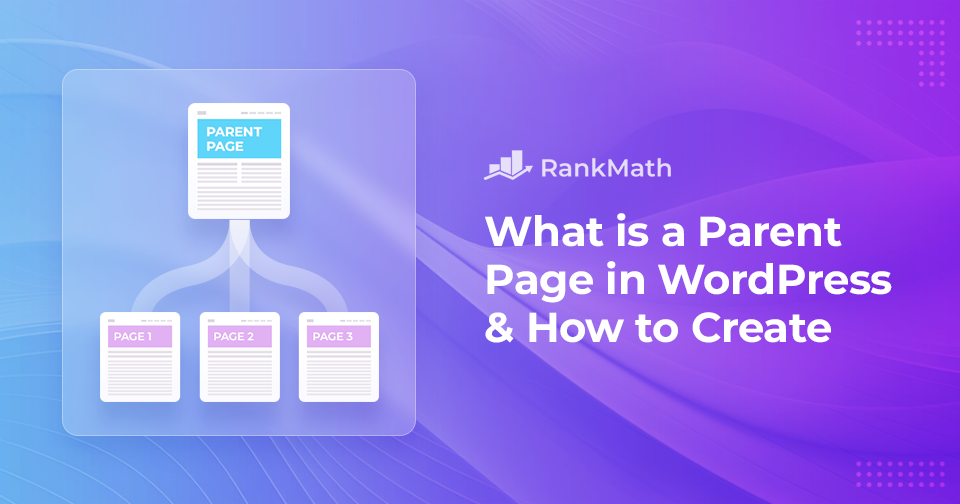
What is a Parent Page in WordPress & How to Create One

When building your WordPress site, keeping your content organized is key to creating a smooth experience for your visitors. That’s where parent pages come in.

In WordPress, pages are usually used for static content like your homepage, About page, or Contact page. But when you have a lot of related content, you’ll want a way to group it neatly. This is where parent and child pages help.

EIN parent page acts like a container that holds related child pages. By setting up this hierarchy, you make your website easier to navigate and more structured for both you and your audience.

In diesem Beitrag stellen wir detaillierte Informationen darüber bereit, was eine übergeordnete Seite ist, wie sie sich von einer untergeordneten Seite unterscheidet und wie Sie sie erstellen können, um die Struktur und Organisation Ihrer Website zu verbessern.

Weiterlesen

So beheben Sie den Fehler „WordPress-Speicher erschöpft“.

Are you running into the WordPress-Speicher erschöpft error while trying to upload files or run scripts on your site? Don’t worry, this is a common issue, especially if your website uses a lot of images, videos, or resource-heavy plugins.

You might see error messages like:

  • Fatal error: Allowed memory size of X bytes exhausted (tried to allocate Y bytes)
  • PHP Fatal error: Out of memory (allocated X) (tried to allocate Y bytes)

These errors simply mean your site has hit the PHP memory limit set on your server, and WordPress doesn’t have enough memory to complete the task.

In this post, I’ll walk you through why this error happens, how you can fix it, and how to increase your site’s PHP memory limit to keep everything running smoothly.

Weiterlesen
🇩🇪 Deutsch