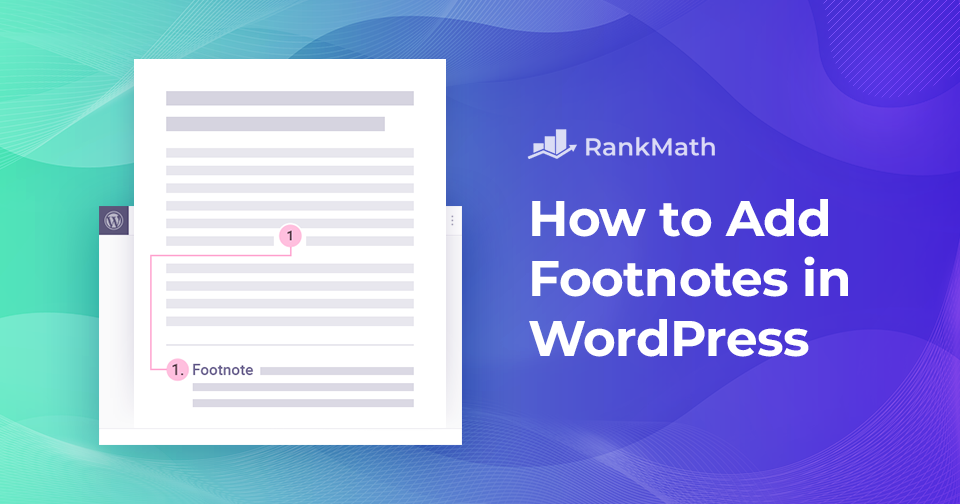
So fügen Sie Fußnoten in WordPress hinzu – der einfache Weg

Have you ever wanted to add extra context, cite your sources, or share additional details in your WordPress posts without disrupting the main flow of your content?

That’s exactly where footnotes come in. They let you provide readers with relevant sources, in-depth explanations, and citations, all while keeping your content clean and easy to read. Plus, they add a layer of credibility that helps build trust with your audience.

In WordPress, you can add footnotes in two simple ways: by using a plugin or by adding them manually with HTML.

In this post, I’ll walk you through both methods so you can start enhancing your posts with footnotes quickly and easily.

Weiterlesen


Google Discover-Optimierung: So lenken Sie mehr Traffic auf Ihre Website

If you’re like me, you’re always looking for ways to get more eyes on your content. You put time and effort into creating posts, but reaching the right audience can still be tough. That’s where Google Discover comes in.

Instead of waiting for visitors to search, Discover places your content directly in front of readers who are most likely to be interested, right on their mobile devices. By learning how it works and making a few smart adjustments, you can open the door to a steady stream of new visitors.

Google Discover Traffic – So optimieren Sie Ihre Inhalte dafür

In this post, I’ll show you how to optimize your site for Google Discover so you can start driving more traffic and growing your audience. So, let’s begin the discovery!

Weiterlesen

Auf dieser Website ist ein kritischer Fehler aufgetreten: 6 Schnellkorrekturen

WordPress ist eine der beliebtesten Plattformen zum Erstellen von Websites weltweit. Millionen von Menschen verwenden es, um alles zu erstellen, von einfachen Websites bis hin zu komplexen Unternehmenslösungen.

Trotz seiner Popularität ist WordPress nicht ohne Fehler!

Eines der häufigsten Probleme, mit denen Sie möglicherweise konfrontiert werden, ist eine alarmierende Nachricht wie: „Auf dieser Website ist ein kritischer Fehler aufgetreten. Bitte überprüfen Sie den E-Mail-Posteingang Ihres Site-Administrators auf Anweisungen.” 

Dieser Beitrag zeigt Ihnen, wie Sie diesen kritischen Fehler in WordPress schnell beheben können. Wir werden auch besprechen, was diesen Fehler verursacht und wie man ihn vermeidet. Also, ohne weitere Umschweife, fangen wir an.

Weiterlesen

So machen Sie Änderungen in WordPress mit Beitragsrevisionen schnell rückgängig

Have you ever deleted an entire section of your blog by mistake, or hit publish before your post was ready? Don’t worry, trial and error is part of the creative process, and WordPress has your back.

Even in the worst-case scenario, where you think your work is gone forever (along with potential traffic from search engines), you don’t need to panic. WordPress automatically saves your edits using its Post Revisions feature, letting you roll back to any previous version of your post or page.

Whether you’re using a free or premium WordPress theme, this feature is always available. In this post, you’ll learn how to use the post revisions feature to undo changes in WordPress posts and pages.

Weiterlesen

So fügen Sie einfach mehrere Autoren für Beiträge in WordPress hinzu

Do you want to give credit to more than one person for a blog post on your WordPress site?

By default, WordPress only lets you assign a single author, which can be limiting if you’re publishing collaborative content, interviews, or co-written articles.

Luckily, there are simple ways to add multiple authors without any hassle.

In this post, I’ll show you how you can easily add multiple authors to your posts so that every contributor gets the recognition they deserve.

Weiterlesen
🇩🇪 Deutsch