🎉 Celebrating 4M+ Active Installations: With 2x PRO Benefits

ERFAHREN SIE MEHR!

How to Add or Change a Profile Picture to WordPress

Fragen Sie sich, wie Sie Ihrer WordPress-Site ein Profilbild hinzufügen können? 

Um eine Online-Präsenz aufzubauen, ist ein gut gestaltetes WordPress-Profil unerlässlich, das für die Zuschauer optisch ansprechend ist. Ein Schlüsselelement, um dies zu erreichen, ist das Hinzufügen eines Profilbilds.

Es dient nicht nur als Repräsentation Ihrer Person oder Ihrer Marke, sondern schafft auch ein Gefühl der Vertrautheit bei Ihrem Publikum.

Fortunately, adding a profile picture in WordPress is a quick and easy process that can be done with just a few clicks, either by using Gravatar or with the help of a plugin. Whether you’re a beginner or an experienced WordPress user, we’ve got you covered.

Also, ohne weitere Umschweife, fangen wir an.

Weiterlesen
So ändern Sie das Logo in WordPress: Schritt-für-Schritt-Anleitung

Your website’s logo is one of the most important elements of your brand identity; it’s often the first thing visitors notice.

If you’re running a WordPress site, changing your logo is simple and doesn’t require advanced technical skills.

You might want to update your existing design, rebrand with a fresh look, or make small adjustments, and WordPress gives you several easy options to upload and customize your logo.

So, are you ready to change the logo and make a long-lasting impression? Let’s get started.

Weiterlesen

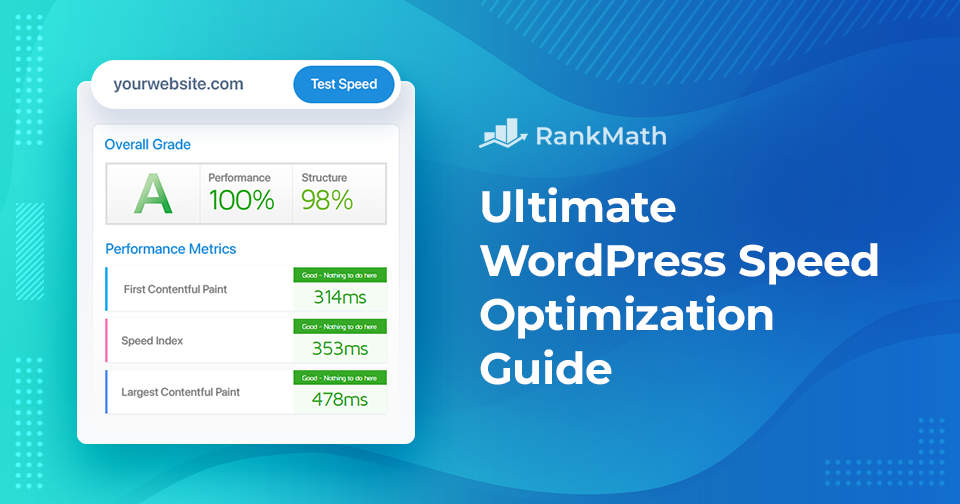
Ultimativer Leitfaden zur Geschwindigkeitsoptimierung für WordPress – Verbessern Sie die Leistung Ihrer Website

Haben Sie genug von langsam ladenden Websites, die Ihre Besucher frustrieren und Ihren Online-Erfolg behindern?

Suchen Sie nicht weiter! In diesem umfassenden Leitfaden zur Geschwindigkeitsoptimierung helfen wir Ihnen, die Leistung Ihrer Website mit einfachen Tipps und Tricks zu steigern, die Ihre Besucher in Erstaunen versetzen werden!

Weiterlesen

SEO Content Guide: Ihr Fahrplan für maximalen organischen Traffic

If you want your content to rank well in search engines, it needs to do more than just sound good. It must appeal to both your audience and search engine algorithms. That’s where content SEO comes in.

It’s a core component of any successful SEO strategy, helping your pages get discovered, indexed, and ranked for the right queries.

Key Takeaways:

  • User-centric approach: Prioritize helpfulness and user intent over search engine algorithms.
  • Quality over quantity: Focus on well-researched, original, and actionable content
  • Intent alignment: Identify if keywords are informational, transactional, or navigational.
  • Long-tail focus: Target specific multi-word phrases to capture 92% of search queries with lower competition.
Weiterlesen

So fügen Sie ganz einfach Bilder in WordPress hinzu

Adding images in WordPress is a simple yet powerful way to make your website more engaging and professional. Images grab attention, break up long blocks of text, and help communicate your message more clearly.

They also bring personality to your pages and can simplify complex ideas through visual explanation, making the content easier for readers to follow.

So, how do you add images in WordPress?

Fortunately, WordPress makes the process quick and easy—just a few clicks, and your visuals are live. Whether you’re using the Gutenberg block editor or the Classic editor, this post will show you exactly how to add and align images effortlessly.

Weiterlesen
🇩🇪 Deutsch