☀️ Summer Sale: 30% Discount + 2x PRO Benefits

もっと詳しく知る!

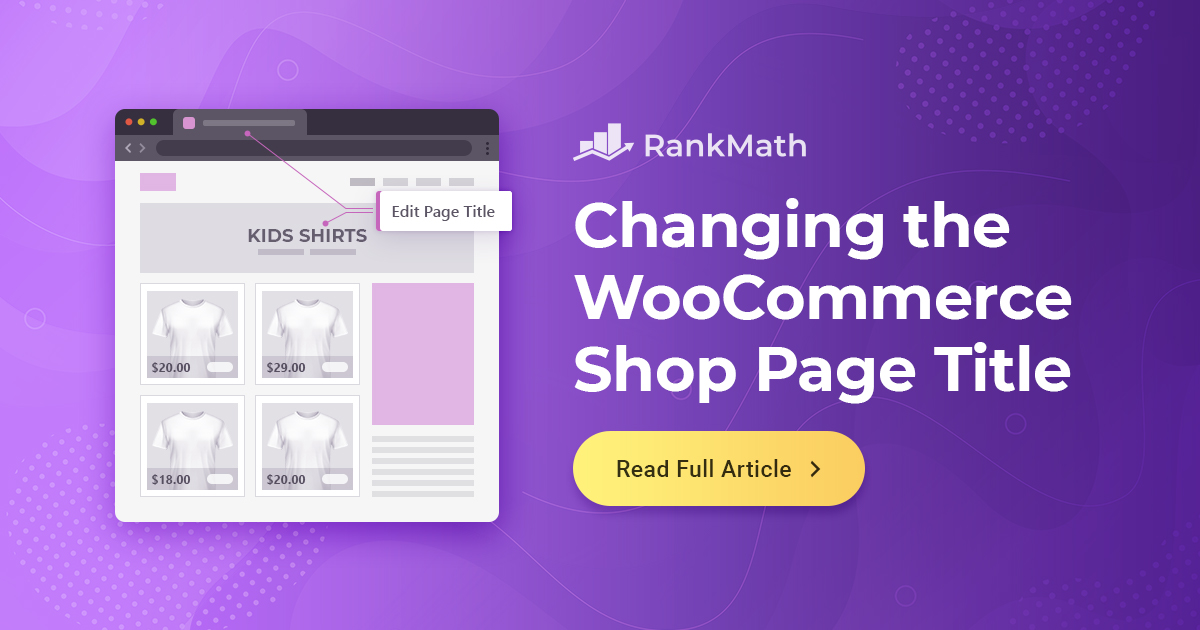
How to Easily Change the WooCommerce Shop Page Title

Your WooCommerce shop page is often the first place customers land when browsing your products, so its title matters more than you think.

By default, WooCommerce names this page ‘Shop,’ which may not reflect your brand, product range, or target keywords.

Changing the WooCommerce shop page title from ‘Shop’ to something more relevant is a simple yet powerful tweak. You can change the WooCommerce shop page title either by editing the WordPress page title using the built-in settings or using a code snippet in your functions.php file.

この記事では、WooCommerceショップページのタイトルを簡単に変更する方法を紹介します。それで、これ以上面倒なことはせずに、始めましょう。

読み続けてください
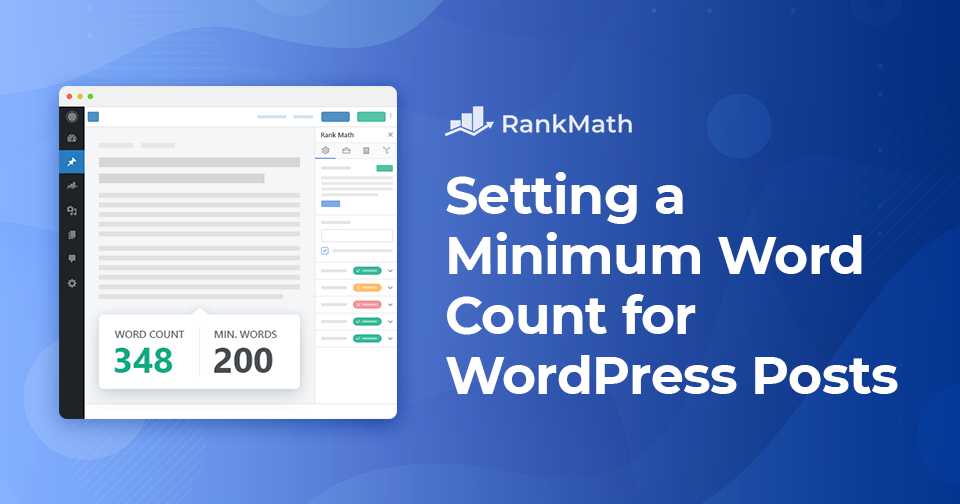
How to Set a Minimum Word Count for WordPress Posts

Setting a minimum word count is a great way to maintain content standards, especially if you’re managing a multi-author blog or aiming to improve your own writing consistency.

It encourages more in-depth articles, which can boost engagement and help with SEO.

Fortunately, with tools like the PublishPress Checklists plugin, it’s easy to set a minimum word count and take control of your content quality.

読み続けてください

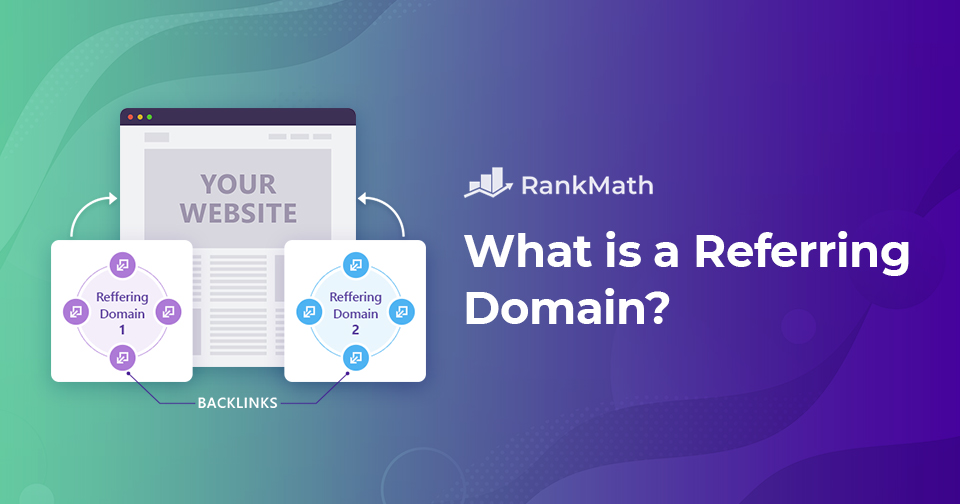
A Simple Guide: What is a Referring Domain?

The simplest way to improve search engine visibility is to have an arsenal of tactics at your disposal for creating a top-ranking page. One of them is to get quality backlinks to your page from the best possible websites. Now, these websites are known as referring domains.

この投稿では、参照ドメインとは何か、バックリンクと参照ドメインの違いなどについて説明します。それで、それ以上の苦労なしに、始めましょう。

読み続けてください

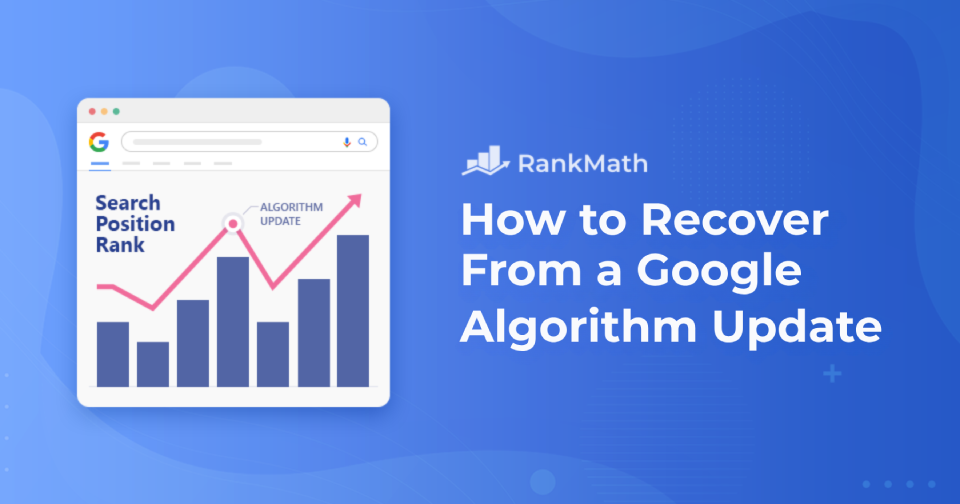
How to Recover From a Google Algorithm Update

グーグル announced an algorithm update, and your site is starting to show signs of being affected—それで?

2つは関連していますか? Googleアルゴリズムの更新を適切に処理および回復するためのこの完全なガイドでは、これらすべてについて説明します…

Googleアルゴリズムの更新から回復
読み続けてください

Image SEO – How to Optimize Images for Search in 2026

When you think about SEO, chances are you focus on keywords, backlinks, or content length, but what about your images?

If you’re uploading pictures straight from your camera roll or stock library without optimizing them, you’re missing out on a big opportunity in 2026.

Images aren’t just there to make a page look pretty; they play a key role in how fast your site loads, how accessible it is, and whether your content shows up in Google Images or not. And the good news? You don’t need to be a developer to get this right.

In this post, I’ll walk you through how to optimize images so that they not only look great but also bring in more search traffic. You’ll see exactly what you can do, from choosing the right format to writing effective alt text, to make your images work harder for your SEO. 

それでは、さっそく始めましょう。

9 Simple Image SEO Tips for More Organic Traffic
読み続けてください
🇯🇵 日本語